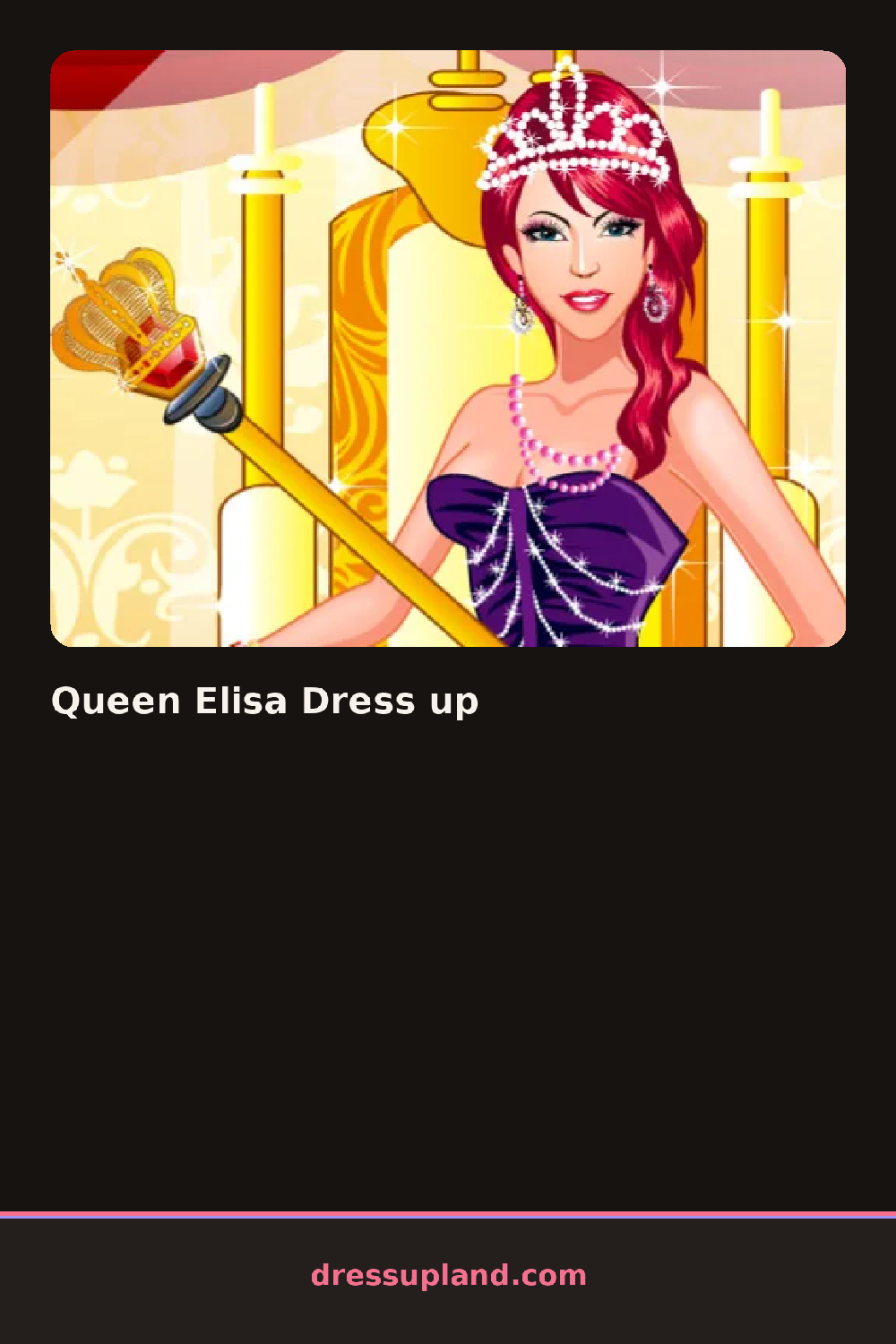

What is Queen Elisa Dress up?
Gems sit in their own tray the moment Queen Elisa Dress up opens, next to a plain crown waiting to be filled in. The first choice is usually which gem color to click onto the crown's center point, and that single stone sets the accent color the rest of the gown tends to follow.
Past the crown tray, the categories cover long gowns, velvet capes, drop earrings, and a row of trim patterns like pearl strings, gold braid, and lace edging that snap onto sleeves and hems. A separate panel lets you swap the gown's base color and its pattern independently, so a deep-red dress can carry a gold floral overlay or plain velvet instead. Capes and jewelry sit on top of the gown without hiding the trim underneath.
Instead of swapping whole outfits, this princess dress up game has you decorating single pieces, adding gems to a crown point by point or building a hem pattern out of separate trim pieces. That makes the gown itself feel handmade rather than picked off a rack. A session ends with the finished queen posed against a plain backdrop, saved as a portrait before the crown resets for a new stone color.
Match the crown gem to one trim color rather than the whole gown, since that small repeat ties the accessories back to the outfit without overloading it. Build the hem pattern before locking in the cape, because the cape can cover part of the trim if it goes on first. Gold and pearl trims tend to sit better against darker gown colors than against pale ones.
How do you play and control Queen Elisa Dress up?
Click a gem, trim or garment piece in the side panel to add it to the crown or gown.
Tap a gem, trim or garment piece in the panel to add it to the crown or gown.
Game details
| Specification | Details |
|---|---|
| Game Title | Queen Elisa Dress up |
| Category / Genre | Princess |
| Platform | Web browser — phone, tablet and desktop checked |
| Release Date | September 2026 |
| Technology | HTML5 |
| DressUpLand account | Not required |