What is Smurf Dress Up?
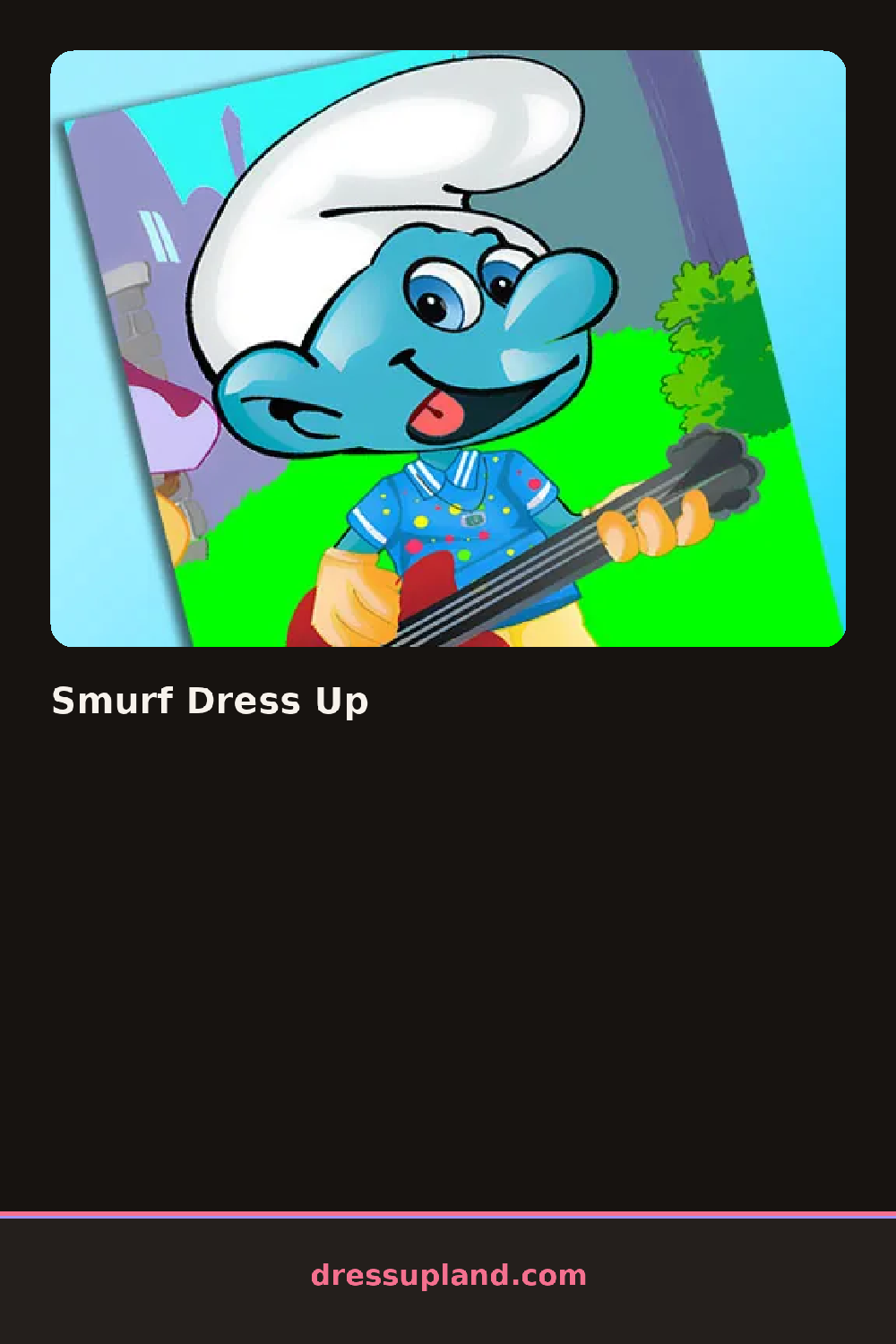
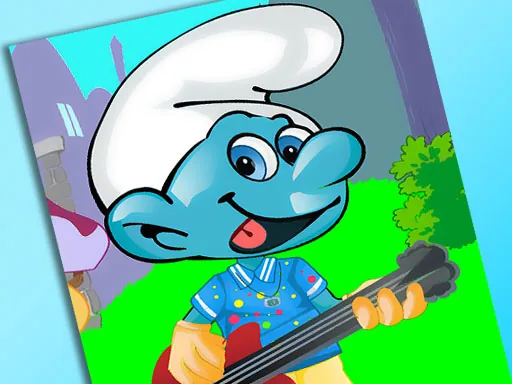
The screen opens on a single smurf character standing against a plain village backdrop in Smurf Dress Up, and the first thing you touch is usually the hat, since it sits at the top of the panel and changes the whole silhouette in one click. Clicking again cycles to the next hat style, so you can preview a few before settling on one.
The options split into hats, tops, and small extras. Hats run from the classic pointed cap to a floppy sun hat and a knit beanie. Tops include striped shirts, a patched vest, and a pair of round glasses that sit over the eyes rather than under the hat. A short list of extras covers a flower, a mushroom-shaped bag, and a walking stick, and each layers on top of the last pick instead of replacing it.
The twist is the fixed base: skin and hair color never change, so this dress up game is really about pattern and hat shape rather than color matching. A round ends with the character standing finished on screen, ready to screenshot before you start over with a different hat.
Since the blue skin and white base stay put no matter what, contrast comes from the hat and top instead. Pairing a bold striped shirt with a plain hat reads clearer than stacking two busy patterns. Adding the glasses last helps, since they can get hidden under wide hat brims if you put the hat on afterward.
How do you play and control Smurf Dress Up?
Click through the hat, top, and accessory rows to build the outfit on the smurf.
Tap items in the row along the bottom of the screen to swap the smurf's hat, top, or accessory.
Game details
| Specification | Details |
|---|---|
| Game Title | Smurf Dress Up |
| Category / Genre | Dress up |
| Platform | Web browser — phone, tablet and desktop checked |
| Release Date | September 2026 |
| Technology | HTML5 |
| DressUpLand account | Not required |