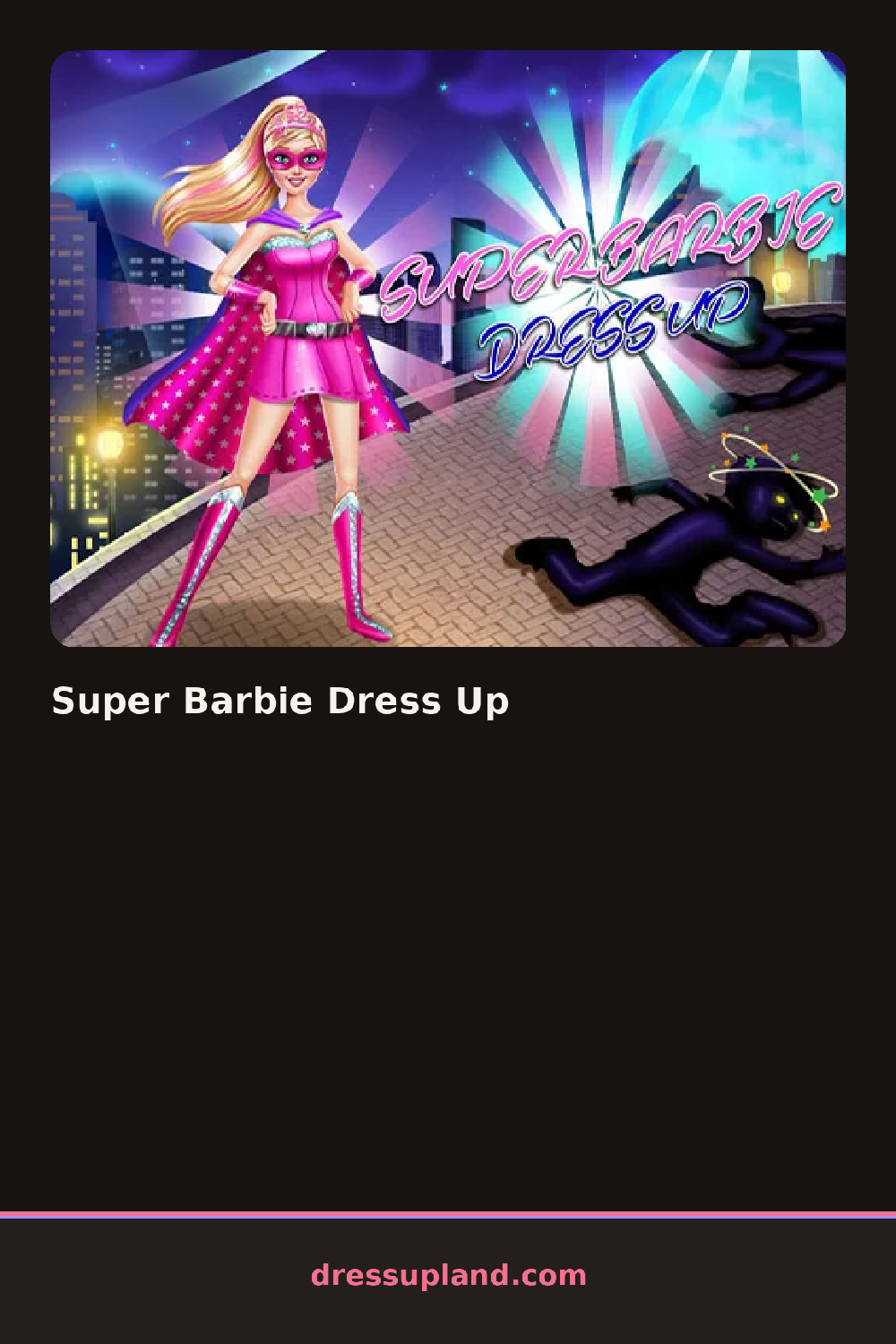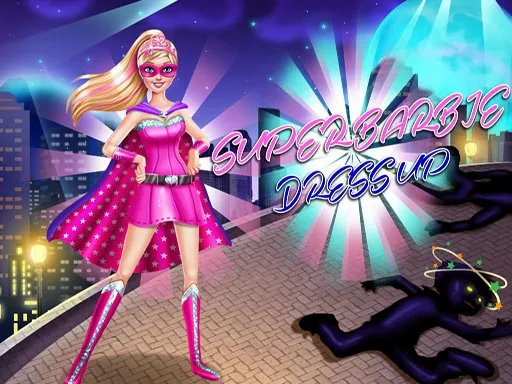
What is Super Barbie Dress Up?
The screen opens on Barbie standing center stage against a soft backdrop, with a toolbar of category icons along one edge. Your first decision is usually the outfit base, since everything else hangs off it. Tap a category and a panel slides out showing thumbnails of every option. Select one and it appears on her instantly, no waiting, so you can compare two skirts back to back in seconds.
The wardrobe covers the full outfit plus the extras that sell it. You get gowns, capes, gloves, boots, tiaras, earrings, necklaces, and a handful of hairstyles from long waves to a high ponytail. Makeup is its own section, with lip color and eye shadow options that stack on top of whatever face style you picked. Pieces layer properly, so a cape sits over the bodice and jewelry sits over the collar instead of clipping through it.
The twist here is the superhero angle. A regular makeover game stops at the dress, but this one keeps asking how heroic the look reads, and the cape-and-emblem pieces change the whole silhouette. A round ends when you save the finished look or reset the model and start a new one, so short sessions and long ones both work.
Start with the color scheme and stick to two main colors, like pink and gold, then pick a gown and cape that share them. Choose the hairstyle before makeup, because the makeup reads differently against a side braid than against loose curls. And check the boots last, since a tall boot in your accent color ties the whole thing together.
How do you play and control Super Barbie Dress Up?
Click the category icons to open each panel, then click an item to apply it to the model.
Tap a category icon, then tap item thumbnails to swap them onto the model.
Game details
| Specification | Details |
|---|---|
| Game Title | Super Barbie Dress Up |
| Category / Genre | Dress up |
| Platform | Web browser — phone, tablet and desktop checked |
| Release Date | September 2026 |
| Technology | HTML5 |
| DressUpLand account | Not required |