What is Winx Beach Outfits?
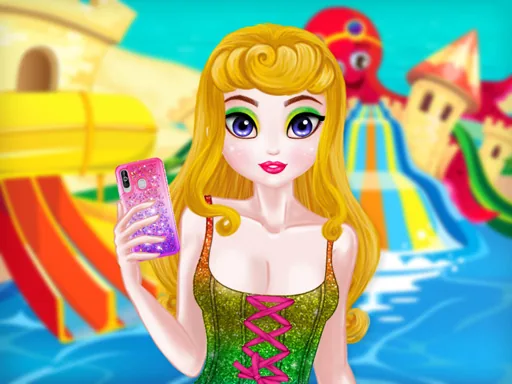
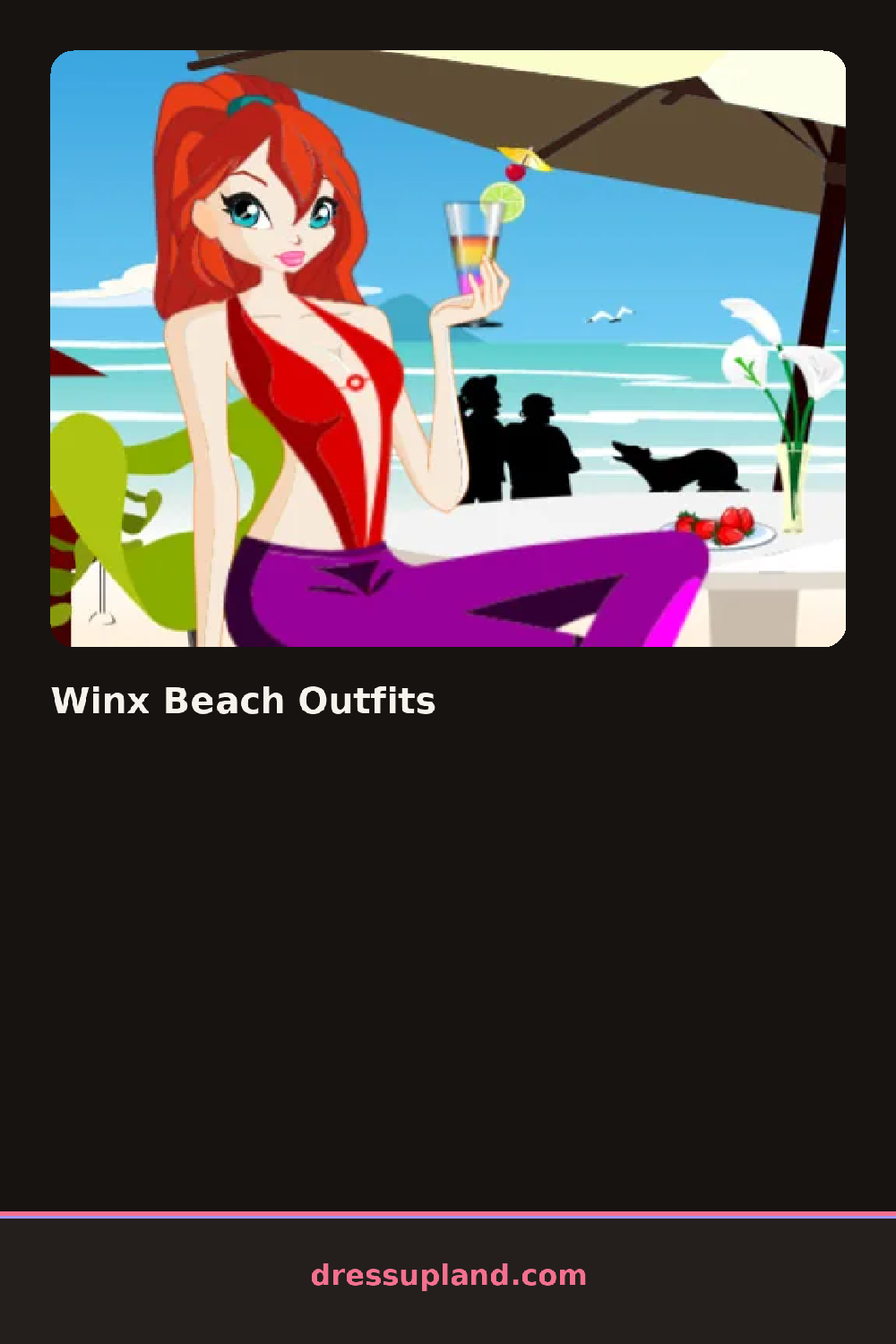
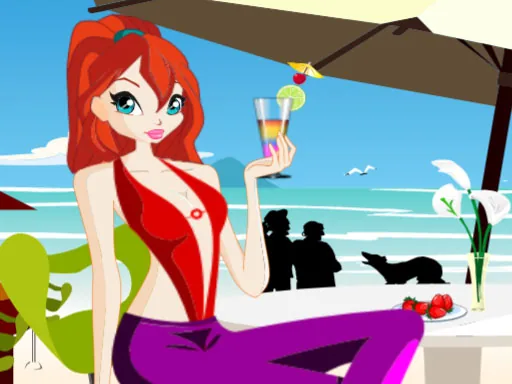
The scene opens on a sandy backdrop with one of the Winx characters standing barefoot, and the swimsuit comes first here, before the cover-up or the sunglasses even show up as options. Winx Beach Outfits keeps that first pick front and center, since the cut and color of the swimsuit decides which sarongs and sandals actually look right layered on top.
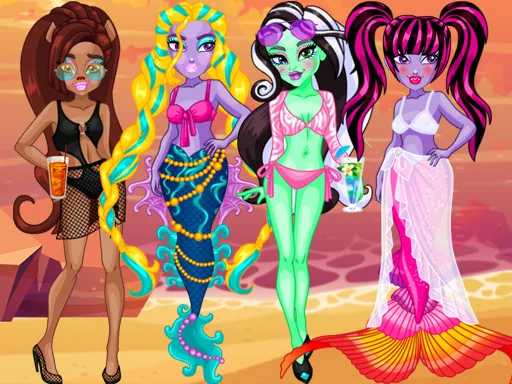
The rack splits into swimwear and cover-ups. There are bikini tops and bottoms in a handful of cuts, a one-piece option, sheer sarongs that tie at the hip, and a couple of oversized button-up shirts to throw over the top. Sun hats, round sunglasses, and flip-flops fill the accessory row, plus a beach bag and a couple of anklets that layer without any clipping issues.
The beach setting is what pulls this dress up game away from a standard closet sim: the backdrop itself, sand and water in the frame, makes a plain sarong or a straw hat look intentional in a way it wouldn't against a blank wall. A round finishes with the character posed at the shoreline, the full beach look saved on screen instead of pushed toward a score.
Layer the sarong low on the hip instead of tying it at the waist, since it shows more of the swimsuit underneath and reads less bulky. A bright swimsuit pairs better with neutral sandals than a patterned pair, so keep the busiest print to one piece at a time. Sunglasses pushed up into the hairstyle photograph better than sunglasses worn straight on, if the pose allows for it.
How do you play and control Winx Beach Outfits?
Click a swimwear or accessory item in the panel to add it to the character.
Tap a tab to browse a category, then tap an item to put it on the character.
Game details
| Specification | Details |
|---|---|
| Game Title | Winx Beach Outfits |
| Category / Genre | Fashion & runway |
| Platform | Web browser — phone, tablet and desktop checked |
| Release Date | September 2026 |
| Technology | HTML5 |
| DressUpLand account | Not required |