
What is Winx Nail Makeover?
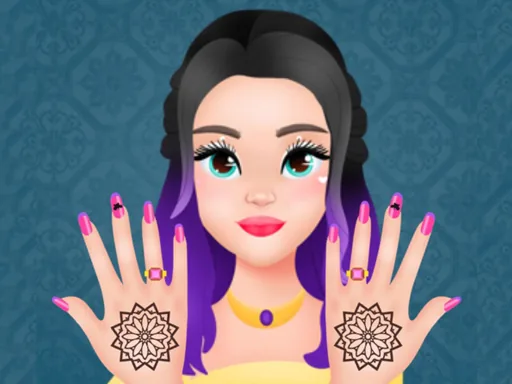
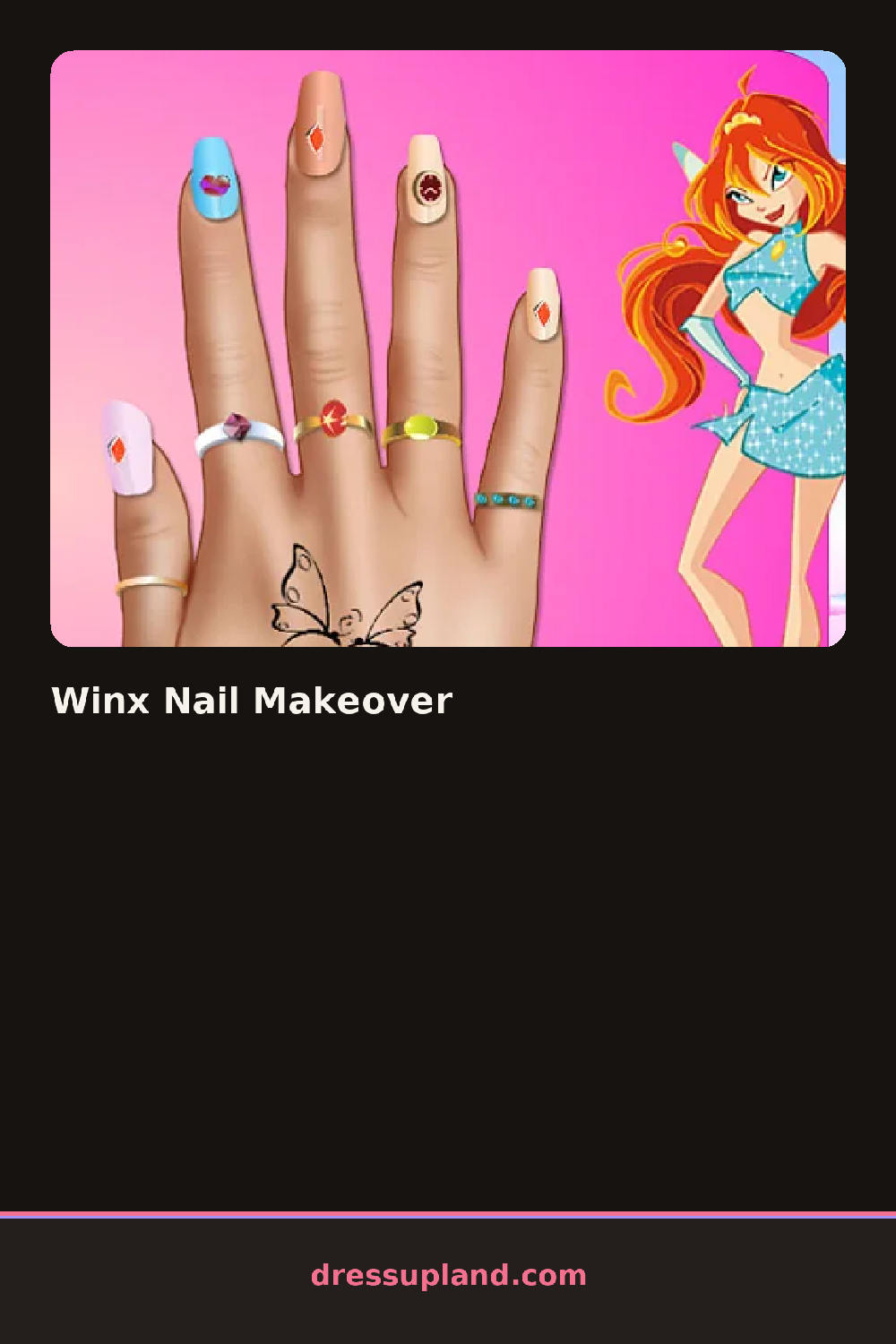
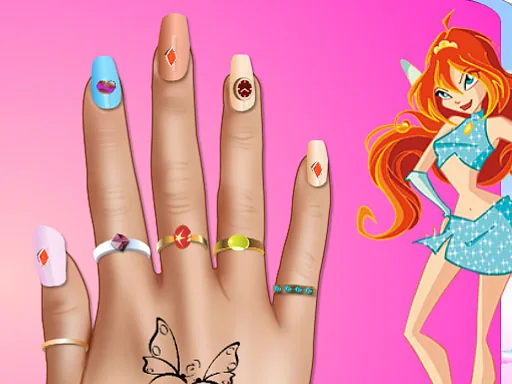
Fingers spread across most of the screen, nails bare and waiting on the first coat of polish. Winx Nail Makeover starts with base color rather than hair or face, and picking a shade for the thumb first is usually the fastest way to decide whether the rest of the set goes matching or mixed.
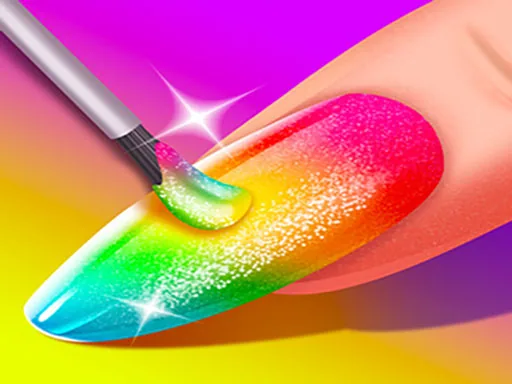
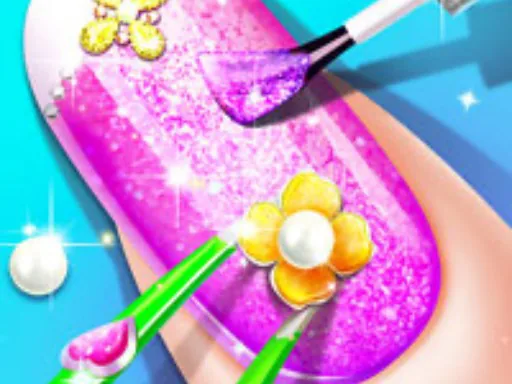
Nail shape comes first, from a rounded almond to a squared-off tip to a longer coffin cut, and that choice stays fixed under whatever polish goes on next. Polish itself spans solid colors, glitter finishes and a few ombré blends, and a separate decal layer adds stars, gems or thin foil lines on top of the base coat. A bracelet or ring option sits in a small side tab, layering onto the wrist and finger without covering the nail art underneath.
The zoom stays locked on the hand the entire time, so small decisions like gem placement or a foil line's angle matter here in a way a full-body makeover game never asks for. A set finishes with the hand posed flat for a close-up shot, polish and charms fully visible, instead of pulling back to show a whole styled character.
Picking one accent nail for the gems or glitter instead of loading every finger keeps the set from looking busy. A darker base with a lighter foil line shows up more clearly than two similar tones layered together. The shape tab locks in early and cannot be changed once decals are placed, so it pays to settle on almond, square or coffin before adding any detail.
How do you play and control Winx Nail Makeover?
Click a nail shape and polish swatch from the side menu, then click each decal or gem to place it.
Tap a shape or polish color to apply it to all nails, then tap a decal to add it to a single nail.
Game details
| Specification | Details |
|---|---|
| Game Title | Winx Nail Makeover |
| Category / Genre | Makeover |
| Platform | Web browser — phone, tablet and desktop checked |
| Release Date | September 2026 |
| Technology | HTML5 |
| DressUpLand account | Not required |