What is Baby Dress Up?
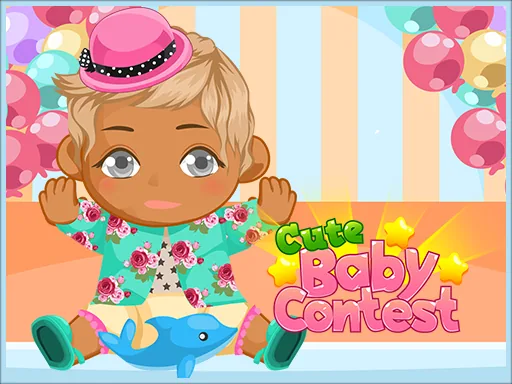
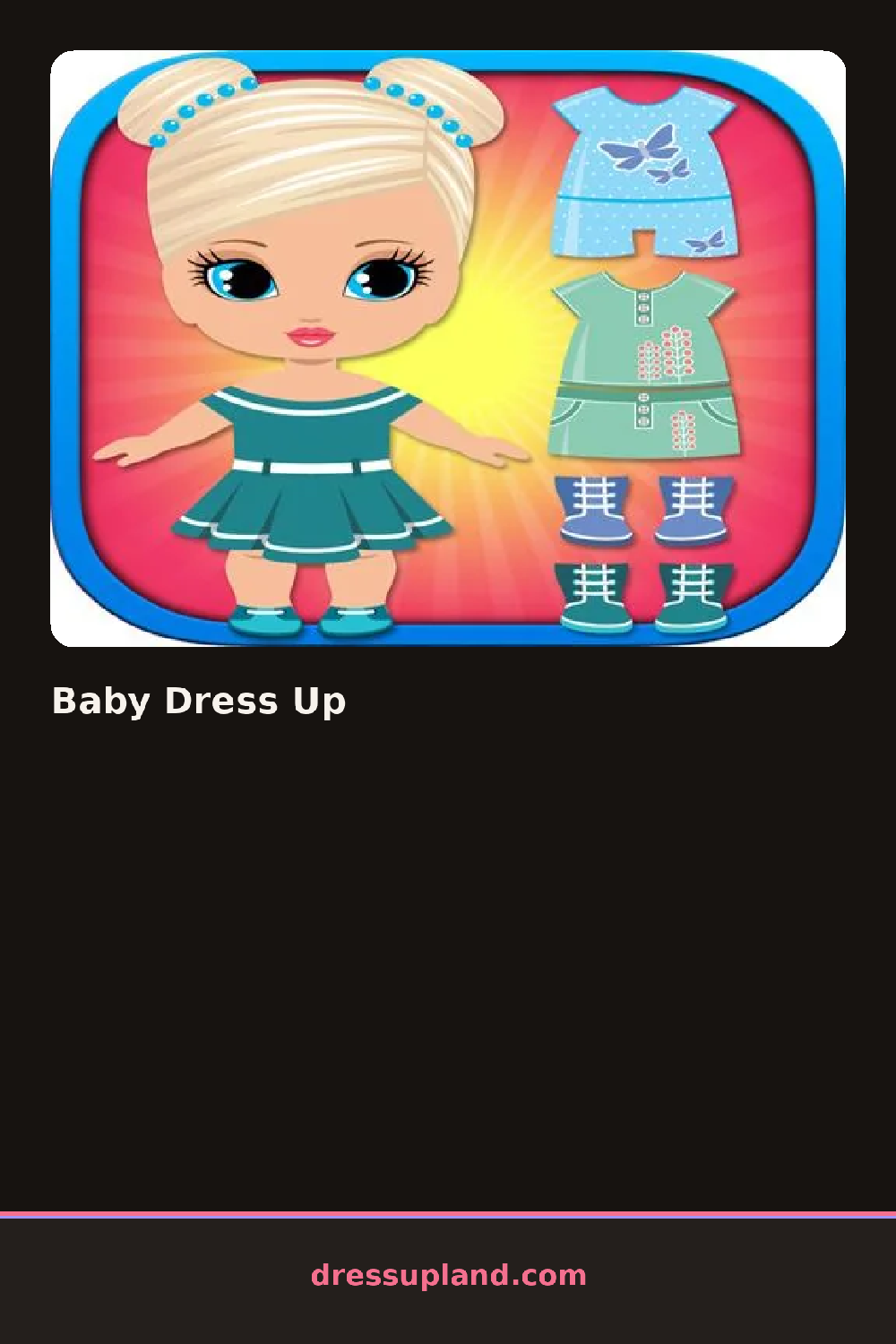
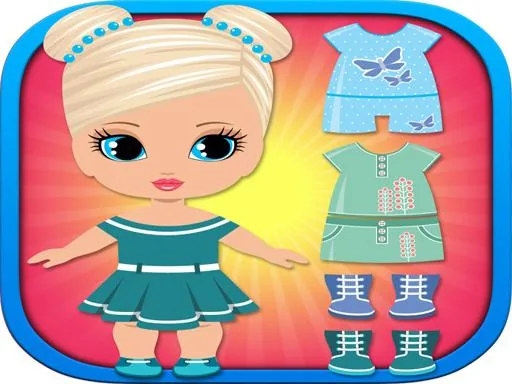
A baby sits in the middle of a soft, brightly colored room, already wearing a starter outfit you can change with one tap. The wardrobe panel sits beside the screen and every category shows its items as chunky, easy-to-tap thumbnails. Your first choice is usually a new onesie or romper, and it appears on the baby with a gentle bounce that makes even the first swap fun.
The wardrobe is built around baby-sized pieces: rompers, onesies, overalls, tiny dresses, socks, soft shoes and little hats. There is a hair section with wispy styles, a small tuft, headbands and bows, plus a bibs and accessories row. Toys and props get their own spot too, so a plush bunny or a rattle can sit in the baby's hands. Everything layers the way real baby clothes do, with a hat sitting over the hair and shoes over the socks.
The angle this one takes compared to a typical makeover game is scale and mood. Because the model is a baby, the outfits lean short and simple, and the game reacts with giggles and wiggles when you complete a look, which changes the ending of each round. You finish by viewing the baby posed with whatever toy you chose, and you can save that look before starting a new one.
Start with the romper or dress, then match the hat to it before touching hair, since headbands cover some styles. A pastel outfit with one animal-print piece photographs well in the final pose. Tap the toy category last, because holding a plush changes which poses look best.
How do you play and control Baby Dress Up?
Click a wardrobe category, then click an item to dress the baby, and click the camera icon when the look is done.
Swipe the item rows sideways and tap to apply, then tap the save button to keep the finished outfit.
Game details
| Specification | Details |
|---|---|
| Game Title | Baby Dress Up |
| Category / Genre | Baby & kids |
| Platform | Web browser — phone, tablet and desktop checked |
| Release Date | September 2026 |
| Technology | HTML5 |
| DressUpLand account | Not required |