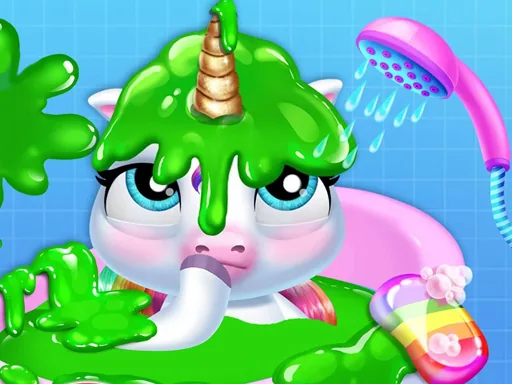
What is Baby Halen Dance Style?
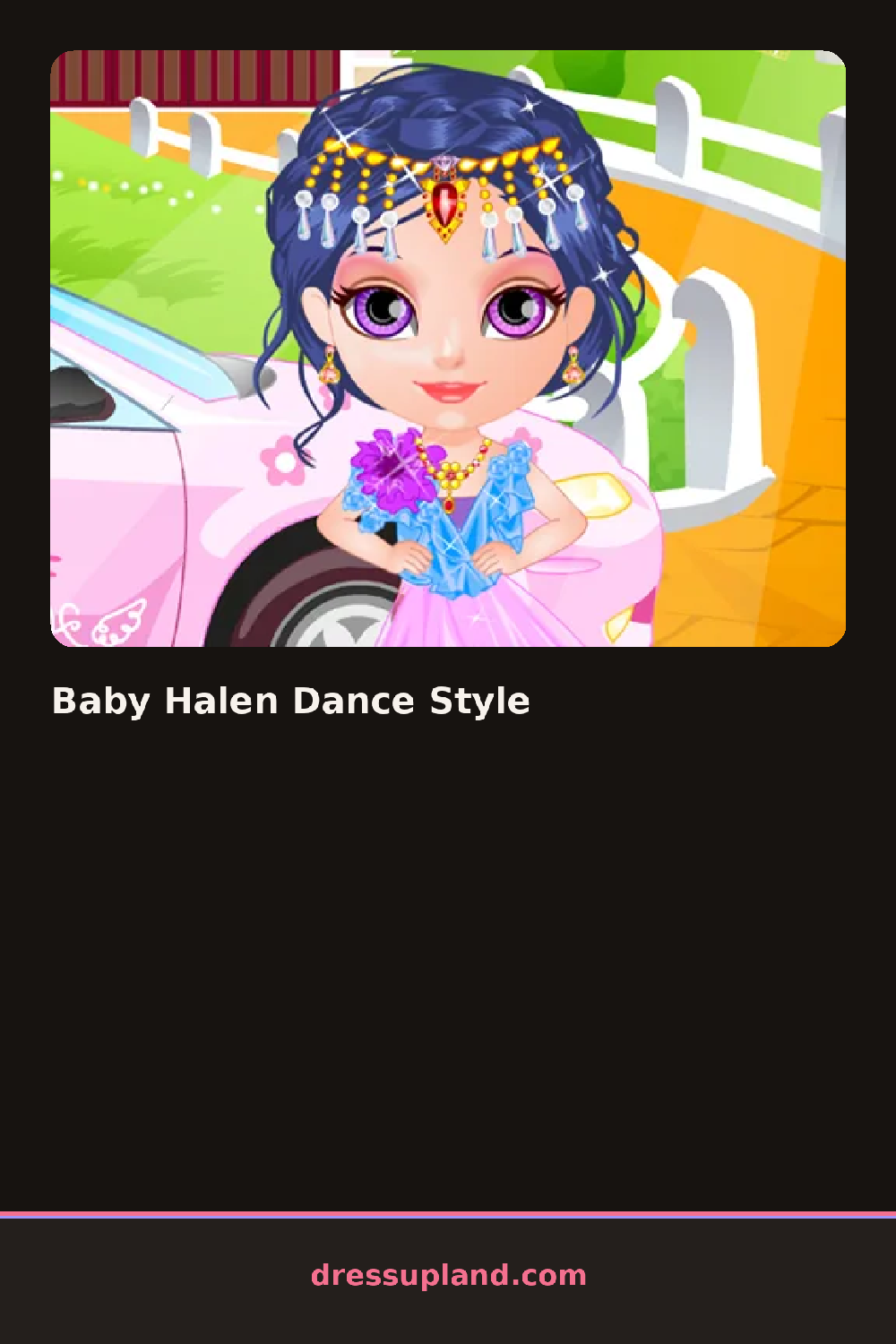
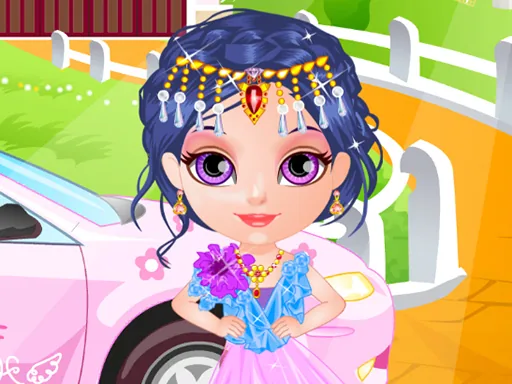
The first screen shows Baby Halen standing on a small stage, wearing a plain outfit and waiting. A row of icons runs along the bottom for clothes, hair, shoes, and accessories. Tap the clothes icon first and the side panel slides out with a stack of dresses. Tap one and it appears on her instantly, so you can flip through options fast.
The wardrobe leans bright and playful. There are tutu-style skirts, sparkly party dresses, tights, and little ballet flats, plus a set of hair bows and simple jewelry. Hair choices are short styles you swap rather than long strands you brush. Each category fills one panel, and pieces mostly replace each other instead of layering, so what you see is what you get. Colors stay in the pink and purple range with a few gold accents.
The thing this game does differently is the payoff: once you finish the look, Halen performs a short dance move on the stage, so the outfit you built actually gets shown off in motion. That gives it a slightly different feel from a basic makeover game, where the look just sits there. A round ends when you tap the done button and watch the little routine, then start over with a new combination.
To get a better result, pick the hair first, because the bows sit differently over each style. Match the shoes to the dress hem so nothing clashes during the dance. And tap through the whole dress stack before settling, since a few of the later ones hide under the first three.
How do you play and control Baby Halen Dance Style?
Click the category icons along the bottom, then click items in the side panel to put them on Halen.
Tap a category icon, then tap wardrobe items to try them, and tap the done button to see the dance.
Game details
| Specification | Details |
|---|---|
| Game Title | Baby Halen Dance Style |
| Category / Genre | Baby & kids |
| Platform | Web browser — phone, tablet and desktop checked |
| Release Date | September 2026 |
| Technology | HTML5 |
| DressUpLand account | Not required |