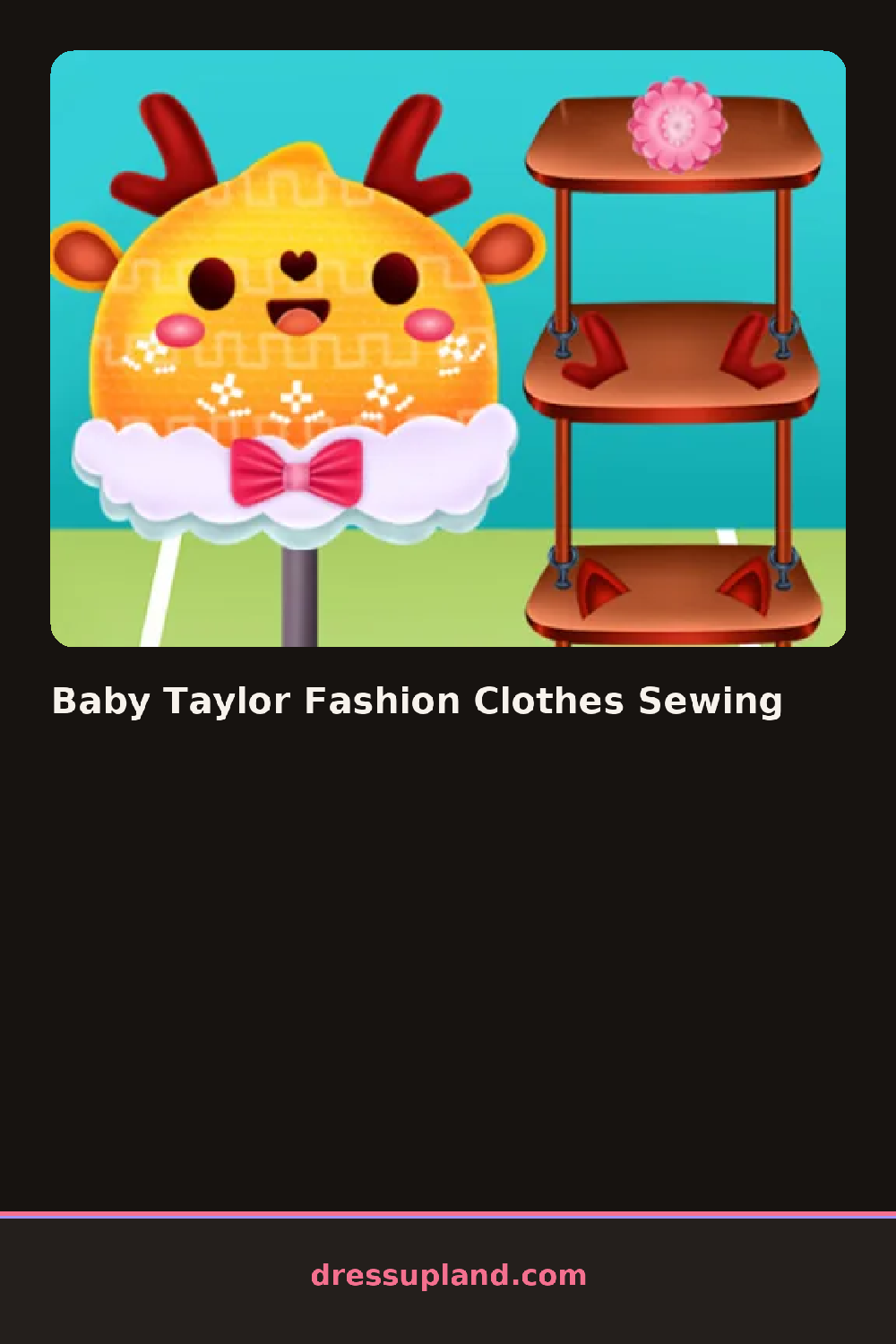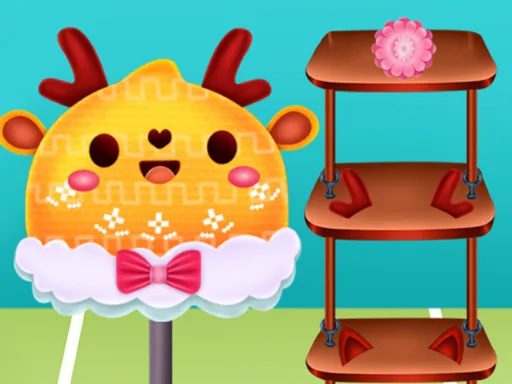

What is Baby Taylor Fashion Clothes Sewing?
Baby Taylor Fashion Clothes Sewing opens on a workbench with a bolt of fabric, a pair of shears, and a plain onesie waiting to be cut. Pick a pattern first and the fabric swatch changes shape on the table in front of you, showing exactly what the finished piece will look like.
The toolkit splits into fabric bolts, trims, and a small rack of finished pieces you build up as you go: a gingham bodysuit, a ruffled bib, tiny knit booties, a bow headband. Fabrics come in rolls of color and print that get cut to a pattern, while trims like lace edging or snap buttons sit in a separate bin and snap onto the cut piece afterward.
Where most sewing-style makeover games hand you a stack of finished clothes to click into place, this one has you cut and stitch the piece first, so the outfit only exists because you built it. A round ends when the finished set goes onto the baby character and the outfit locks in as a saved look.
Cut the bodysuit before touching trims, since patterns won't accept lace or buttons until the base fabric is sewn. Matching the print on the bib to the bodysuit reads as a set instead of separate pieces. The needle icon in the corner is easy to miss, but it's what switches you from cutting mode into stitching mode.
How do you play and control Baby Taylor Fashion Clothes Sewing?
Click and drag the shears along the pattern lines to cut fabric, then click each trim piece to snap it into place.
Drag your finger along the pattern lines to cut fabric, then tap trim pieces to snap them into place.
Game details
| Specification | Details |
|---|---|
| Game Title | Baby Taylor Fashion Clothes Sewing |
| Category / Genre | Makeover |
| Platform | Web browser — phone, tablet and desktop checked |
| Release Date | September 2026 |
| Technology | HTML5 |
| DressUpLand account | Not required |