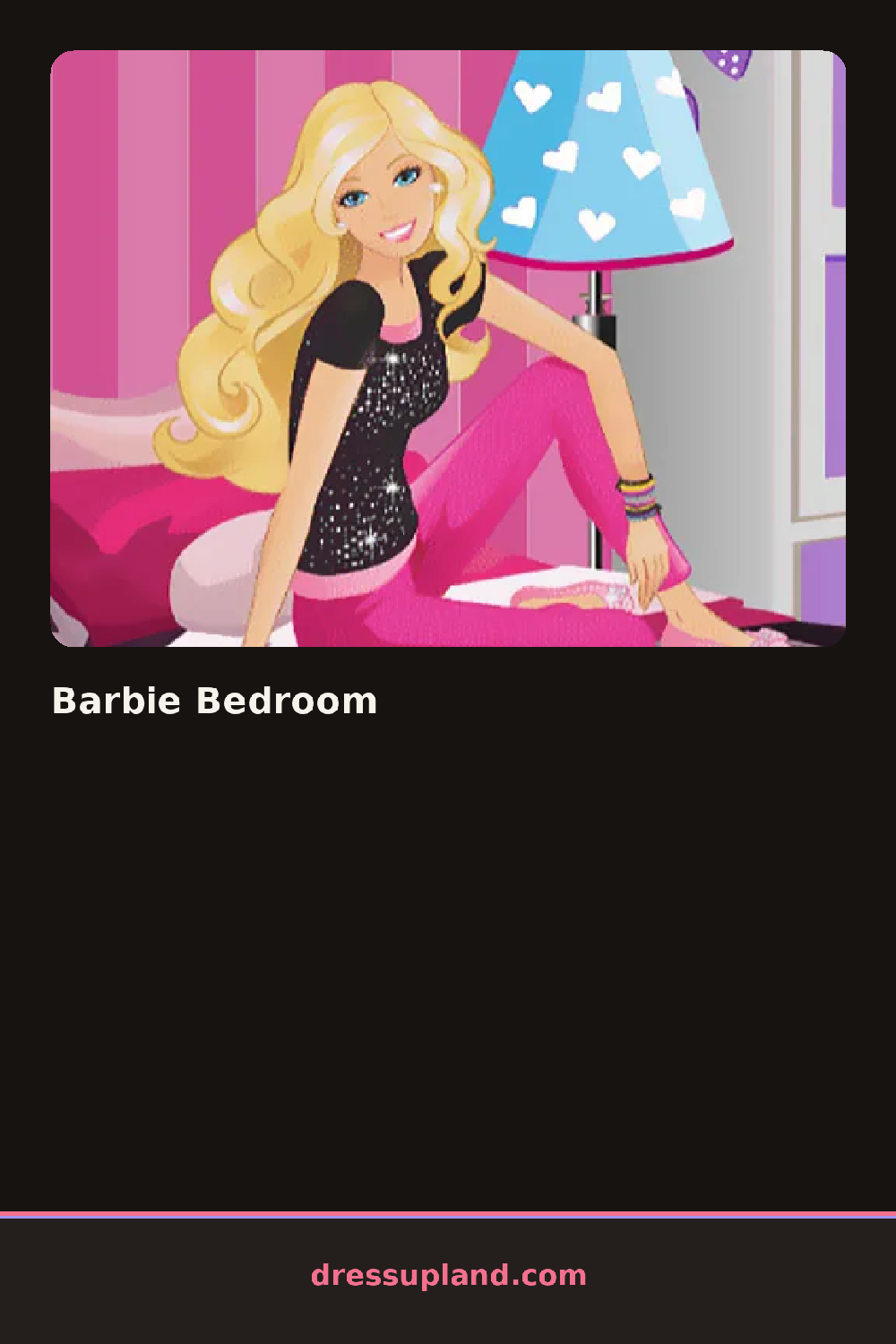
What is Barbie Bedroom?
Barbie Bedroom opens on an empty room outline, and the first move is usually picking a wall color or a floor pattern before any furniture goes in. Dragging a bed frame onto the floor snaps it into a grid space instead of floating loose, so the room reads as planned instead of scattered from that first placement.
Furniture is grouped by zone: a bed frame with separate bedding and pillow options, a desk paired with a chair and a lamp, then a closet or vanity with its own mirror. Wall décor sits in a separate tab from floor items, so a framed poster and an area rug can be swapped without touching the bed setup. Small props like a plant, a stack of books, or a string of fairy lights go on last, since they sit on top of the furniture instead of replacing it.
Unlike a decorating game that hands you a finished room to tweak, this one starts from a bare shell, so every wall and floor choice is yours from the first click. A session ends with the completed bedroom sitting on screen as a finished scene, with no runway walk or portrait, just the room itself as the result.
Pick the wall color and flooring before placing any furniture, since swapping them later can clash with a bed or rug already down. Keep the color palette to two or three tones across walls, bedding, and rug so the room does not look pieced together from unrelated sets. Leave the small props like books and lights for the very end, once the bed and desk are anchored in place.
How do you play and control Barbie Bedroom?
Click and drag furniture pieces from the side panel onto the room, then click a swatch to change wall or floor color.
Drag furniture items from the tray at the bottom of the screen into the room, then tap a color swatch to repaint a wall or floor.
Game details
| Specification | Details |
|---|---|
| Game Title | Barbie Bedroom |
| Category / Genre | Dress up |
| Platform | Web browser — phone, tablet and desktop checked |
| Release Date | September 2026 |
| Technology | HTML5 |
| DressUpLand account | Not required |