
What is Barbie Playground?
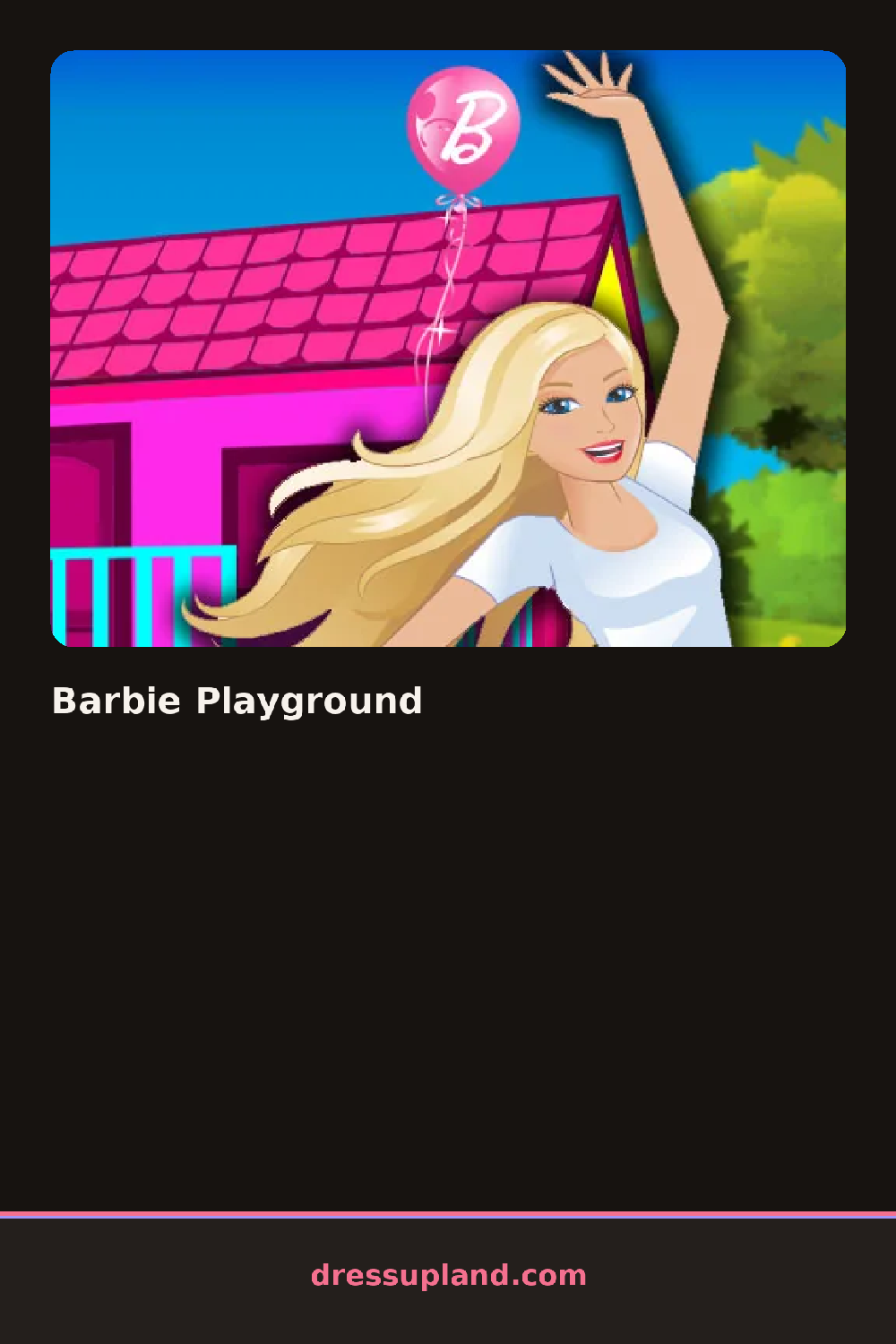
Two panels sit side by side when Barbie Playground opens, a bare doll on one side and an empty park lot on the other. Dragging a slide or a bench onto the lot fills in the scene right away, and swapping the doll's top or shoes updates just as fast, so both halves fill in together instead of one after the other.
Clothing options stay simple: a striped tee, denim shorts, sneakers or sandals, plus a couple of hairstyles like a high ponytail or loose waves. The bigger pile sits on the decorating side, a slide, a swing set, a sandbox, a bench and a few sky colors for the background. Playground pieces snap onto a grid, so a swing can sit left or right of the slide, and the doll drops in anywhere once the scene is built.
Few dress up games split attention between an outfit and a whole outdoor set, but this one puts the playground layout on equal footing with what the doll wears once everything is placed. A round settles once the lot is furnished and the doll dressed, leaving a finished park scene to look over or rearrange from scratch.
Placing the slide or swing set first gives the layout an anchor, since smaller props like flowers and benches fit around a big piece already down. Matching the sky color to the doll's outfit, a bright top against a sunset backdrop, reads better than picking each half at random. Moving the doll to a few spots in the finished scene is worth doing before locking anything in, since a bench in the wrong corner crowds the rest of the layout.
How do you play and control Barbie Playground?
Click and drag playground pieces onto the lot, and click wardrobe items to change what the doll wears.
Drag playground pieces into place with a finger, and tap wardrobe items to change the doll's outfit.
Game details
| Specification | Details |
|---|---|
| Game Title | Barbie Playground |
| Category / Genre | Dress up |
| Platform | Web browser — phone, tablet and desktop checked |
| Release Date | September 2026 |
| Technology | HTML5 |
| DressUpLand account | Not required |