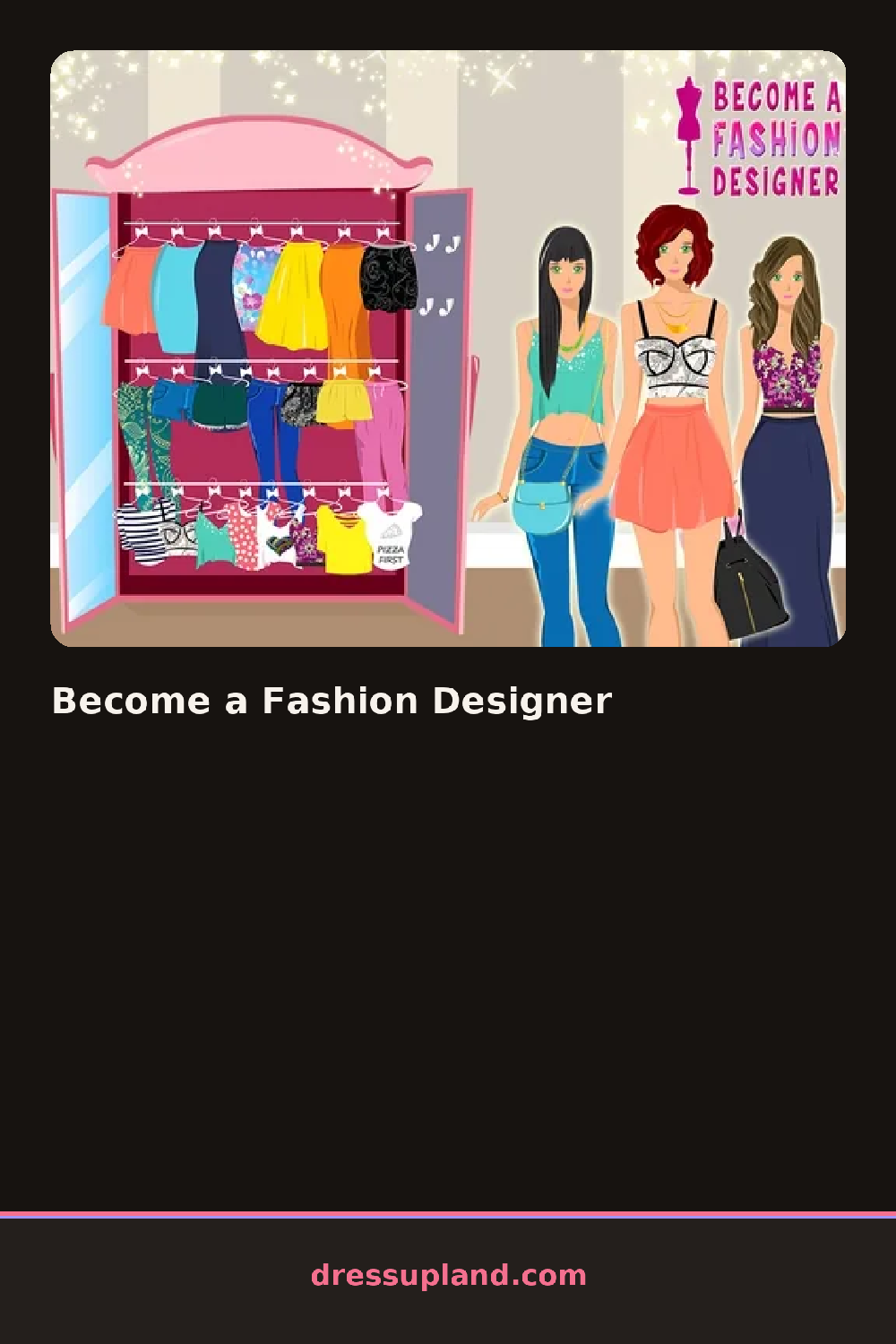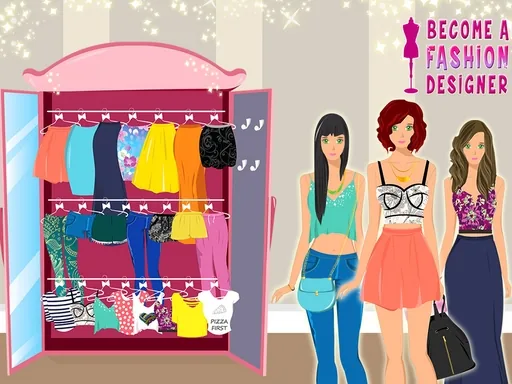
What is Become a Fashion Designer?
A bare dress outline sits on a sketch pad when Become a Fashion Designer loads, and the first choice is shape: a full skirt, a straight shift, or a cropped top over pants. Pick the full skirt and the outline redraws itself right away, ready for pattern.
Tools break into swatches, trims and finishing details. A gingham swatch, a denim texture and a floral print sit in one row, a lace edge and a row of buttons sit in another, and a color wheel lets you recolor whatever swatch you dropped in. Trims stack on top of the base fabric without covering the whole panel, so a ruffle can run along just the hem.
Instead of clicking finished outfits onto a model, this one has you build the fabric itself, panel by panel, closer to a decorating game than a standard dress up. A session ends with the sketch shown on a model, next to the flat design, like a small portfolio page.
Pick the print before touching the color wheel, since recoloring a plain swatch is more predictable than shifting one that already has a pattern on it. A small floral print with a plain trim reads cleaner than two busy patterns stacked on the same panel. The color wheel tucked in the corner is easy to skip, but it is the fastest way to make a print and a trim actually match.
How do you play and control Become a Fashion Designer?
Click a garment section to select it, then click a swatch or trim in the tool panel to apply it there.
Tap a garment section to select it, then tap a swatch or trim to apply it there.
Game details
| Specification | Details |
|---|---|
| Game Title | Become a Fashion Designer |
| Category / Genre | School & everyday |
| Platform | Web browser — phone support not yet checked |
| Release Date | September 2026 |
| Technology | HTML5 |
| DressUpLand account | Not required |