
What is Popstar Make up?
The screen opens on a bare face and a stage light rig in the background, and the first thing you touch is skin tone, which resets the whole canvas underneath. Popstar Make up starts here, with a blank base waiting for foundation before anything else can sit right.
The toolkit splits into tabs for eyes, lips, cheeks and extras. Eyeshadow comes in duo and trio palettes, from smoky charcoal to a metallic gold shimmer, and lipstick ranges from a matte plum to a glossy coral. Blush and highlighter sit under cheeks, while the extras tab holds false lashes, glitter dots, and small rhinestone stickers that sit on top of everything else once the face is done.
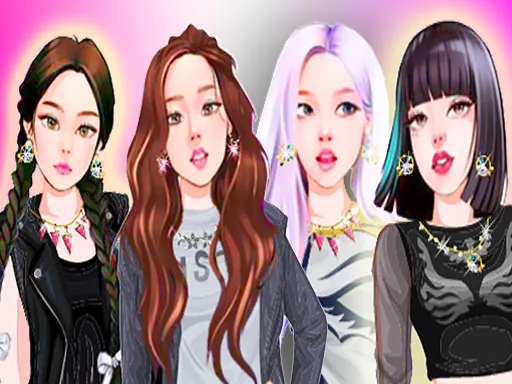
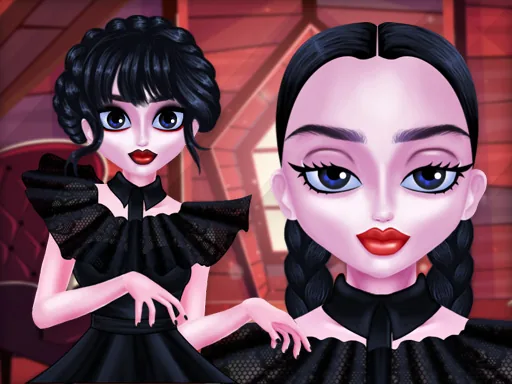
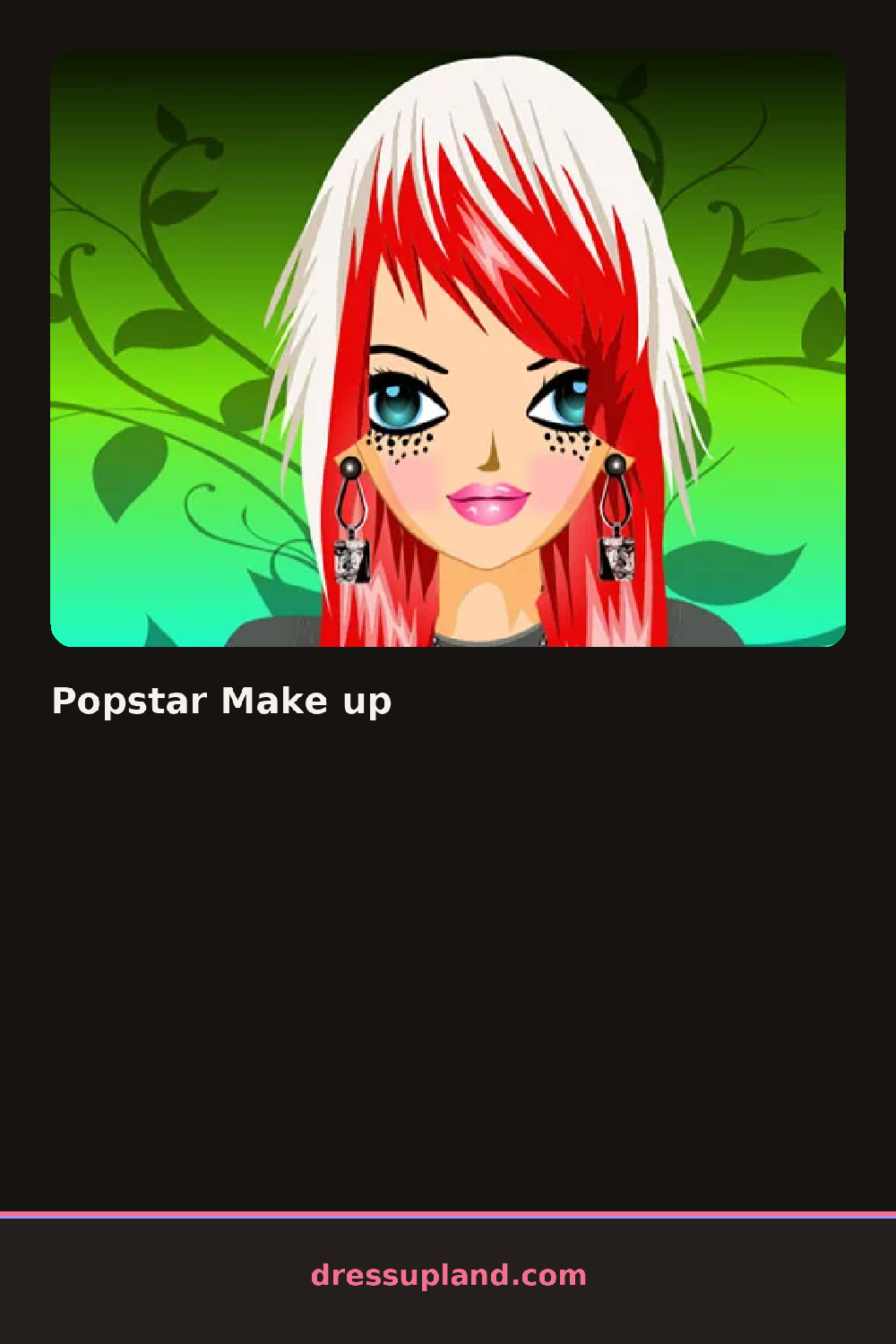
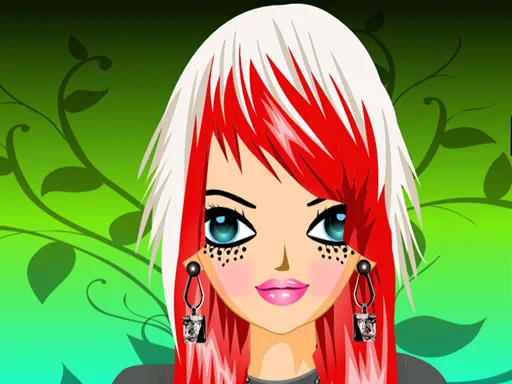
Where most makeover games stop at a clean face, this one leans into the stage: glitter and rhinestones let you build a look meant to read from the back row, not across a table. A finished face gets saved as a portrait, the kind of result a makeover game exists to produce, cropped tight enough that every lash and sparkle shows.
Working foundation and blush in before eyeshadow keeps colors from muddying when you blend. A metallic shadow under the brow bone catches the light better than a matte one in the same slot. Save the glitter and rhinestones for last, since they sit on top and can hide under lash strips if you add them too early.
How do you play and control Popstar Make up?
Click each product swatch to apply it, then click again on a shade to swap it before moving to the next tab.
Tap a category tab, then tap a swatch to apply it to the face.
Game details
| Specification | Details |
|---|---|
| Game Title | Popstar Make up |
| Category / Genre | Makeover |
| Platform | Web browser — phone, tablet and desktop checked |
| Release Date | September 2026 |
| Technology | HTML5 |
| DressUpLand account | Not required |