
What is Celebrity Gala Prep?
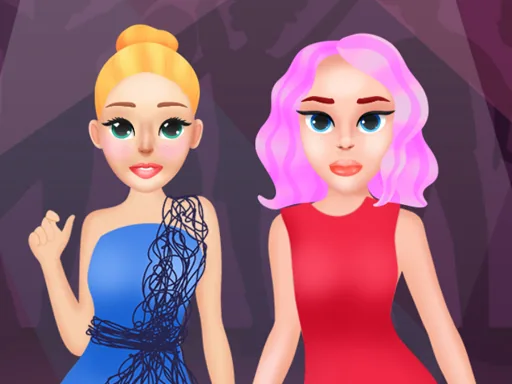
A base face and a skin tone slider come up first, then the screen splits into tabs for hair, makeup, and the gown rack. Celebrity Gala Prep opens on a plain model waiting for a look, and every tap changes something visible right away, a lip color, a brow shape, a pair of earrings.
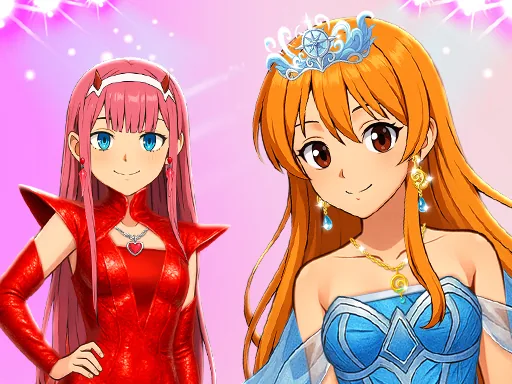
The toolkit runs through the categories you would expect at a real event: a strapless gown or a slit skirt, a clutch, a statement necklace, drop earrings, and a stack of eyeshadow palettes running from smoky to metallic. Hair sits in its own tab with updos, waves, and a low bun, and each piece layers over the last, so a bold lip can sit under a soft smoky eye or a sharp cat eye can pair with loose curls.
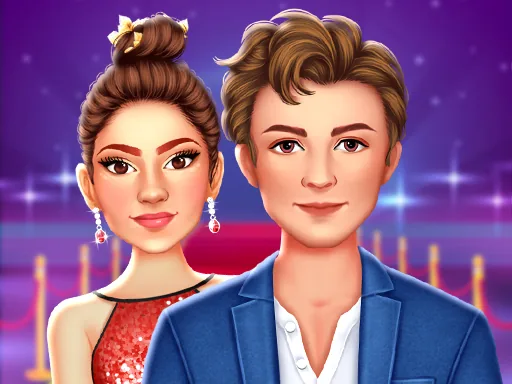
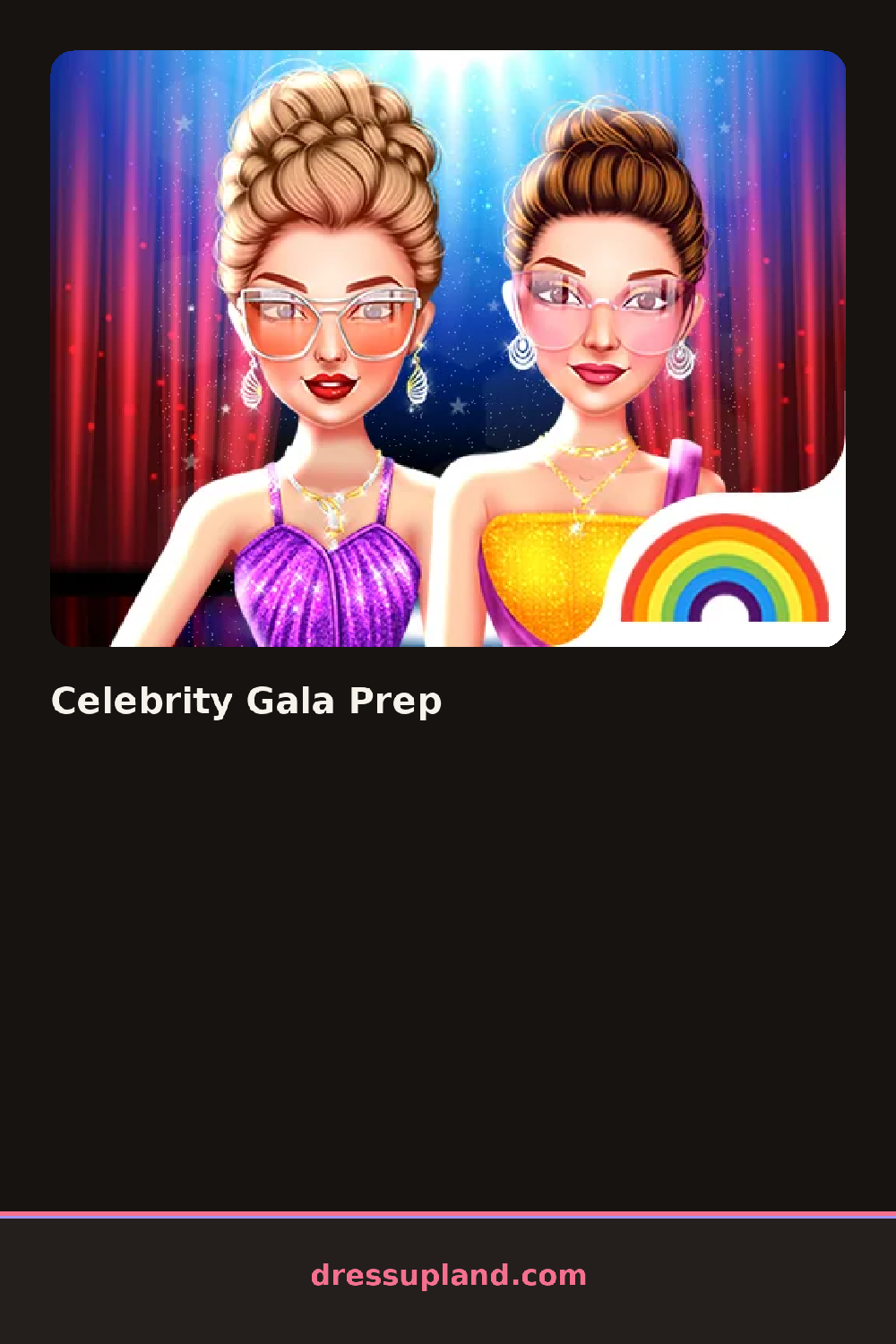
This makeover game leans hard into one specific moment, the walk down the carpet, so instead of a plain photo at the end you get a posed shot with flashbulbs in the background, as if the look is being photographed for real. That framing changes how the outfit gets built, since a print that looks fine on a hanger can read as loud once the flash hits it.
Matching the metal tones between the jewelry and the shoes reads cleaner than mixing gold and silver in one look. A darker lip usually needs a simpler eye, and a heavily patterned gown works better with hair pulled back so the fabric stays the focus. Trying the pose options last is worth it, since a few gowns move differently on camera than they look standing still.
How do you play and control Celebrity Gala Prep?
Click through the hair, makeup, and gown tabs, then click an item to put it on the model.
Tap the category tabs across the top, then tap an item to try it on.
Game details
| Specification | Details |
|---|---|
| Game Title | Celebrity Gala Prep |
| Category / Genre | Makeover |
| Platform | Web browser — phone support not yet checked |
| Release Date | September 2026 |
| Technology | HTML5 |
| DressUpLand account | Not required |