
What is Choose My Summer Style?
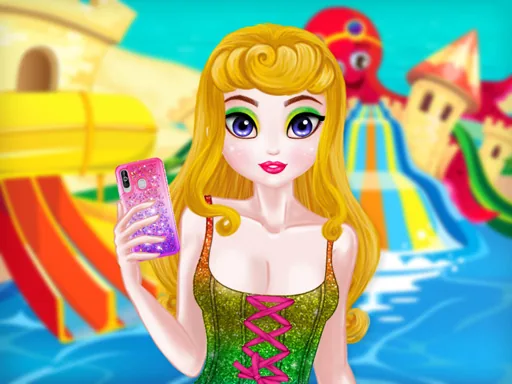
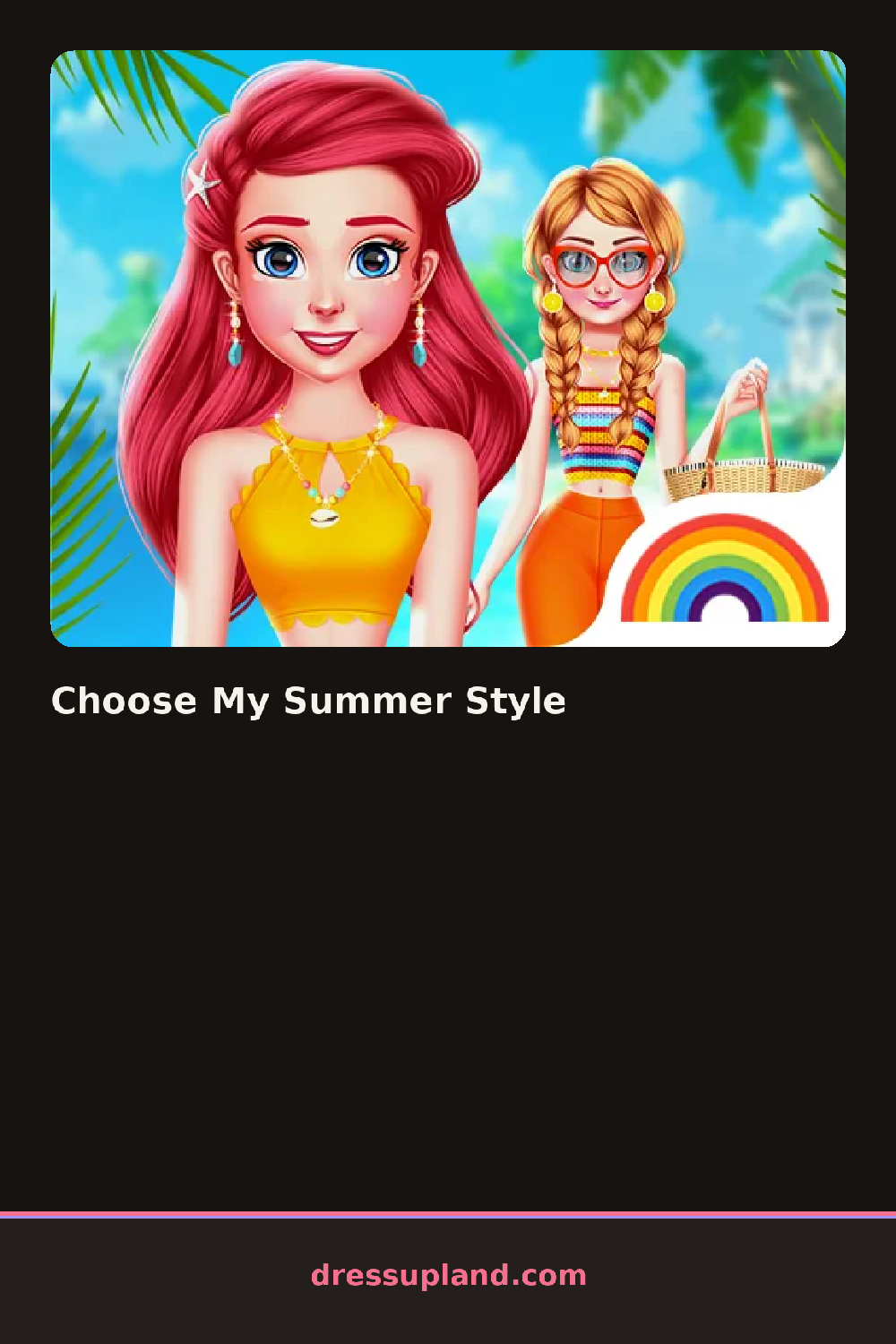
Racks of summer pieces line the screen when Choose My Summer Style opens, and the first swimsuit or sundress you tap sets the color story for the sandals and accessories that follow, long before the beach backdrop shows up at the end.
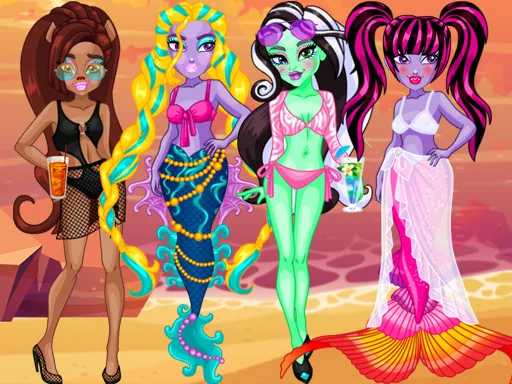
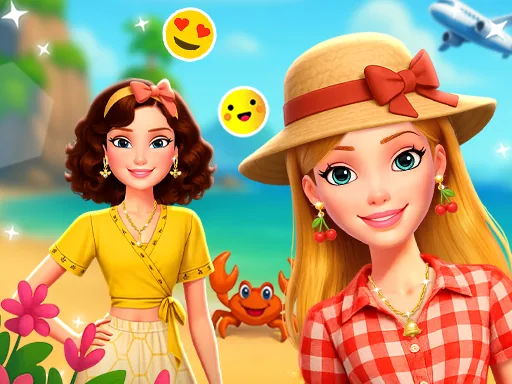
The closet splits into beach-specific rows: one-piece and bikini swimsuits, flowy sundresses, straw hats, woven sandals, and oversized sunglasses. A separate row of cover-ups and sarongs sits ready to layer over a swimsuit once the base outfit is picked, and a small jewelry tray holds shell necklaces and stacked bracelets for the very last step, small enough to swap in seconds if the first combination feels off.
Where most princess dress up games spread hairstyles and makeup across separate screens, this one keeps the whole session inside one beach-themed closet, so a coral swimsuit and a straw hat can be tried together in a single click. A finished outfit gets set against a beach backdrop for a last look before starting the next combination, and swiping back to an earlier swimsuit costs nothing.
Trying a cover-up over the swimsuit before locking in sandals shows whether the pattern reads as too busy. Matching sunglasses to the hat's color, instead of the swimsuit, keeps the top half from fighting itself. Swapping the sandals last is the quickest way to shift a look from pool-side to boardwalk without rebuilding the whole outfit from scratch.
How do you play and control Choose My Summer Style?
Click a swimsuit or dress to try it on, then click hats, sandals, and jewelry from the side rows to finish the beach look.
Tap an item in the closet to put it on the model, then swipe between rows to add hats, sandals, and jewelry.
Game details
| Specification | Details |
|---|---|
| Game Title | Choose My Summer Style |
| Category / Genre | Princess |
| Platform | Web browser — phone, tablet and desktop checked |
| Release Date | September 2026 |
| Technology | HTML5 |
| DressUpLand account | Not required |