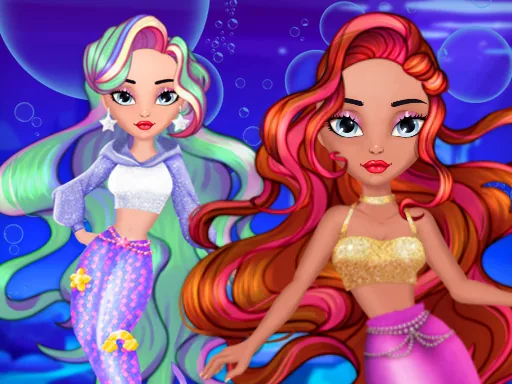

What is Diamond Mermaids?
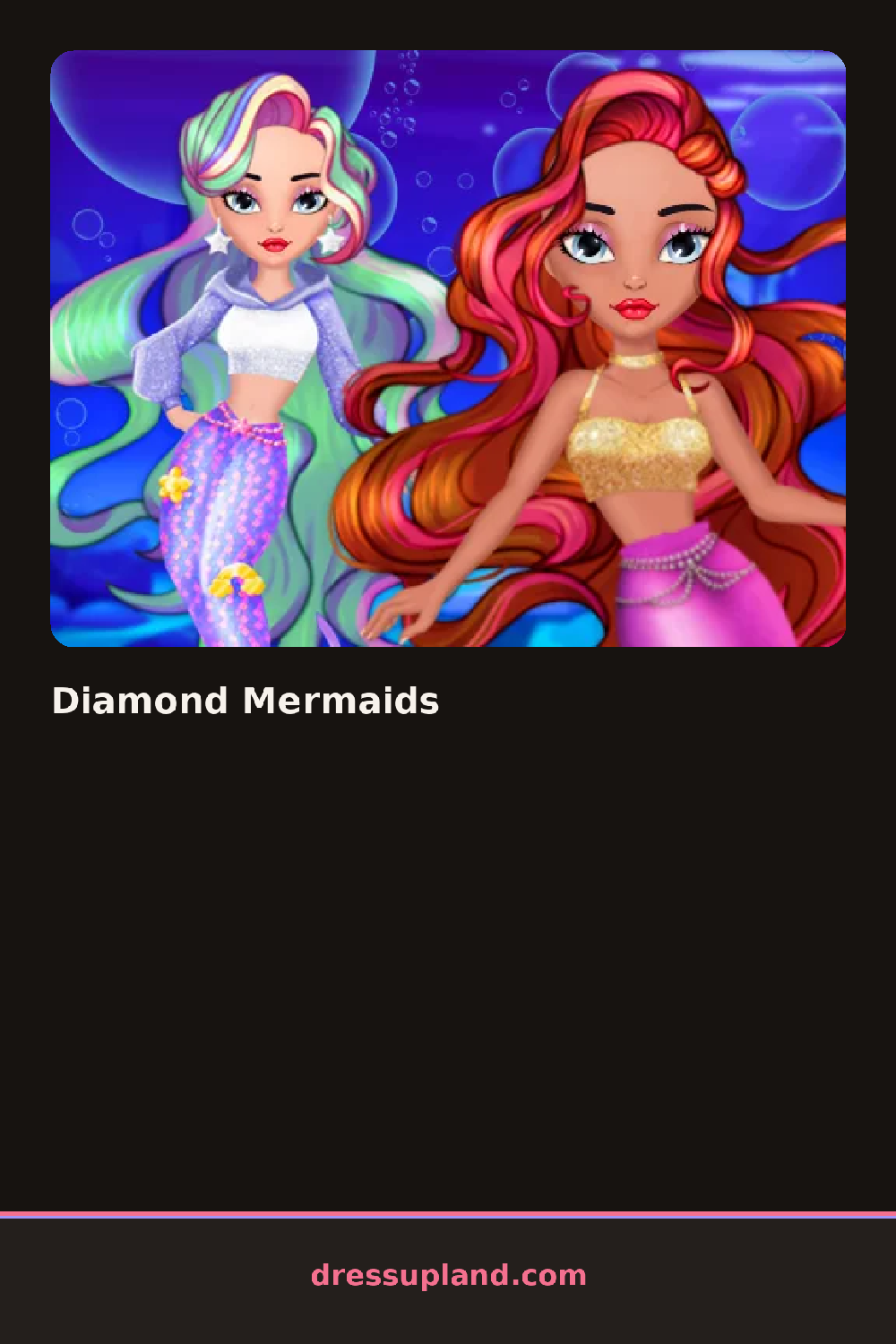
Three mermaids float on screen the moment the game loads, tails glinting against a blue underwater backdrop. You tap one to start, and the first choice is usually her tail color, since that sets the whole palette for the look. Tap a swatch and her tail changes on the spot, so you can compare colors before committing to anything else.
The wardrobe panels cover everything from the waist down and up. There are mermaid tails in jewel tones, seashell and scale tops, long gloves, arm cuffs, necklaces, and earrings shaped like pearls and starfish. Hair comes in long waves, side braids and high ponytails, plus a few crowns and headpieces. Each category sits in its own row at the bottom, and pieces layer over each other, so a necklace sits over the top and a crown sits over the braid.
Unlike a basic character creator, Diamond Mermaids gives you three sisters at once, so you can build a coordinated trio or give each one her own color scheme. When a mermaid is finished you move to the next sister, and the round ends with all three posed together on the final screen, ready for a screenshot or a saved look.
Work on the tail first, then pick a top and jewelry in the same color family so the whole look reads as one outfit. Give each sister a different accent color if you want the group shot to pop. Check the hair menu last, because a crown or starfish clip only looks right once you know the hairstyle it sits on.
How do you play and control Diamond Mermaids?
Click a category icon, then click the item thumbnail to apply it to the selected mermaid.
Tap a mermaid to select her, then tap through the category tabs and item thumbnails with your thumb.
Game details
| Specification | Details |
|---|---|
| Game Title | Diamond Mermaids |
| Category / Genre | Princess |
| Platform | Web browser — phone, tablet and desktop checked |
| Release Date | September 2026 |
| Technology | HTML5 |
| DressUpLand account | Not required |