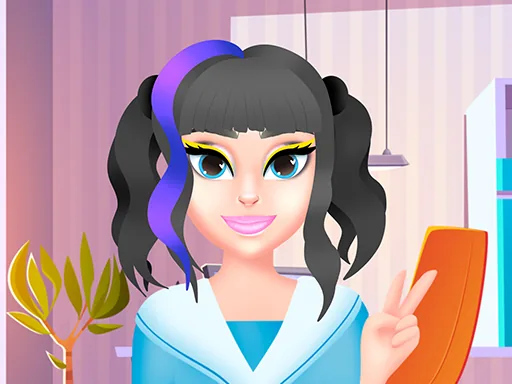

What is Kawaii Beauty Salon?
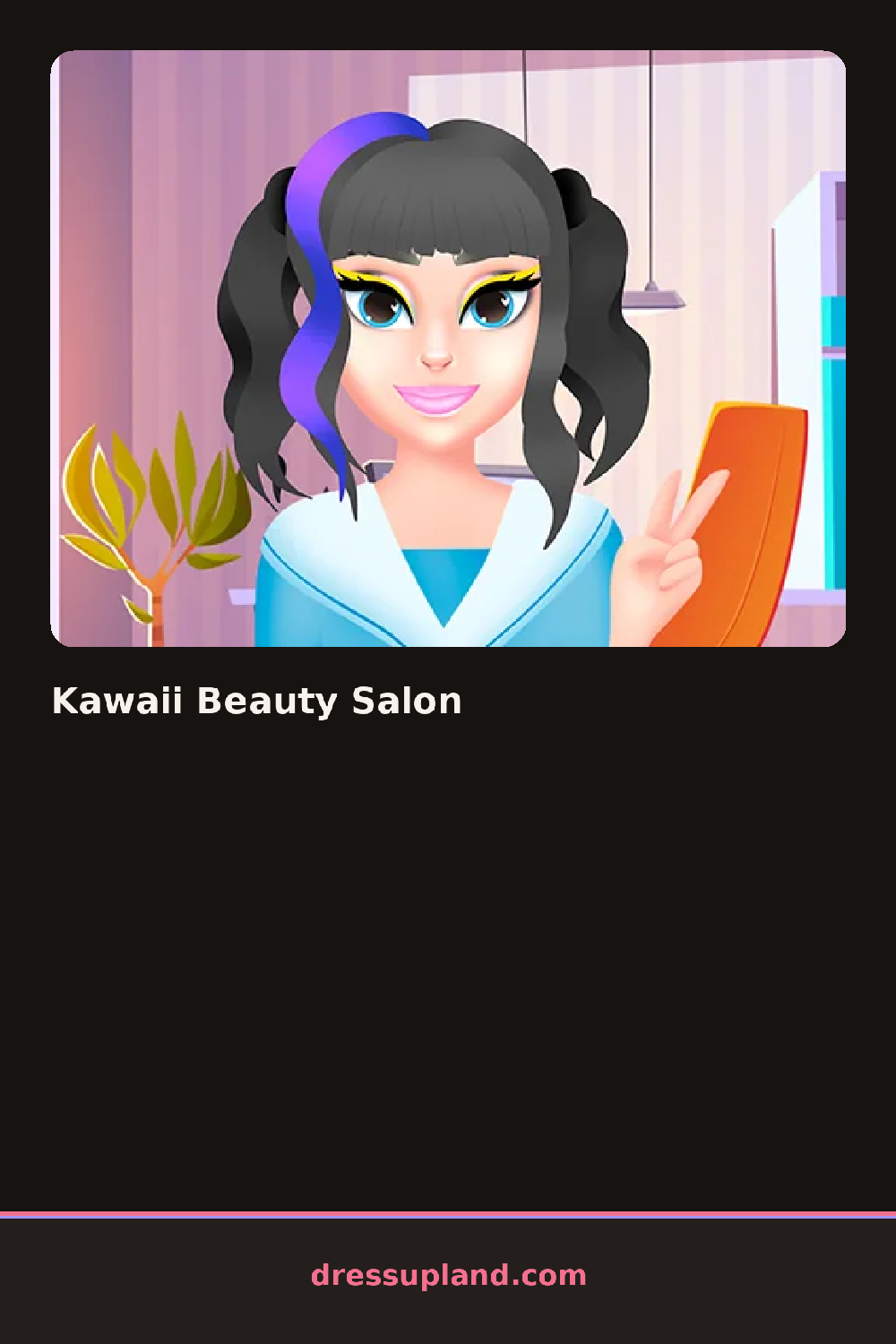
Kawaii Beauty Salon puts one character in the chair right away, and the first station is skin care, a cleanser or a sheet mask that changes her complexion before anything else gets applied.
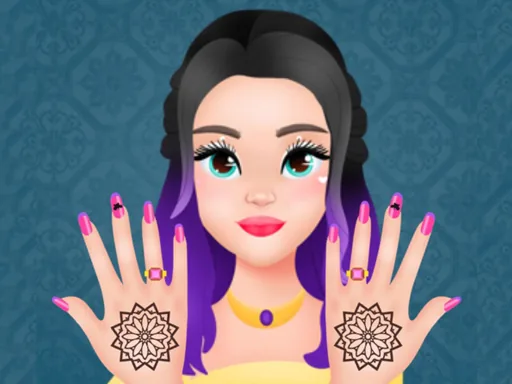
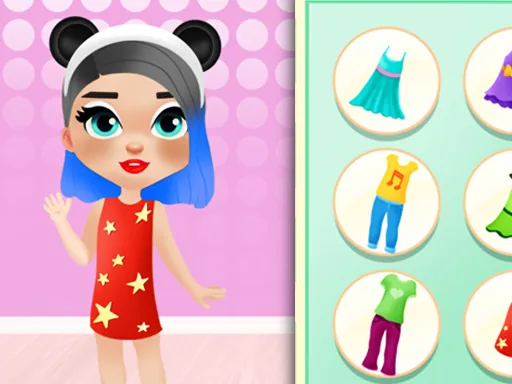
From there the stations move through nails with glitter and pastel polish, a hairstyling section with space buns and twin tails, and a makeup counter stacked with blush, eyeliner, and glossy lipstick in candy colors. Clothing comes last, oversized sweaters and pleated skirts layered with knee socks and a choker.
As a makeover game it leans hard into a pastel, sugary aesthetic instead of a realistic salon, so glitter polish and pink-tinted skin sit next to each other without looking out of place. A session finishes with a full look you can screenshot, hair, face, and outfit all visible in one final frame.
Building the skin tone and makeup before picking clothes keeps the palette from fighting itself, since a pastel outfit next to bright red lipstick can look off. Twin tails paired with a choker read more finished than loose hair with nothing at the neck, and it helps to check the nail section last since a bold glitter color can throw off a softer outfit if it gets picked first. Leaving the eyeliner soft when the lipstick is already bright keeps the face from getting too busy.
How do you play and control Kawaii Beauty Salon?
Click through each salon station and item swatch with the mouse to build the look step by step.
Tap the station icons and swipe through swatches to apply each style with a finger.
Game details
| Specification | Details |
|---|---|
| Game Title | Kawaii Beauty Salon |
| Category / Genre | Makeover |
| Platform | Web browser — phone support not yet checked |
| Technology | HTML5 |
| DressUpLand account | Not required |