
What is Living Room Decorate?
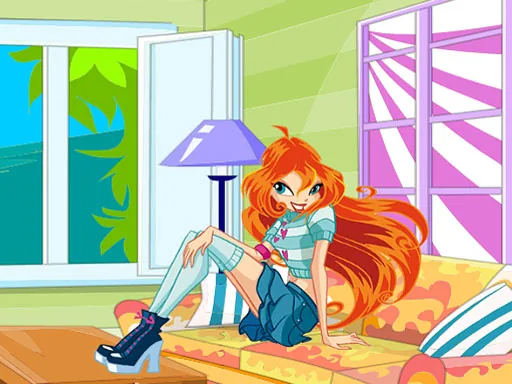
The room starts empty except for bare walls and a plain floor, and the first thing to place is usually a big piece like a sofa or a rug, since everything else in Living Room Decorate gets arranged around it. That first choice sets the room's scale for every smaller item that follows.
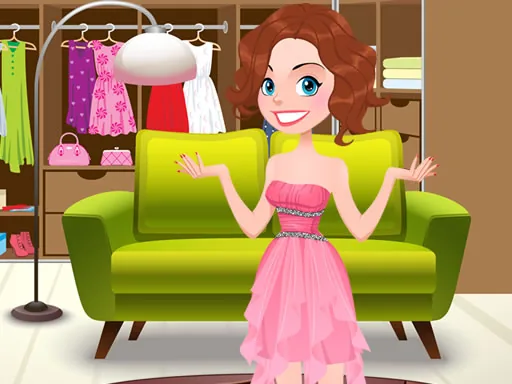
The toolkit is sorted by room zone rather than by outfit category: seating, wall treatments, floor coverings, lighting, and small decor. A player can pick a velvet couch, swap in a patterned area rug, add a floor lamp, and hang framed art, and each piece can usually be moved or resized once it's placed instead of locking into one spot.
Where this room-decorating game breaks from a normal makeover is the lack of a body to dress at all, only a floor plan, so the styling choices are about scale and clash instead of fit. A finished round is a furnished room shown from one fixed angle, ready to save or screenshot.
Place the big furniture first, the couch and the rug, before touching lamps or wall art, since small decor is easier to fit around a layout that already exists. Keep the rug and the couch in related tones so the floor doesn't compete with the seating. Check the corners for empty space once the main pieces are down, since a lamp or a plant there usually finishes the look.
How do you play and control Living Room Decorate?
Click and drag furniture from the side menu into the room, then click a placed item to rotate or resize it.
Tap an item in the menu and drag it into the room, then pinch to resize it once it's placed.
Game details
| Specification | Details |
|---|---|
| Game Title | Living Room Decorate |
| Category / Genre | Dress up |
| Platform | Web browser — phone, tablet and desktop checked |
| Release Date | September 2026 |
| Technology | HTML5 |
| DressUpLand account | Not required |