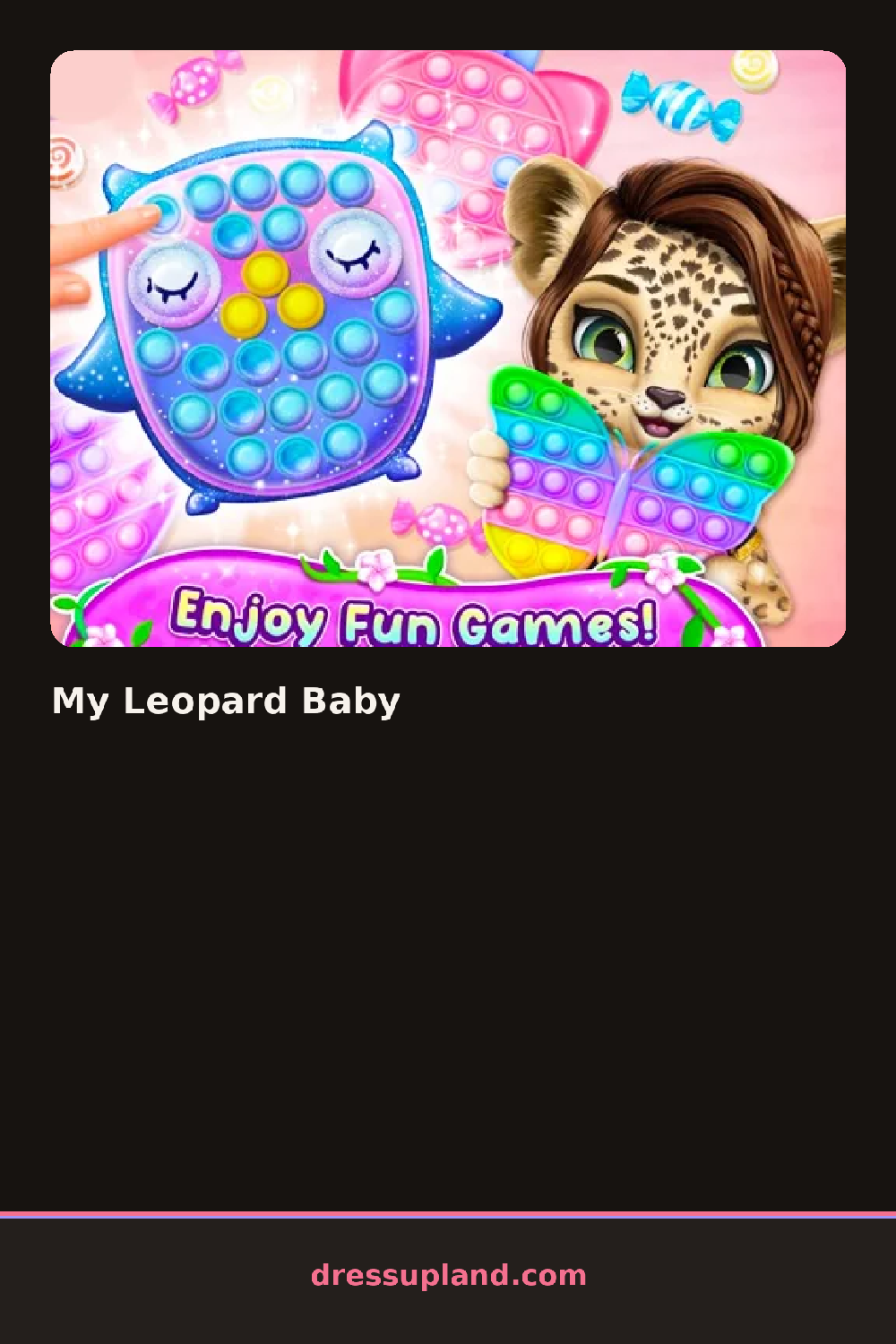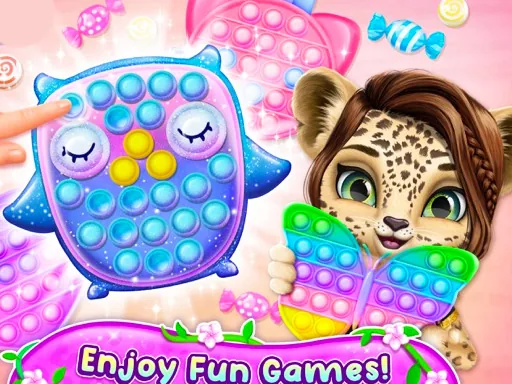
What is My Leopard Baby?
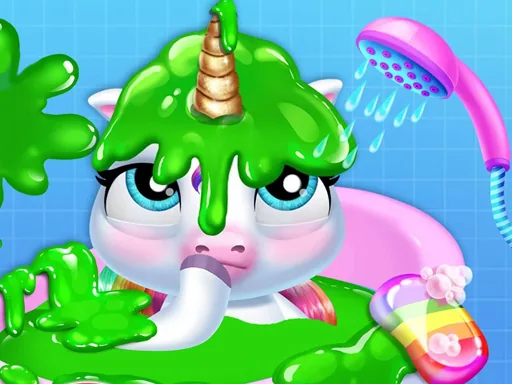
Water temperature, soap bubbles, and a rinse open My Leopard Baby, and the first choices are practical, before the baby is toweled off and set on a changing table for the styling half of the game. Picking a lotion or powder here changes the baby's skin shine slightly, a small detail that carries through once clothes go on.
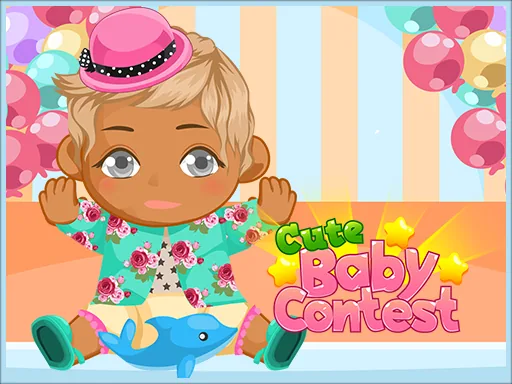
Once the spa steps are done, the outfit panel opens with rompers, onesies, and bibs, most of them offered in a leopard-spot version alongside a plain one. A separate row covers hair—a single curl, tiny pigtails, a bow clipped to bare hair—and another covers small accessories like a pacifier clip or booties. Clothes swap as full pieces rather than stacking, so trying a spotted romper against a striped bib means picking one or the other.
The leopard print running through nearly every clothing option is the twist a generic baby spa game doesn't usually commit to this hard, since it turns picking an outfit into matching spot patterns instead of just colors. The round ends with the baby dressed and posed on the changing table, ready for a final look before you start a fresh bath.
Balance the print instead of doubling it, since a spotted romper next to spotted booties tends to look busier than pairing one printed piece with plain basics. Lotion shine shows up more under brighter outfit colors, so apply it before judging how a pastel onesie will look, and the hair bow is easy to miss if you jump straight to clothes.
How do you play and control My Leopard Baby?
Click the bath and spa tools in order, then click items in the outfit and hair rows to dress the baby.
Tap and drag to bathe the baby, then tap thumbnails in each row to apply outfits, hair, and accessories.
Game details
| Specification | Details |
|---|---|
| Game Title | My Leopard Baby |
| Category / Genre | Baby & kids |
| Platform | Web browser — phone, tablet and desktop checked |
| Release Date | September 2026 |
| Technology | HTML5 |
| DressUpLand account | Not required |