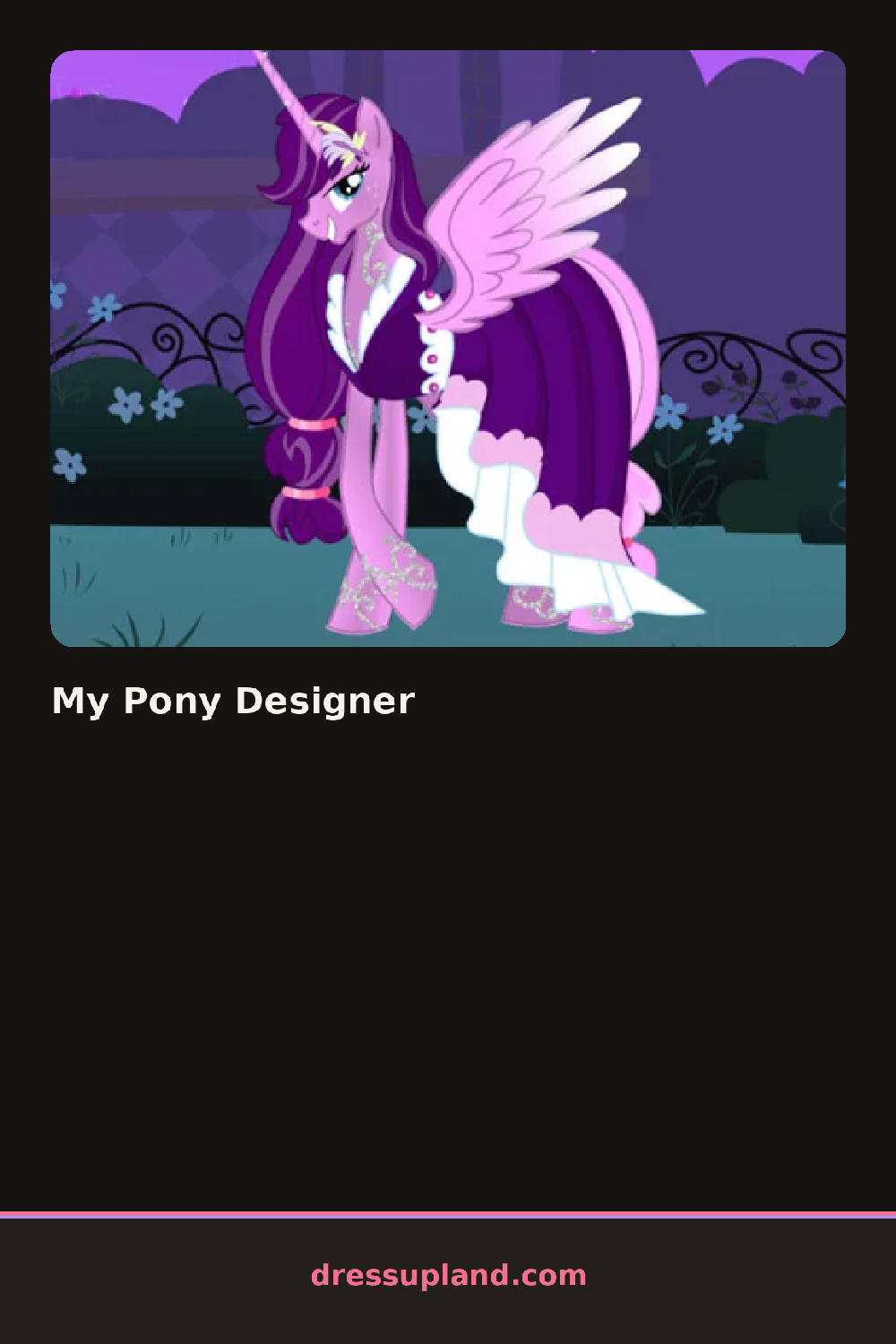

What is My Pony Designer?
The first screen shows a pony standing on a small grassy stage, already wearing a plain coat color and a simple mane. A row of category buttons runs along one side of the screen, so the first thing you pick is usually the coat, since everything else builds on it. Tap a swatch and the color lands on the pony instantly, no loading, no confirm screen. You can watch the change appear before you commit to anything else.
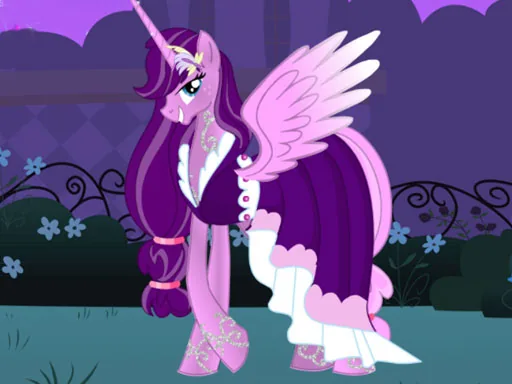
The toolkit covers the whole animal. There are coat colors, mane and tail styles, markings like stars, socks, and spots, plus eye shapes and small face details. Past the pony itself you get decorating items: saddles, ribbons, bows, flowers, and background props for the stage. Pieces layer in a sensible order, so a flower crown sits over the mane and a saddle sits over the coat without you fighting the stack. Markings and colors can be combined freely.
The decorating tag is the twist here. Most makeover games stop at the character, but this one lets you build the scene around the pony too, changing the stage so the finished picture feels complete. A round ends when you take a photo of your pony in its finished setting and save the look.
Work from the coat outward: base color first, then markings, then mane, then accessories, since bows look different on every braid. Try one bold marking, like a full body spot pattern, instead of three small ones. Check the background props before the photo, because a matching stage color makes the whole picture read better.
How do you play and control My Pony Designer?
Click the category buttons on the side panel, then click swatches and items to apply them straight to the pony.
Tap a category, then tap swatches or items to drop them onto the pony with your thumb.
Game details
| Specification | Details |
|---|---|
| Game Title | My Pony Designer |
| Category / Genre | Makeover |
| Platform | Web browser — phone, tablet and desktop checked |
| Release Date | September 2026 |
| Technology | HTML5 |
| DressUpLand account | Not required |