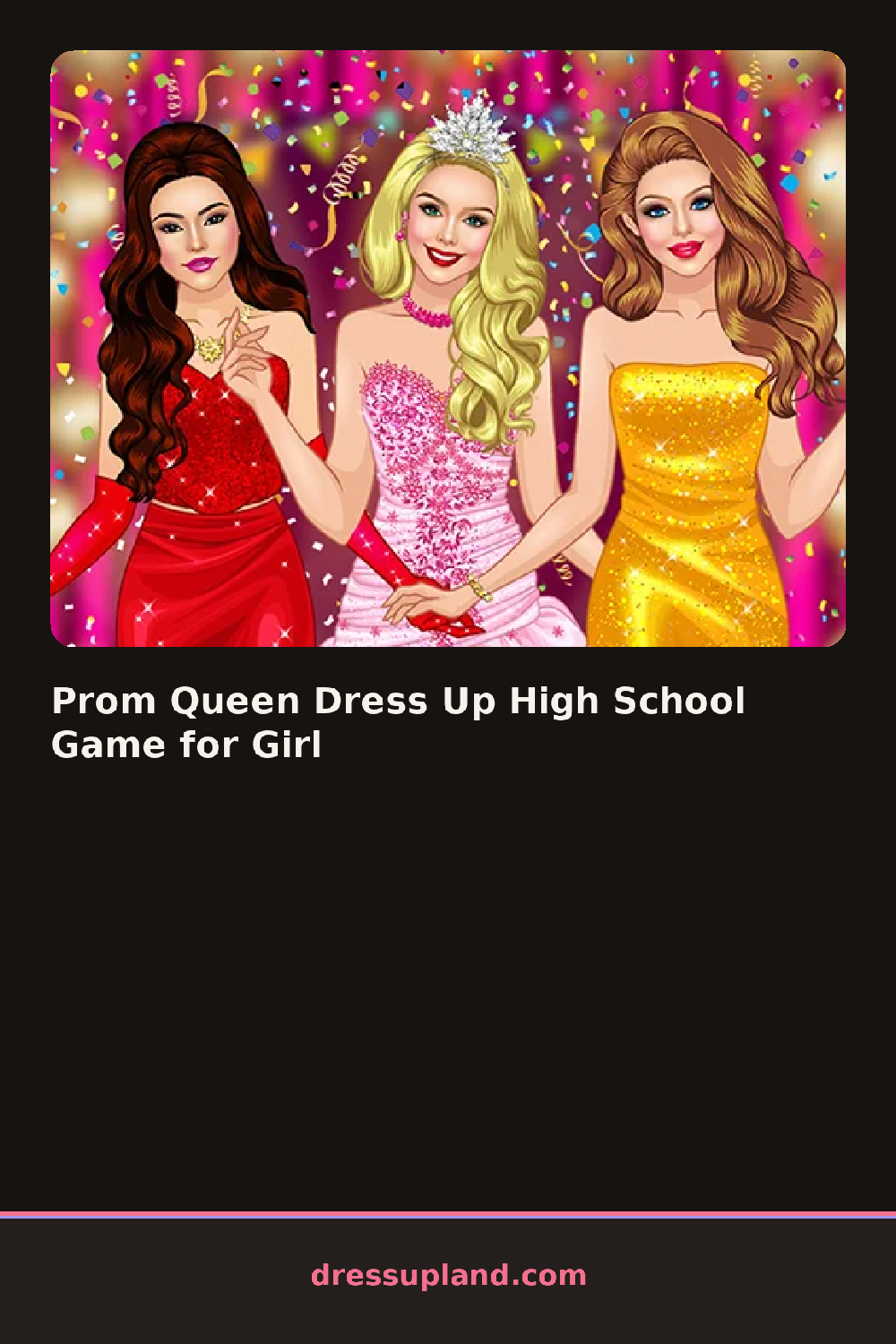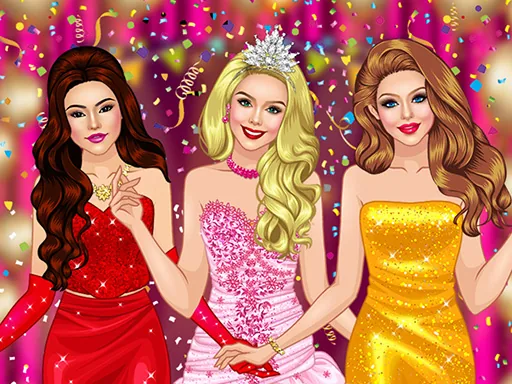

What is Prom Queen Dress Up High School Game for Girl?
The screen opens on a girl already posed and waiting, usually against a backdrop of a school gym or a step-and-repeat banner. The first panel up is gowns, so most people start there. Tap or click a dress and it appears on her instantly, so you can cycle through three or four in ten seconds before anything else locks in.
The wardrobe splits into the usual rows: long gowns and short cocktail dresses, hairstyles from high ponytails to loose curls, shoes, jewelry, and a makeup panel with eyeshadow, blush and lip color. Pieces layer the way you would expect. A shawl sits over the gown, a necklace sits over the neckline, and hair changes how a collar reads. Colors on some items can be swapped, so one dress can end up in two or three shades.
The thing this prom game does that most others skip is the red carpet finish. When you are done, your character gets a prom queen moment with a crown and a snapshot of the final look that you can save. It plays like a classic makeover game with a pageant ending instead of a runway walk.
Work in this order: dress, then hair, then makeup, then jewelry. A strapless gown reads better with an updo, since long hair hides the neckline you just picked. Match one metal across necklace and earrings rather than mixing gold and silver, and keep the lip color within the same color family as the dress so the whole look lands as one idea in the final photo.
How do you play and control Prom Queen Dress Up High School Game for Girl?
Click a category tab on the side, then click any item to apply it and the arrows to page through color options.
Tap category icons at the bottom and tap items to try them on, with a save button for the finished prom look.
Game details
| Specification | Details |
|---|---|
| Game Title | Prom Queen Dress Up High School Game for Girl |
| Category / Genre | Princess |
| Platform | Web browser — phone support not yet checked |
| Release Date | September 2026 |
| Technology | HTML5 |
| DressUpLand account | Not required |