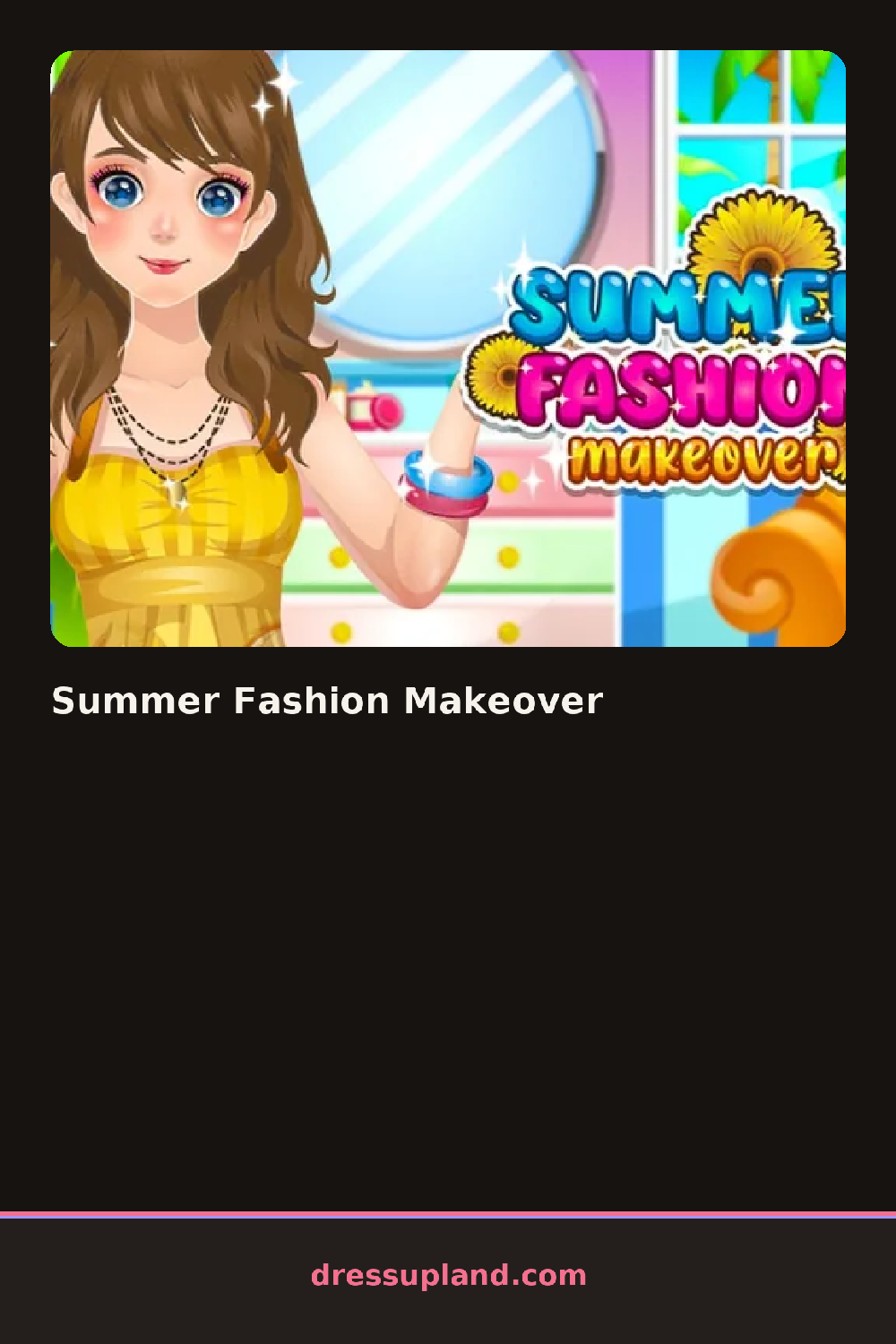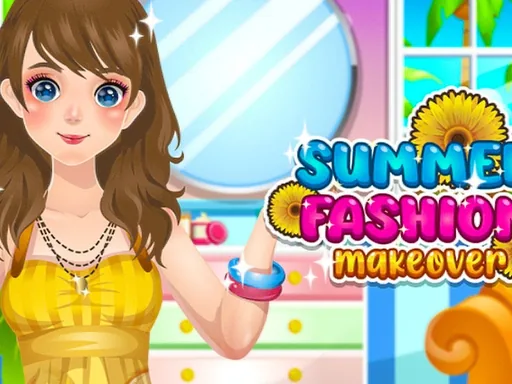

What is Summer Fashion Makeover?
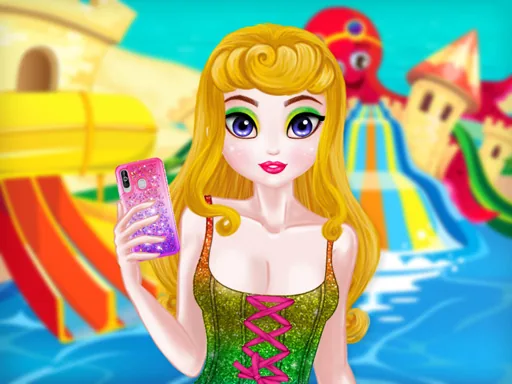
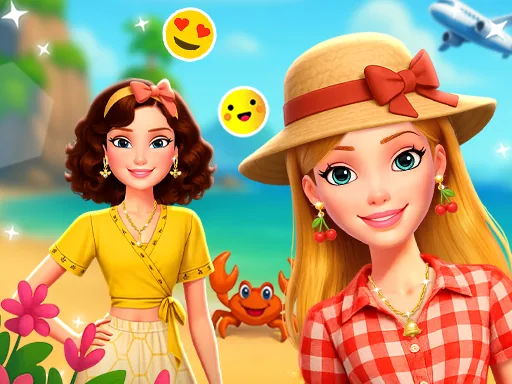
Summer Fashion Makeover opens on a model standing against a bright beach backdrop, with a row of category icons along the bottom of the screen. You start with the skin tone and base outfit, since everything else stacks on top of that. Tap an item and it appears on the model right away, so you can see instantly whether a sundress works with the hairstyle you already picked.
The wardrobe covers the usual ground: flowy dresses, shorts with crop tops, sandals, sunglasses, and straw hats. There is a hair section with long waves, buns, and braids, plus a makeup panel where you choose eyeshadow color, blush, and a glossy lip. Jewelry comes last in the lineup, with necklaces, earrings, and bracelets that layer over whatever neckline you picked earlier.
The thing that separates this makeover game from the pile is the full head-to-wrists structure: you can go back into any category at any point and the game keeps your earlier picks in place instead of resetting the look. When you finish, the game takes a snapshot of the completed outfit against the beach background, which you can keep as the final result.
Work from skin and hair down to shoes, because hats sit on top of the hair and you want to place them last. A white sundress with gold jewelry reads cleaner than mixing too many bright colors at once. If a necklace looks odd, check the neckline of the top underneath it before blaming the necklace.
How do you play and control Summer Fashion Makeover?
Click the category icons at the bottom, then click an item to apply it to the model.
Tap a category icon, then tap items to see them appear on the model.
Game details
| Specification | Details |
|---|---|
| Game Title | Summer Fashion Makeover |
| Category / Genre | Makeover |
| Platform | Web browser — phone support not yet checked |
| Release Date | May 2023 |
| Technology | HTML5 |
| DressUpLand account | Not required |