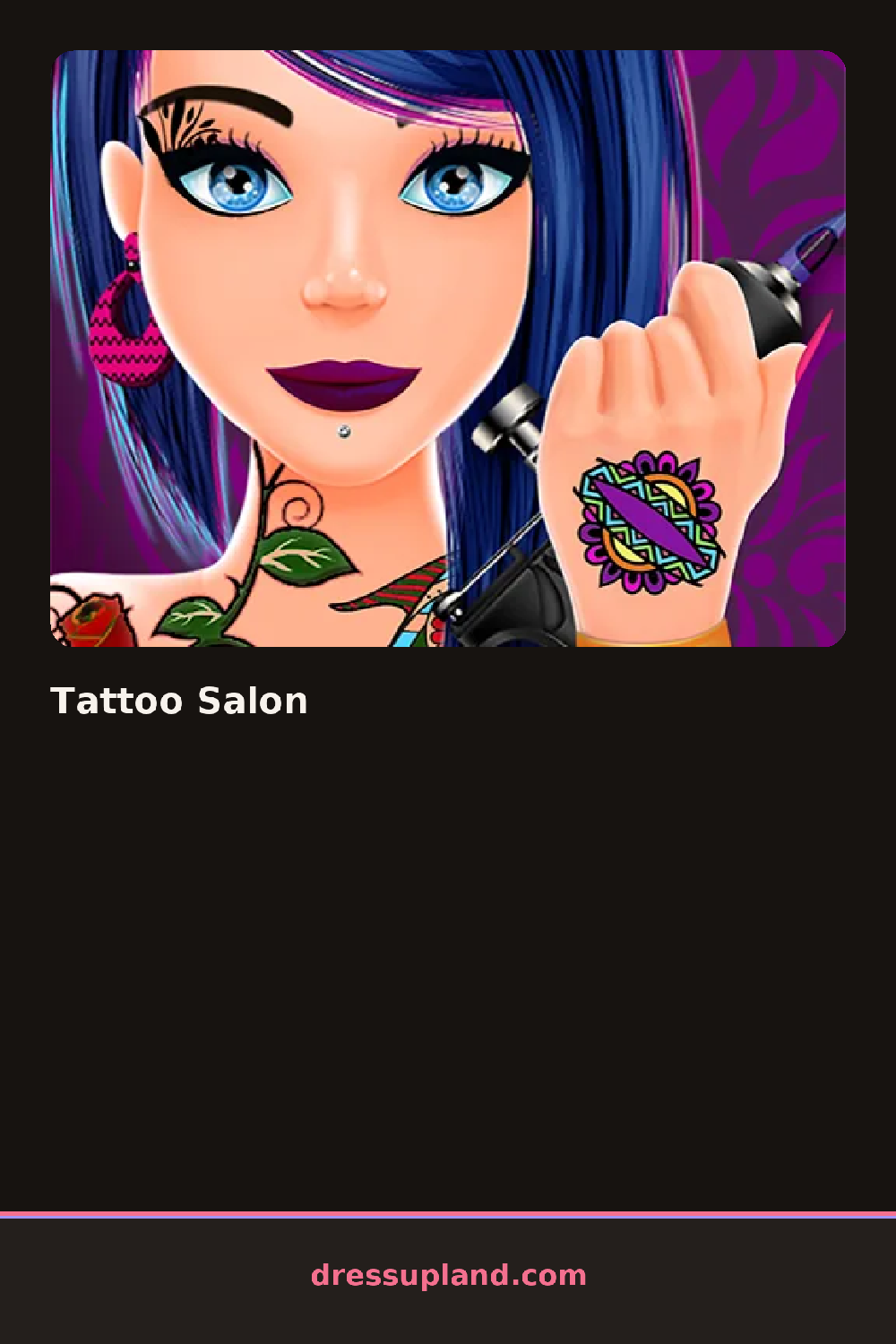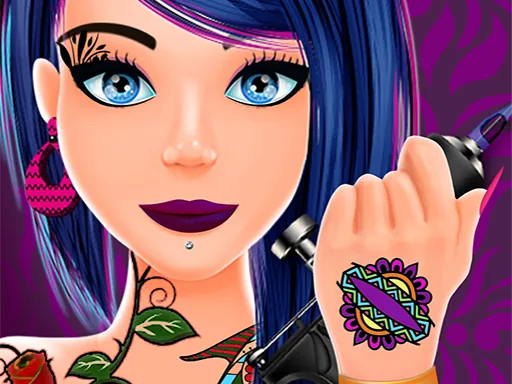

What is Tattoo Salon?
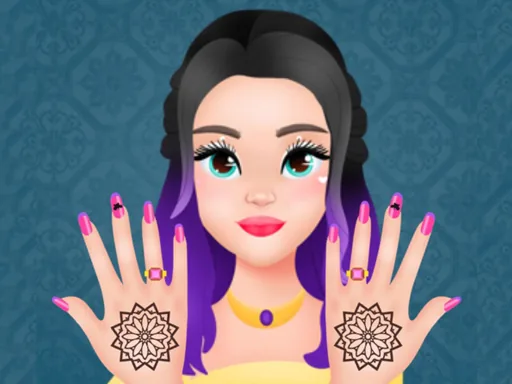
The first screen puts a client in the chair with their skin already visible, waiting for ink. You pick a body spot first, like the shoulder, forearm, ankle or back, then browse tattoo shapes until one fits. Tap a design and it lands right on the skin, still moveable, so you can drag it smaller, rotate it, and settle it in before you commit. There is a soft outline that shows you exactly where the tattoo will sit.
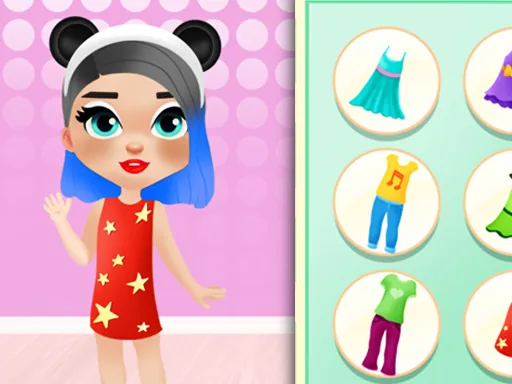
The toolkit spreads across a few stations. The tattoo section holds flowers, animals, stars, hearts, tribal bands, script lettering and small symbol clusters, some in plain black and some with color fills. The hair station covers cuts, colors and streaks, from a short bob with purple tips to long waves in pastel pink. Nails get their own panel with polish shades, glitter, and little painted accents on each finger. Pieces layer fine, so a tattoo can peek out under a colored streak and nail art stays visible no matter what.
The twist is that nothing here is a single step. Most makeover games pick one thing and stop, but this one runs skin, hair and nails as one full salon visit, and the finished client leaves the chair with all three done at once. A round ends with your completed client shown off in the finished look, and you can save the result before calling in the next chair.
Work in an order that pays off. Place tattoos first, because a back piece or an arm band changes how a hairstyle should hang. Pick one accent color and reuse it, so a teal tattoo reads well with teal nail glitter and a matching streak. And zoom in on the nail panel, since the small accents on individual fingers are easy to miss but they finish the look.
How do you play and control Tattoo Salon?
Click a category, then click a design to place it and drag the corner handle to resize or rotate before letting go.
Tap a design to place it, then use one finger to drag and a pinch to resize or rotate it into place.
Game details
| Specification | Details |
|---|---|
| Game Title | Tattoo Salon |
| Category / Genre | Makeover |
| Platform | Web browser — phone, tablet and desktop checked |
| Release Date | September 2026 |
| Technology | HTML5 |
| DressUpLand account | Not required |