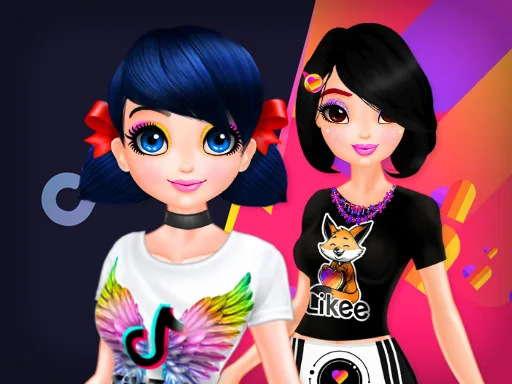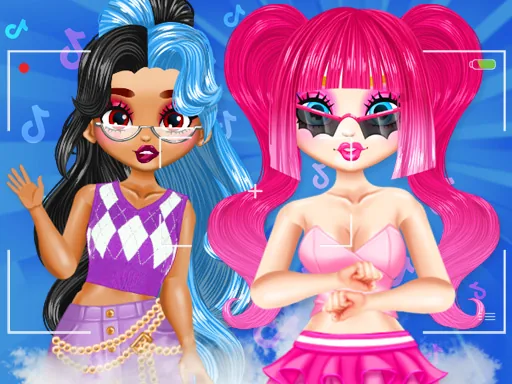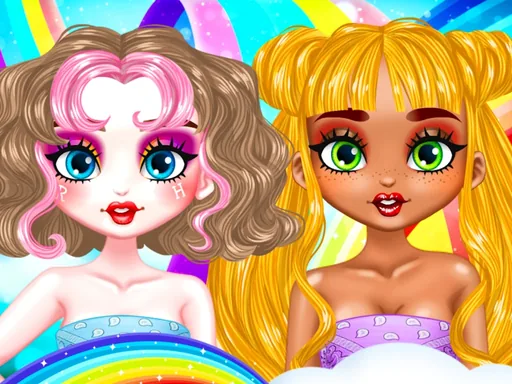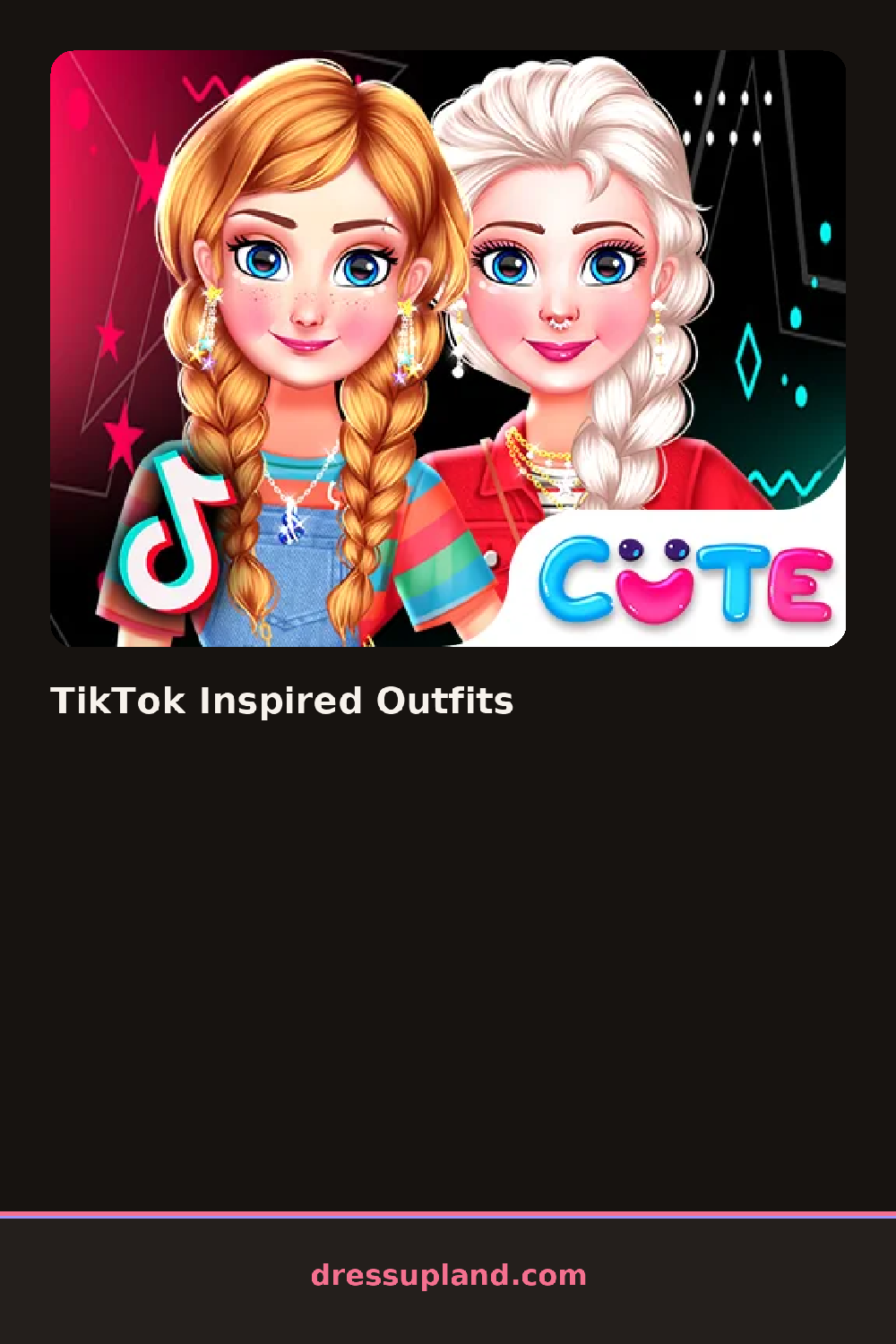

What is TikTok Inspired Outfits?
A vertical phone frame sits in the middle of the screen, like a feed post waiting to be filled. The first pick is usually a top, and the moment you tap one, it drops onto the model inside that frame so you see it the way a follower would scroll past it. TikTok Inspired Outfits builds every choice around that framing instead of a flat runway shot.
The closet splits into tabs for tops, bottoms, shoes, and accessories, with a scroll bar running down each one. Inside are the pieces you would expect from a trend page: an oversized graphic tee, low-rise cargo pants, chunky sneakers, a claw clip, hoop earrings, a mini shoulder bag. Everything layers, so a cropped jacket sits over the tee without hiding it, and jewelry stacks on top of both.
Where this makeover game differs from a plain paper-doll setup is the frame itself: it crops the outfit the way a phone camera would, cutting off at the knees or catching a slight tilt, so you end up composing a look instead of just assembling one. A round ends with that framed shot locked in, like a post ready to publish.
Working top to bottom keeps proportions honest, since shoes picked before pants can end up mismatched in scale. Matching one loud piece, like a printed jacket, with plain items elsewhere keeps the framed shot from getting too busy. Try tilting between the layout options if the model's pose crops out a piece you just added, since the frame does not always show the full outfit at once.
How do you play and control TikTok Inspired Outfits?
Click items in the closet tabs to dress the model and click the phone frame to preview or lock in the shot.
Tap pieces in the closet tabs to try them on and tap the frame to save your look.
Game details
| Specification | Details |
|---|---|
| Game Title | TikTok Inspired Outfits |
| Category / Genre | Makeover |
| Platform | Web browser — phone support not yet checked |
| Release Date | September 2026 |
| Technology | HTML5 |
| DressUpLand account | Not required |