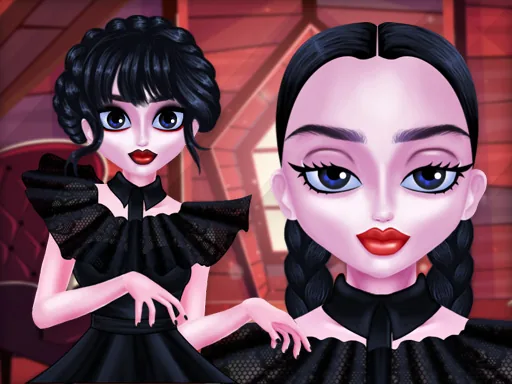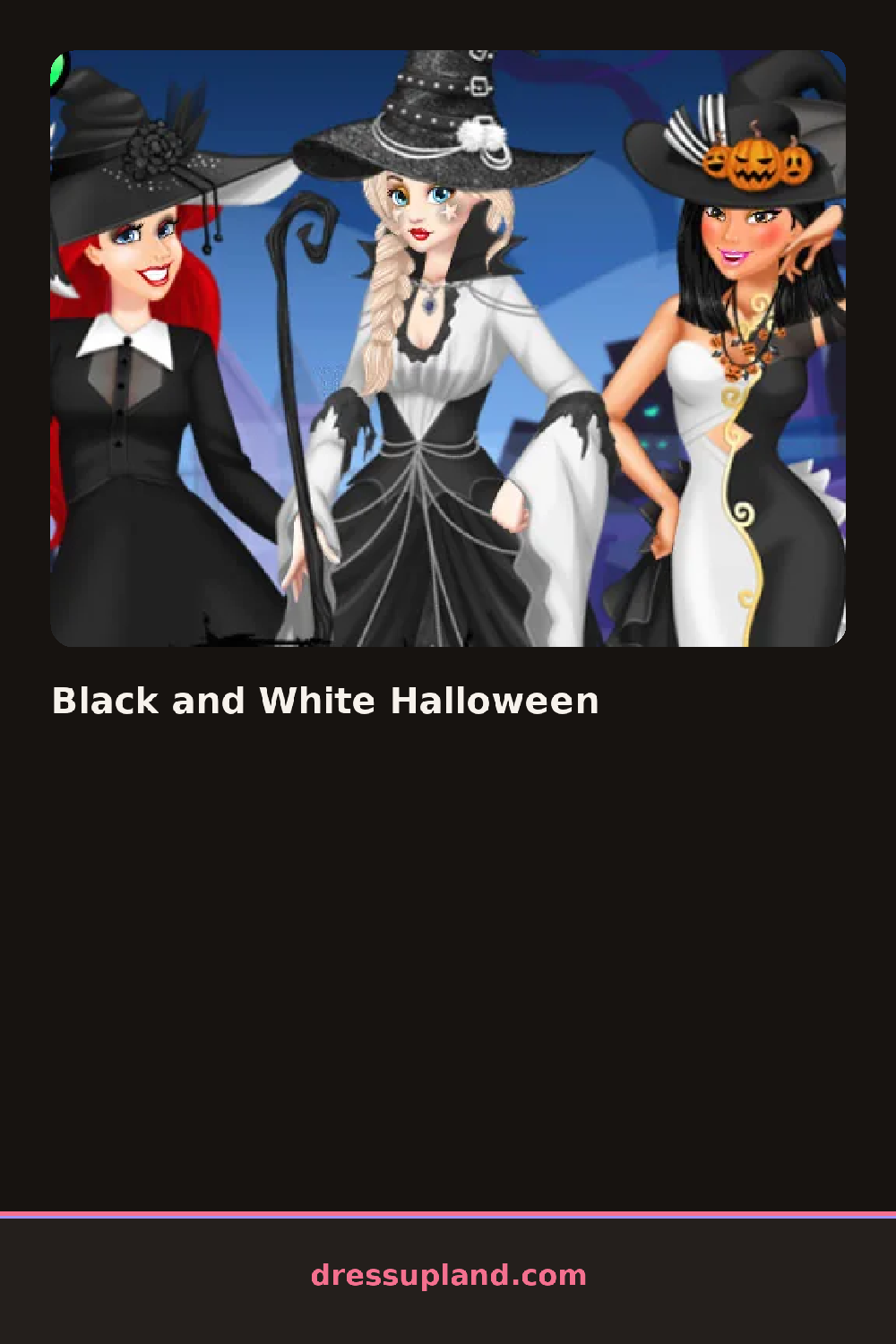

What is Black and White Halloween?
A bare face fills the screen when Black and White Halloween opens, and the shade tray underneath holds nothing warm at all, just black, white, and every gray between them. The first pick is almost always the base, and pushing it toward chalk-white or leaving it closer to skin tone changes how heavy every later line will read.
Products load in the order a face gets painted: a base tone, then brow and eye shades, a liner in three widths, a lip color running from stark white to blackout matte, then a short row of stencils for the cheek and temple, a crack pattern, a spiderweb, a stitched seam. Nothing here carries any hue, only value, so a shade picked for the eyes sits on the same gray scale as the lips. Stencils layer directly over finished skin, and a liner line placed first still shows through a stencil added on top of it.
Color usually carries half of a Halloween face, the red lips, the green tint, the orange glow; here none of that exists, so the same black-white-gray tray in this makeover game has to build fear or humor out of contrast and placement alone. A finished face gets one still portrait against a plain backdrop, close enough that every line and stencil shows up clearly.
Line weight decides more than shade choice ever will here: a hairline stroke around one eye reads as delicate, while the same line thickened and dragged down the cheek reads as a wound. Placing the base before touching any liner keeps the contrast from getting muddy, since a gray line over unfinished skin blends instead of standing apart. Pushing the base all the way to white before adding a stencil makes that pattern the sharpest thing in the shot.
How do you play and control Black and White Halloween?
Click a shade swatch to select it, then click the eye, brow, lip, or cheek area you want to paint with it.
Tap a swatch to pick a shade, then tap the face area to paint it, pinching to zoom in for fine liner work.
Game details
| Specification | Details |
|---|---|
| Game Title | Black and White Halloween |
| Category / Genre | Makeover |
| Platform | Web browser — phone support not yet checked |
| Technology | HTML5 |
| DressUpLand account | Not required |