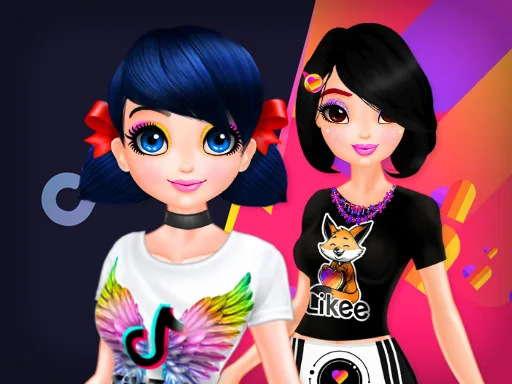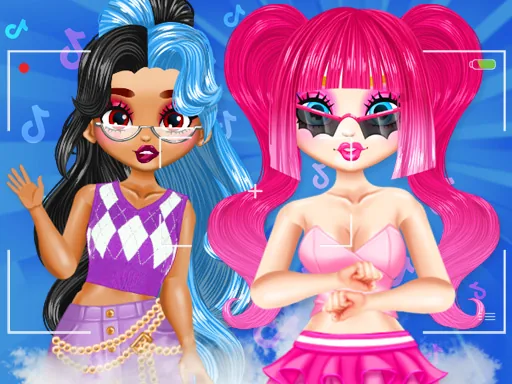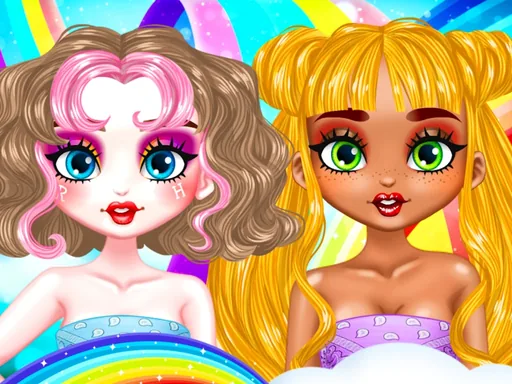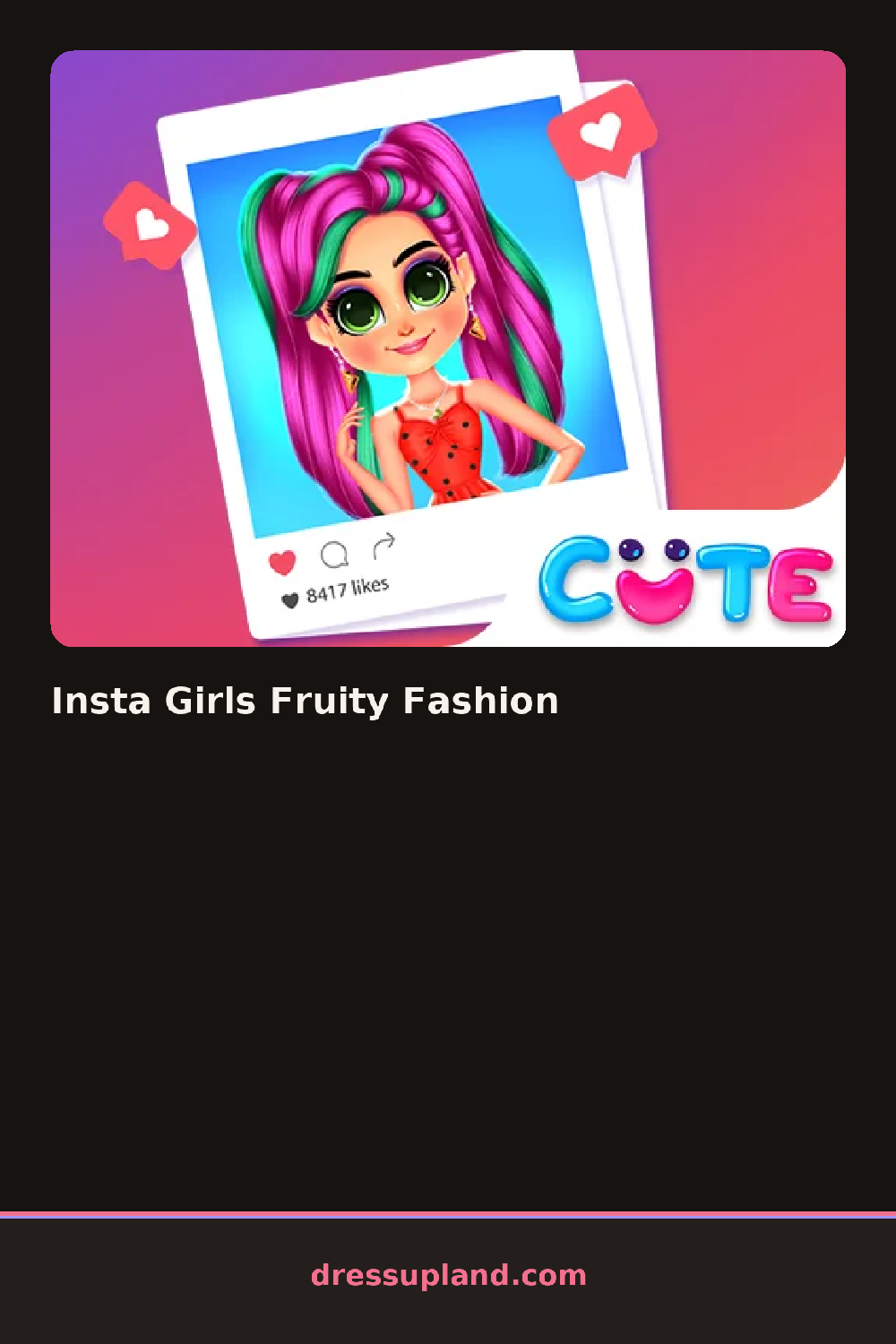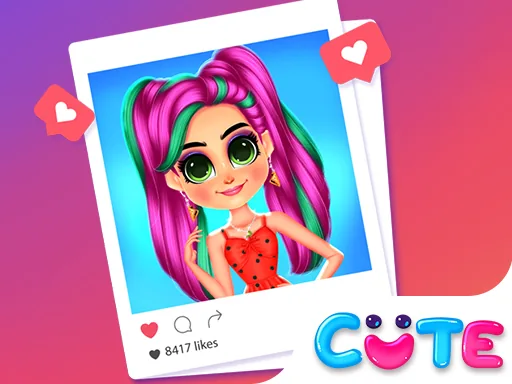

What is Insta Girls Fruity Fashion?
Insta Girls Fruity Fashion opens on a model and a blank feed post, and the first choice is usually a fruit theme, watermelon, citrus, strawberry, that colors everything picked after it. Setting that theme first narrows the palette for hair, makeup, and clothes before a single piece gets tried on.
The wardrobe runs in themed sets instead of loose racks: a strawberry-print sundress, citrus-yellow sneakers, a watermelon-slice hair clip, layered over base tops and skirts that stay neutral so the fruit print pops. Makeup follows the same logic, a coral lip or a lime-tinted eyeshadow pulls from the same fruit as the outfit.
The camera side is where this makeover game breaks from a plain closet app: once the outfit is set, a feed layout opens up with filters, stickers, and caption-style frames, and the round ends with a finished post ready to share, instead of a plain dressed-up character shot against a blank background.
One fruit theme carried across hair, makeup, and clothes keeps the post from looking mismatched. Adding a matching sticker or filter after the outfit is done ties the photo together instead of fighting the print underneath it. The caption and frame options sit past the filter row, so it helps to scroll through the feed tools instead of stopping at the first filter that looks decent.
How do you play and control Insta Girls Fruity Fashion?
Click through the theme, outfit, and filter tabs on the side, then click an item to apply it before clicking to save the feed post.
Tap a theme or item tab, tap a piece to try it on, then tap a filter and the save button to post the finished photo.
Game details
| Specification | Details |
|---|---|
| Game Title | Insta Girls Fruity Fashion |
| Category / Genre | Makeover |
| Platform | Web browser — phone, tablet and desktop checked |
| Release Date | September 2026 |
| Technology | HTML5 |
| DressUpLand account | Not required |