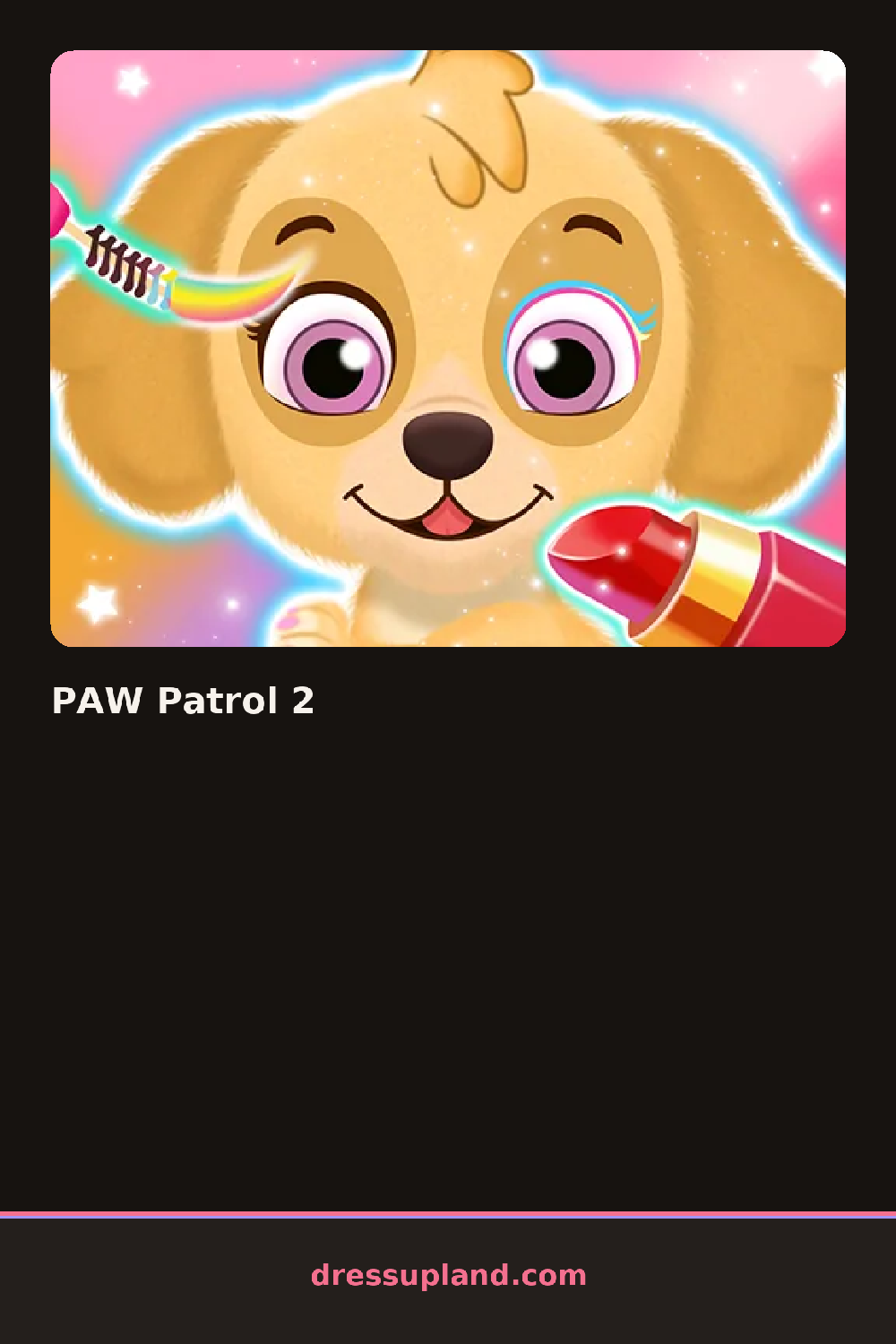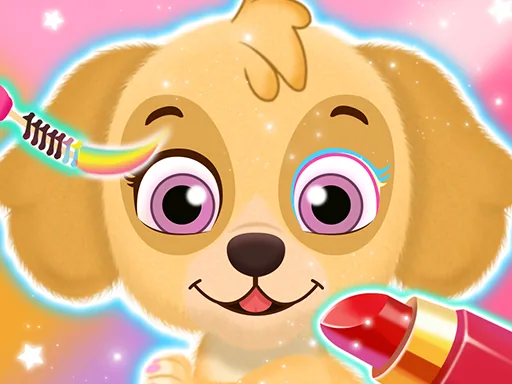
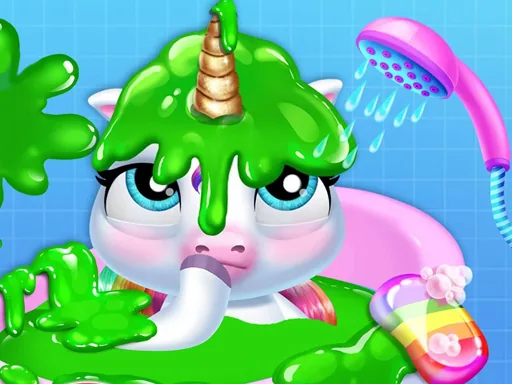
What is PAW Patrol 2?
The screen shows a big scene with the pups in it and a tray of decorating options along the bottom. Your first job is picking which part of the scene to work on, and the first actual choice is usually a background color or a sticker, since those are the biggest change for one tap. Every pick shows up on the picture right away, so a kid sees the effect before understanding anything else.
The options break into a few simple groups: colors, stickers, props and characters. You can drop in items like a fire hydrant, a bone, clouds, a badge or a treat, and shift them around the scene. Things stack, so a sticker placed later sits on top of an earlier one, and moving a big item can reveal something underneath.
The thing this one does differently is that the pups themselves are part of the picture, so you are decorating around characters instead of an empty room, and the result is a finished picture you can save rather than a score or a timer. It plays like a light sticker-book character creator, with the dogs as the fixed center of every design.
Start with the background color so the stickers you add later will actually be visible against it. Put large props near the edges of the screen and keep the middle clear for the pups, since covering them is the easiest way to make the picture look cluttered. The undo control is easy to miss but worth finding early, because one tap erases the last sticker instead of clearing the whole scene.
How do you play and control PAW Patrol 2?
Click a category, then click an item to add it to the scene, and drag placed items to reposition them.
Tap a category at the bottom, tap an item to stamp it onto the scene, then drag it with your finger to place it.
Game details
| Specification | Details |
|---|---|
| Game Title | PAW Patrol 2 |
| Category / Genre | Baby & kids |
| Platform | Web browser — phone support not yet checked |
| Release Date | September 2026 |
| Technology | HTML5 |
| DressUpLand account | Not required |