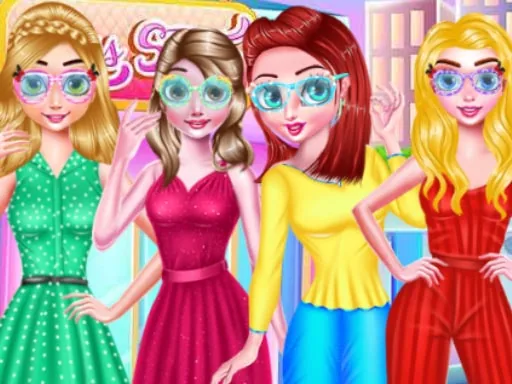
What is Eye Glasses Designer?
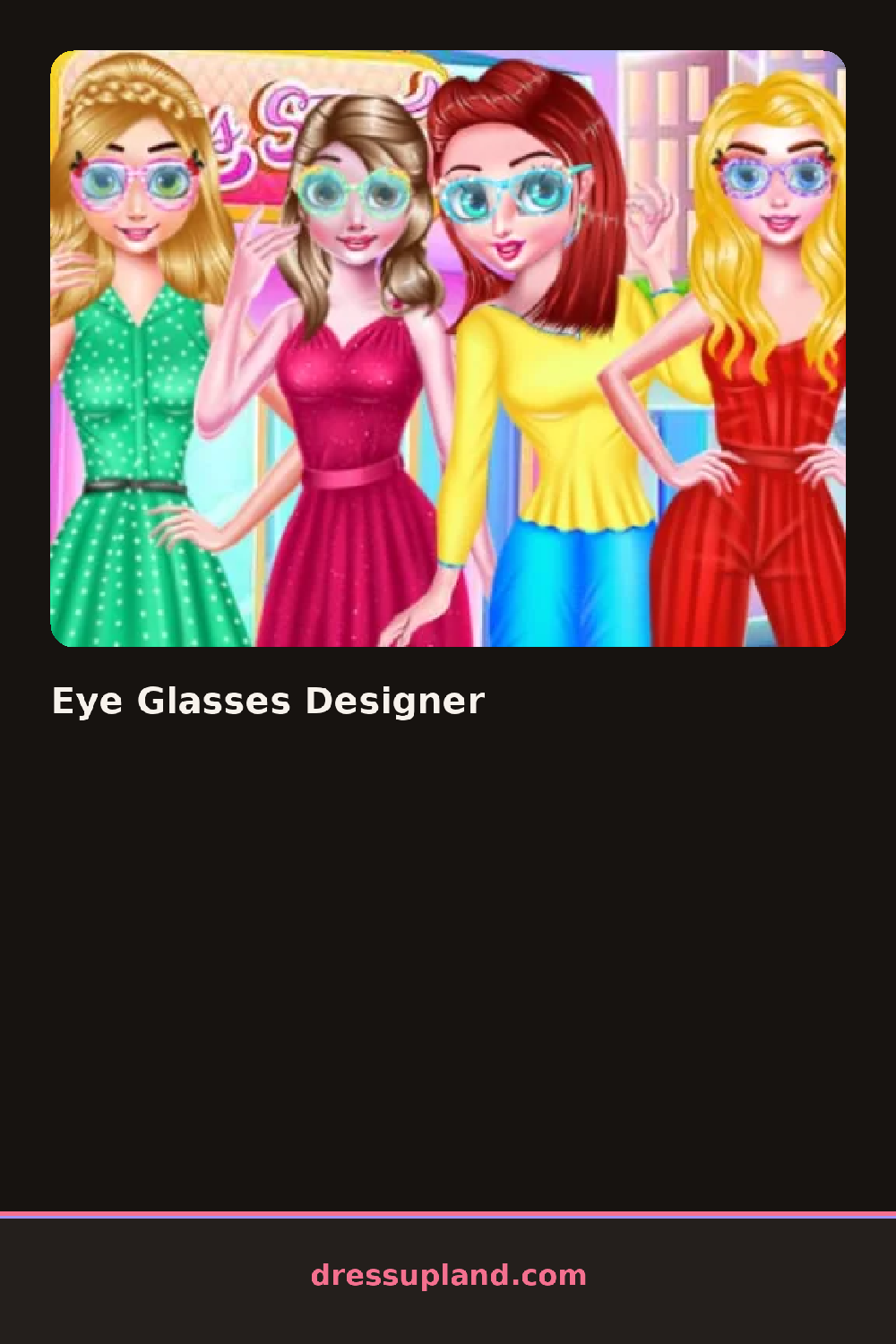
You land on a big blank pair of glasses centered on the screen with a small tray of options around it. Nothing is on the frames yet, so the first job is picking a shape, and the choices show up as real silhouettes you click once to swap in. Eye Glasses Designer moves fast this way; every tap changes something you can see immediately, so the first minute is mostly trying shapes and going back.
The toolkit breaks into three groups: frame shapes, colors, and decorations. The shapes cover the standards, round frames, squares, cat-eye, and a couple of chunky styles. Colors apply to the rims and temples separately, so you can do a two-tone pair, like a red front with white arms. The decoration tab holds small stickers and patterns you can place on the frames, plus lens options that go from plain to tinted. Pieces layer cleanly, which means you can paint the frame first and still add a pattern on top without losing the base color underneath.
The twist is that you are not dressing a character, you are the designer. It plays like a decorating game where the glasses themselves are the project, and the doctor-and-care flavor shows up in little touches like an eye chart nearby. When the pair looks right, the round ends with your finished glasses displayed on their own, ready to keep as a saved design.
Decide on a color scheme before you decorate, two colors at most, or the stickers fight the frame. Try matching the temple arms to a lens tint instead of the rim; it reads more finished than coloring everything one shade. And zoom in on the hinge area before you finish, because that is where a misplaced sticker is easiest to miss.
Click a shape from the tray, then click color swatches and decorations to build the pair piece by piece.
How do you play and control Eye Glasses Designer?
Click a category tab, then click shapes, swatches or stickers to apply them to the frames on screen.
Tap the option tabs at the bottom, then tap any shape, color or sticker to place it on the glasses.
Game details
| Specification | Details |
|---|---|
| Game Title | Eye Glasses Designer |
| Category / Genre | Baby & kids |
| Platform | Web browser — phone support not yet checked |
| Release Date | September 2026 |
| Technology | HTML5 |
| DressUpLand account | Not required |