
What is Pretty Cure 3?
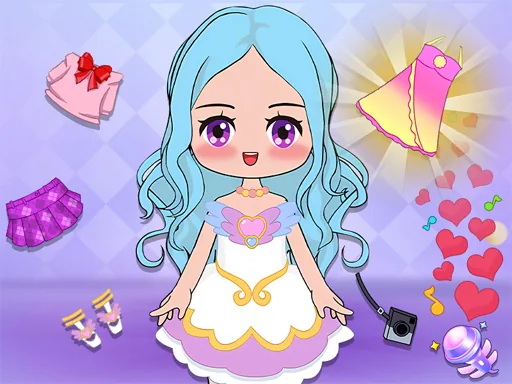
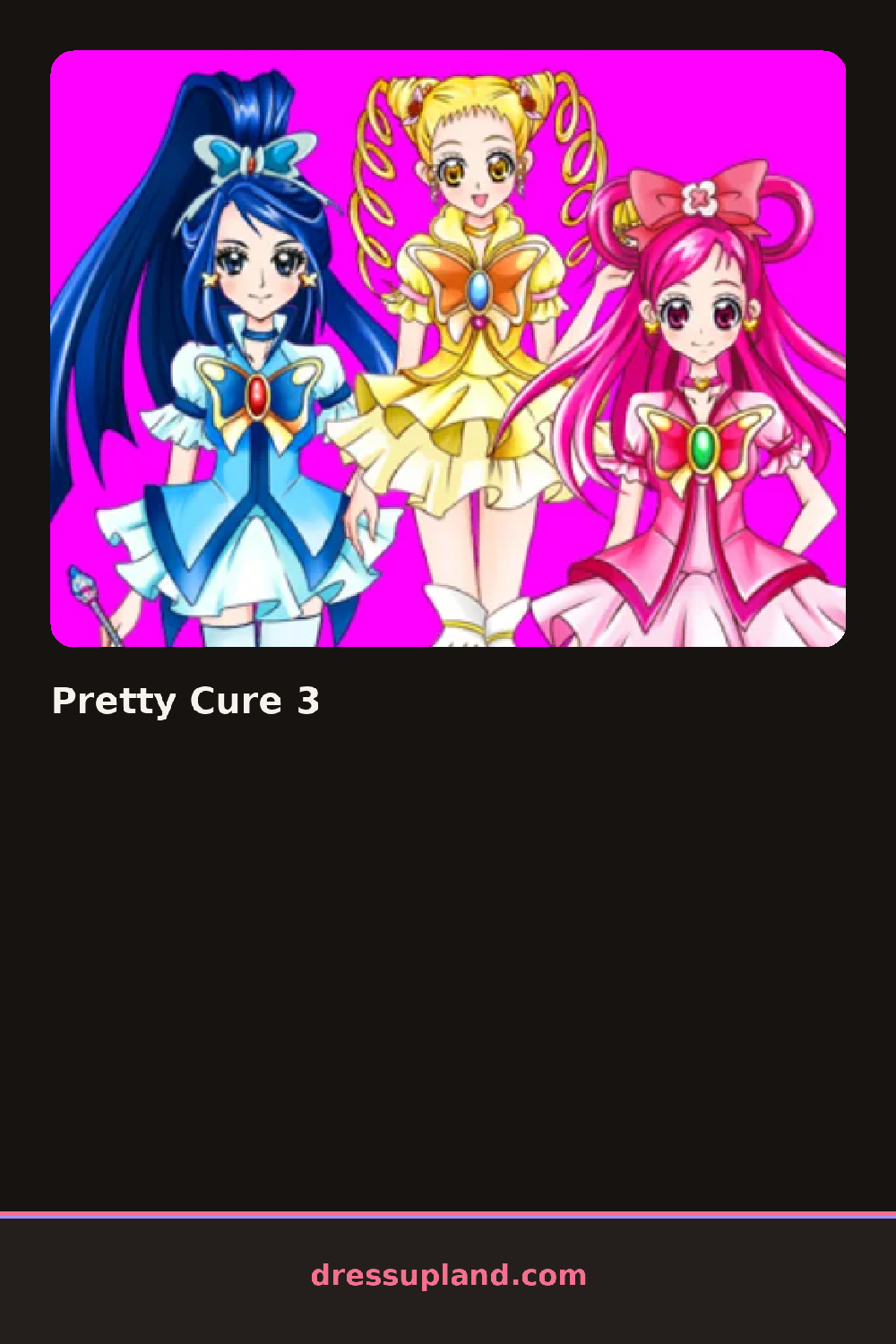
A blank chibi figure sits center screen, arms loose, waiting on a base outfit. Pretty Cure 3 opens on the outfit tab rather than hair, so the first thing you usually change is a dress or top, and that single swap already changes how the whole character reads. There is no intro cutscene and no second character to switch to, just the one figure and a strip of tabs running down the side.
Categories cover the usual ground: dresses or separates, leg wear, footwear, hairstyles, and a smaller tab for bows, gloves, and jewelry. Each tab scrolls through square thumbnails, and pieces stack in layers, so a jacket sits over a dress and gloves sit over sleeves without either piece disappearing. Several items share the same handful of colors, so building a matching set is mostly a matter of picking one shade and sticking with it across tabs.
Where this character creator pulls ahead of similar chibi screens is in how many small accessory slots exist, letting a single outfit carry three or four accent pieces at once instead of one. A session ends the same way most of these do, with a finished pose you can save or screenshot once every slot holds something you are happy with.
Pick the dress silhouette first, then let hair and accessories react to it, since a fitted dress calls for a different hairstyle than a full skirt does. Try repeating a single jewelry piece, like matching earrings and a necklace, to pull the whole outfit together. The gloves tab is easy to skip past, but a plain pair often reads better against a busy dress than another patterned piece.
How do you play and control Pretty Cure 3?
Use the mouse to click a tab on the side, then click an item to put it onto the character.
Tap through the tabs with your finger and tap an item to apply it to the character.
Game details
| Specification | Details |
|---|---|
| Game Title | Pretty Cure 3 |
| Category / Genre | Character creator |
| Platform | Web browser — phone support not yet checked |
| Release Date | July 2023 |
| Technology | HTML5 |
| DressUpLand account | Not required |