
What is Anime Avatar Creator?
A blank anime face sits in the middle of the screen when Anime Avatar Creator loads, no hair or eyes yet, just a jaw shape and a skin tone bar underneath it. The first tap usually goes to that skin tone or the face shape, since everything else in the toolkit builds around it. Each choice snaps into place right away, so a wide-eyed face reads differently once thinner brows replace thick ones.
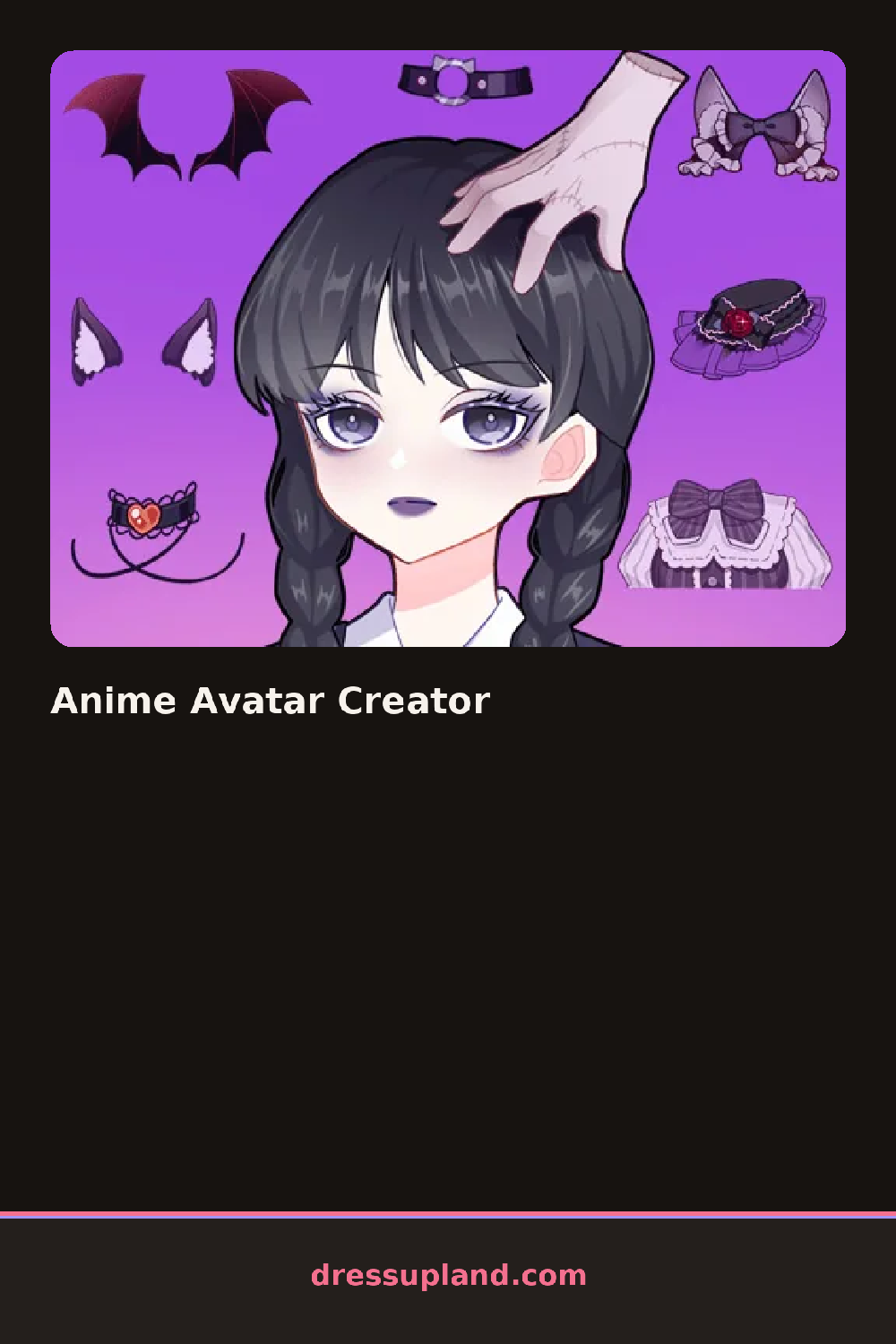
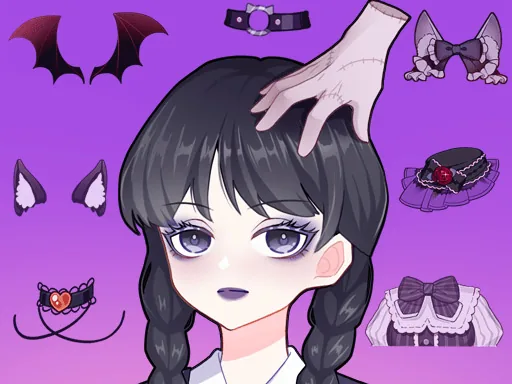
The toolkit runs in tabs down one side: hairstyles from twin tails to a blunt bob to a loose side braid, eye shapes and iris colors in their own grid, then outfits like a sailor-style uniform top or an oversized hoodie. Accessories sit apart from clothing, glasses, hair clips, and small charms that clip onto whichever hairstyle is chosen. Every layer stacks over the last one, so an earring stays visible only if hair sits behind it in the order picked.
Past the face itself, this character creator also hands over a background panel, so the frame around the avatar gets decorated with a color, a pattern, or a small prop before anything counts as finished. A session ends with the full portrait, face, outfit, and background together, saved as a single image instead of a figure walking off toward a runway or a story scene.
The skin tone and eye color are worth locking in before hair color, since warm skin tones can clash with very cool hair shades. Outfits with a high collar hide part of any necklace, so it helps to add jewelry after the top instead of before it. The background tab is easy to skip, but even a plain color behind the face makes pale hair or light eyes read clearly against the default white.
How do you play and control Anime Avatar Creator?
Click a toolkit tab to open it, then click a hairstyle, feature, or outfit piece to add it to the face.
Tap a toolkit tab to open it, then tap a hairstyle, feature, or outfit piece to add it to the face.
Game details
| Specification | Details |
|---|---|
| Game Title | Anime Avatar Creator |
| Category / Genre | Character creator |
| Platform | Web browser — phone, tablet and desktop checked |
| Release Date | September 2026 |
| Technology | HTML5 |
| DressUpLand account | Not required |