
What is Chinese Food Maker: Spring Rolls?
Empty counters and a bare-handed chef greet the opening screen of Chinese Food Maker: Spring Rolls, so the first choice is an apron color or a hat style, not an ingredient. That outfit pick happens fast, then the screen shifts to a cutting board lined with wrappers and a row of vegetables waiting to be chosen.
The chef's clothing options are short but real: a colored apron, a paper or cloth hat, and sometimes gloves, all picked before the cooking starts. The cooking side is where the real variety sits, with rice paper or wheat wrappers, shredded cabbage, carrot matchsticks, bean sprouts, and glass noodles laid out in separate bins. Sauces and dipping bowls come last, arranged in small cups off to the side of the tray.
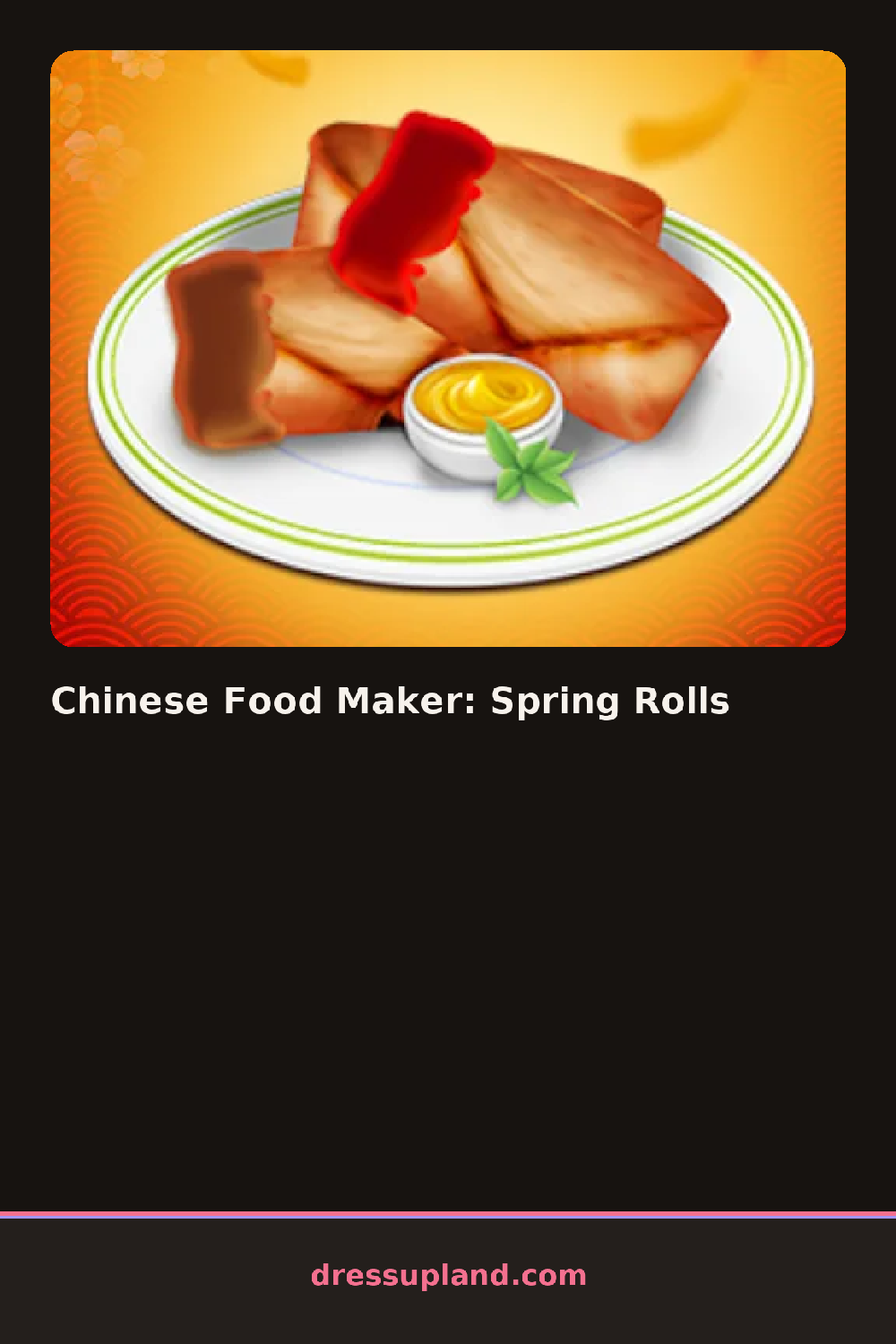
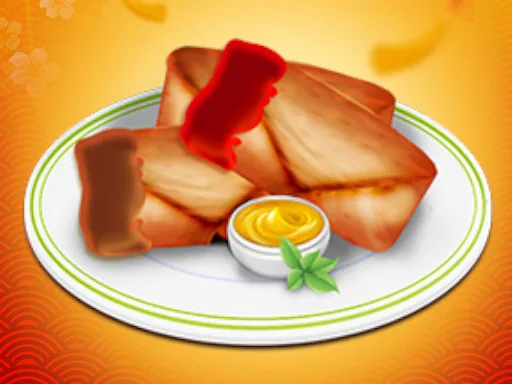
What this character creator does differently from a straight dress-up game is folding the styling into a process instead of a single screen: the chef's look is chosen once, but each spring roll gets built step by step, from wrapper to filling to fold to fry. A round ends with a finished tray of rolled spring rolls plated next to their dipping sauce, standing in for the usual final photo or runway.
Layering shredded cabbage under the thicker vegetables before rolling keeps a spring roll from tearing partway through the fold. Rolling the wrapper snug on the first pass matters more than adjusting it after, since a loose roll won't hold once it's set down. Pairing a brighter filling with a plain wrapper also makes each roll easier to tell apart once the whole tray is plated.
How do you play and control Chinese Food Maker: Spring Rolls?
Click the apron, hat, wrapper, and filling options in order, then click and drag to fold and place each spring roll on the tray.
Tap the outfit and ingredient choices in order, then drag a finger across the screen to fold and place each spring roll on the tray.
Game details
| Specification | Details |
|---|---|
| Game Title | Chinese Food Maker: Spring Rolls |
| Category / Genre | Character creator |
| Platform | Web browser — phone support not yet checked |
| Release Date | November 2020 |
| Technology | HTML5 |
| DressUpLand account | Not required |