
MakeoverPrincessFashion & runwayDress upBaby & kidsAnimals & fantasyCouples & BFFsCelebritiesCharacter creatorAnime & chibi All 13 →
Anime Avatar Maker

Loading the game…

Free · no download · works on phones

Anime Avatar Maker

Character creator 2026 Works on phones
Pin

What is Anime Avatar Maker?

Anime Avatar Maker is a free in-browser Character creator game where players style outfits, choose hairstyles, and coordinate accessories directly in their web browser.

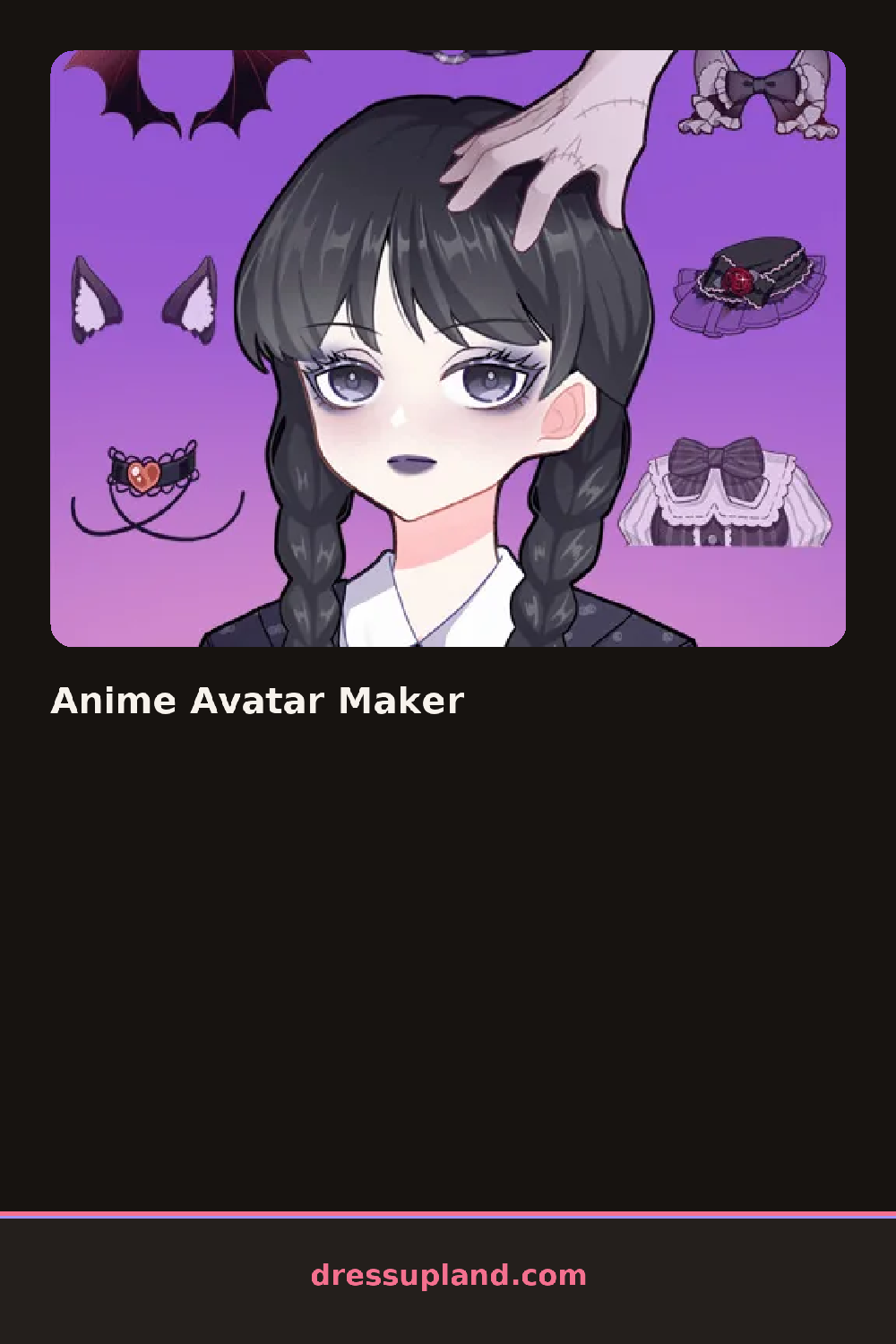
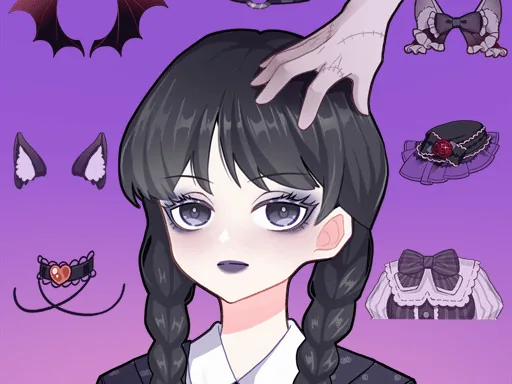
Every avatar starts as a blank face in this anime avatar maker, and the fun is layering it up piece by piece: hairstyles in a dozen cuts and colors, eye shapes and shades, then a full outfit and accessories chosen one at a time rather than picked from a finished set.

Because every detail is a separate choice instead of a locked-in style, this suits anyone who likes fine-tuning a look for a long time, especially fans of cute, anime-inspired fashion who want an avatar that actually matches how they would dress.

"Anime Avatar Maker delivers a creative, accessible fashion styling experience with rich wardrobe variety and instant HTML5 gameplay across desktop and mobile browsers."

— DressUpLand Editorial Review

How do you play and control Anime Avatar Maker?

To play Anime Avatar Maker, click or tap clothing and accessory items from the sidebar trays to dress and style your character in real time.

Desktop

Click through the hairstyle, eye, and outfit menus with the mouse to build the avatar, then click a button to save or download the finished look.

Phone & tablet

Tap each category along the edge of the screen to swap hairstyles, features, and outfits with a finger.

Step-by-Step How to Play Guide

  1. Launch Game: Press Play to load Anime Avatar Maker instantly in your browser tab.
  2. Select Category: Click or tap tray icons to view dresses, hairstyles, tops, skirts, or accessories.
  3. Equip & Style: Tap or drag items onto the character to dress them up and mix matching palettes.
  4. Finish Look: Complete your styling with accessories, shoes, and background scenery.

What are the key specifications and features of Anime Avatar Maker?

Anime Avatar Maker runs directly in modern browsers on desktop and mobile devices without installation, featuring full wardrobe access and zero in-app purchases.

Anime Avatar Maker Quick Facts & Specifications
Specification Details
Game Title Anime Avatar Maker
Category / Genre Character creator
Platform Web Browser (Desktop, Mobile, Tablet)
Price Free to Play (No In-App Purchases)
Release Date September 2026
Technology HTML5
Account Requirement None (No sign-up needed)

Key Gameplay Highlights

  • Unrestricted Wardrobe: Enjoy full access to all styling items with no locked timers or paywalls.
  • Zero Installation: Fast-loading HTML5 experience playable in any modern web browser.
  • Device Accessibility: Play with precise mouse controls on desktop or intuitive touch gestures on mobile.
  • Creative Freedom: Mix hairstyles, cosmetics, outfits, and shoes for endless styling combinations.

Frequently Asked Questions about Anime Avatar Maker

How do I play Anime Avatar Maker online for free?

Click the big Play button at the top of this page to launch Anime Avatar Maker immediately in your browser tab. There are no fees, downloads, or sign-up forms required.

Does Anime Avatar Maker work on mobile phones and tablets?

Yes, Anime Avatar Maker is fully responsive and supports touch gestures on iOS (iPhone/iPad) and Android browsers.

Do I need an account or app download to play?

No account or app download is needed. All games on DressUpLand run safely within your browser without collecting personal data or requiring logins.

Source Reference: Game content and assets provided by game developers. Verified under web preservation standards for HTML5 casual games. Related genre reference: Dress-up Game (Wikipedia).

More Character creator games

See all →