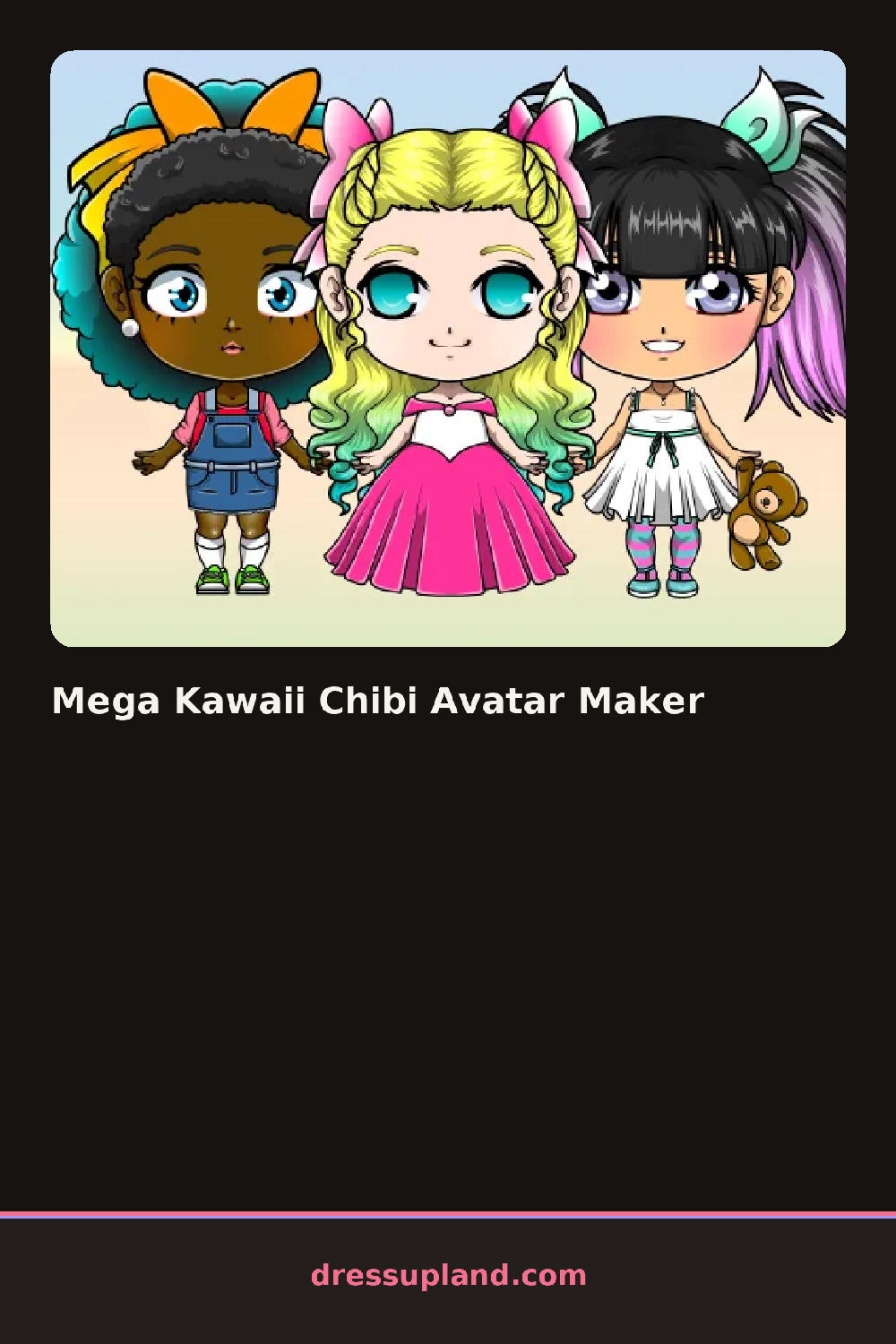

What is Mega Kawaii Chibi Avatar Maker?
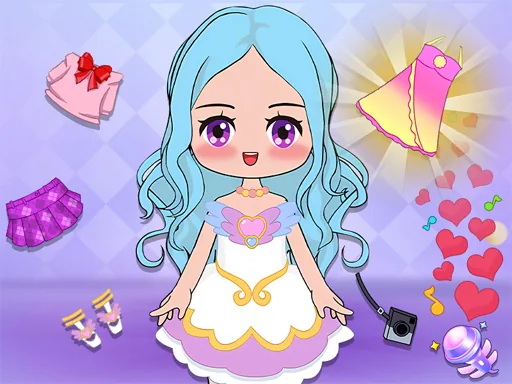
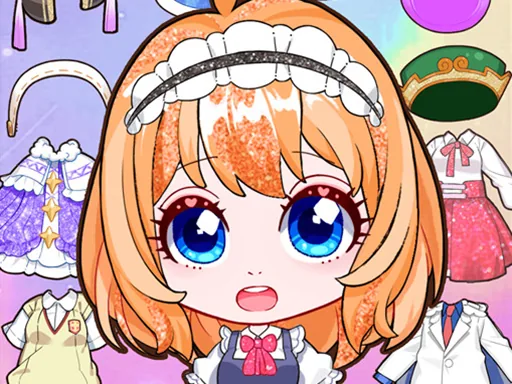
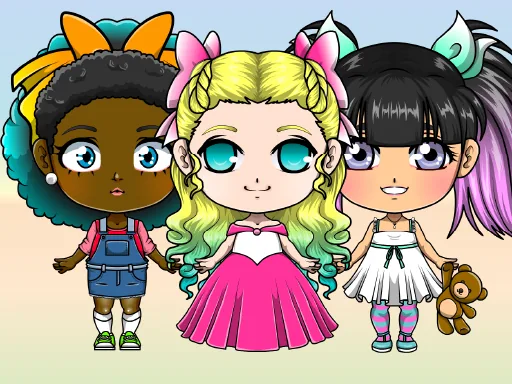
Big eyes and an oversized head sit on a tiny body when Mega Kawaii Chibi Avatar Maker opens, and the first pick is usually the face shape, since it decides how much room is left for hair and accessories around it.
Hair comes in chibi-scaled styles like twin tails, a blunt bob with bangs, and space buns, sized to fit the oversized head. Faces layer separately from hair, with blush stickers, star-shaped eye highlights and different mouth shapes stacking on top of the base face. Outfits run from a school uniform to a hoodie and shorts, and small accessories like round glasses, headphones and bows sit on top of the hair and outfit layers.
A full-body dress-up game asks you to dress a figure; this character creator asks you to build one from proportions up, since the chibi head-to-body ratio is part of the design and not just a costume choice. The finished character saves as a small avatar image, built to work as a profile picture instead of a runway shot.
Keep the hair color close to one accent in the outfit, and a small avatar reads cleaner at a glance instead of busy. Blush stickers and eye highlights live in the face tab, separate from hair, so they're easy to skip if only the hair and outfit tabs get checked. Trying a few head shapes before locking in hair saves a redo later, since certain hairstyles only fit certain shapes cleanly.
How do you play and control Mega Kawaii Chibi Avatar Maker?
Click a thumbnail in each tab to add that piece to the character, and click a different one to swap it out.
Tap through the tabs at the bottom and tap a thumbnail to add it to the avatar.
Game details
| Specification | Details |
|---|---|
| Game Title | Mega Kawaii Chibi Avatar Maker |
| Category / Genre | Character creator |
| Platform | Web browser — phone support not yet checked |
| Release Date | September 2026 |
| Technology | HTML5 |
| DressUpLand account | Not required |