
What is Monsters Maker?
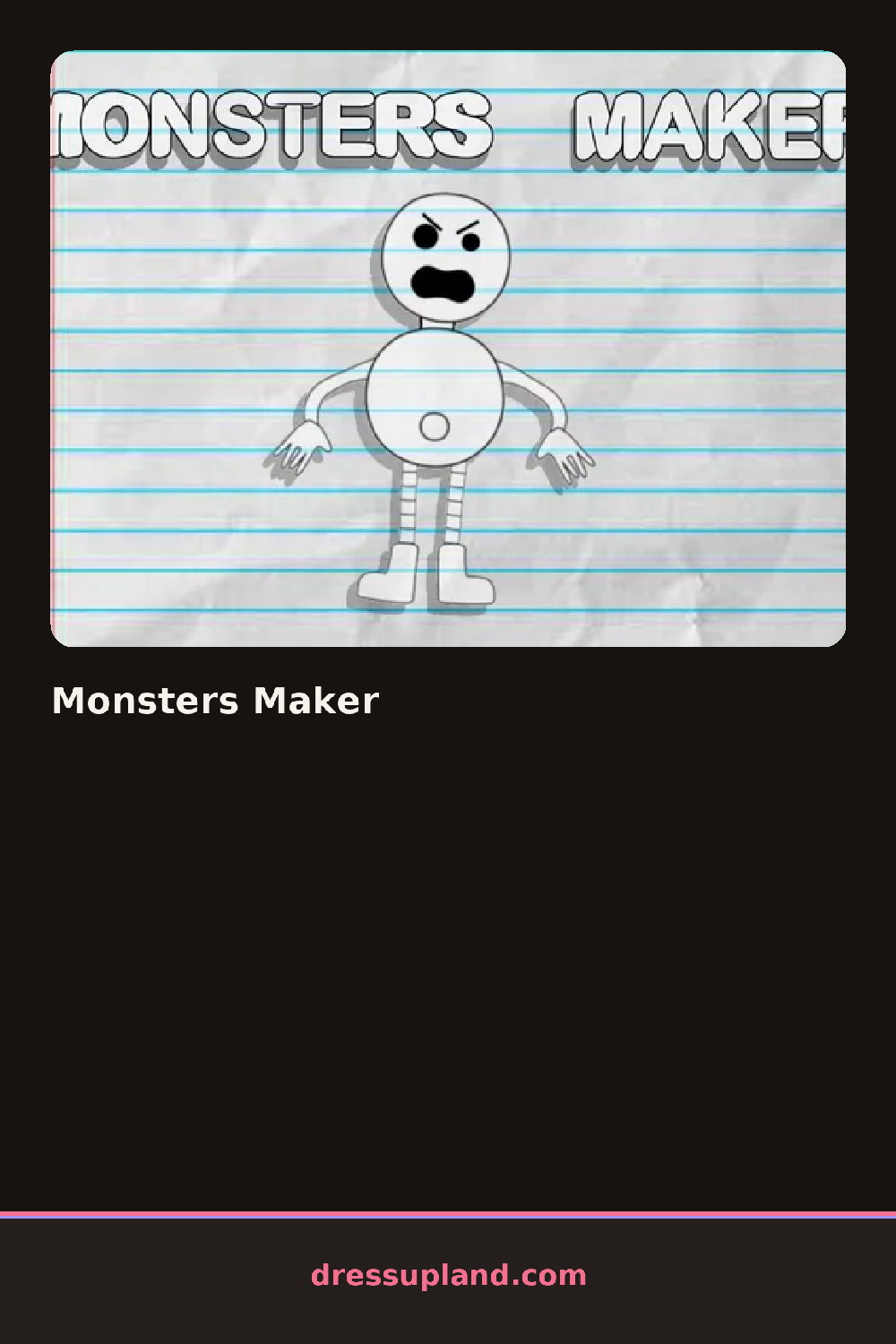
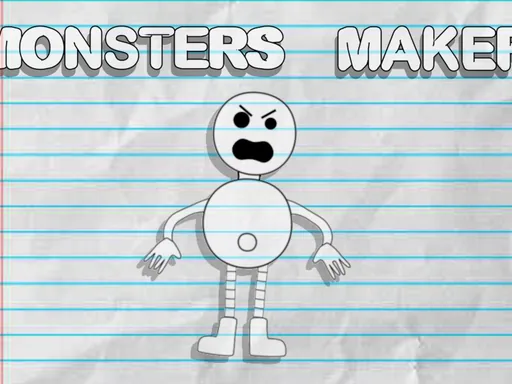
You start with a blank, wobbling creature silhouette in the middle of the screen and a category panel beside it. The first thing you pick is usually the body, because everything else scales to it. Tap a body type and the silhouette changes shape instantly, then the panel fills with the options that fit the new shape.
The toolkit is built around monster parts rather than clothes. Body shapes range from round blobs to tall narrow torsos. Then come the eye sets, from a single giant eye to a row of five small ones, plus mouths with fangs, horns, ears, antennae and tails. Later categories cover surface details: fur patches, scales, spots, wings and little extras like a patch of spikes down the spine. A color row lets you tint each part separately, so a green body can carry purple horns and yellow eyes. Parts layer sensibly, with wings behind the body and horns in front of the head.
The trick this character creator pulls off is independent coloring per part. Most similar games give you one palette for the whole creature, while here each limb, eye and horn takes its own color, so two players starting from the same body can end up with totally different results. When you finish, the game shows your monster alone on a clean backdrop, and you can keep tweaking or start a brand new one from scratch.
Pick the body first and the color scheme second, then stop touching the palette until the parts are done. A dark body with one bright part, like red horns on a navy creature, reads better than five clashing colors. Check the eyes category twice, since multi-eye sets sit at the bottom and are easy to scroll past.
How do you play and control Monsters Maker?
Click through the category tabs and click a part to apply it, then use the color swatches to tint individual pieces.
Swipe between category tabs, tap a part to add it and tap a color swatch to apply it to the selected piece.
Game details
| Specification | Details |
|---|---|
| Game Title | Monsters Maker |
| Category / Genre | Character creator |
| Platform | Web browser — phone, tablet and desktop checked |
| Release Date | November 2024 |
| Technology | HTML5 |
| DressUpLand account | Not required |