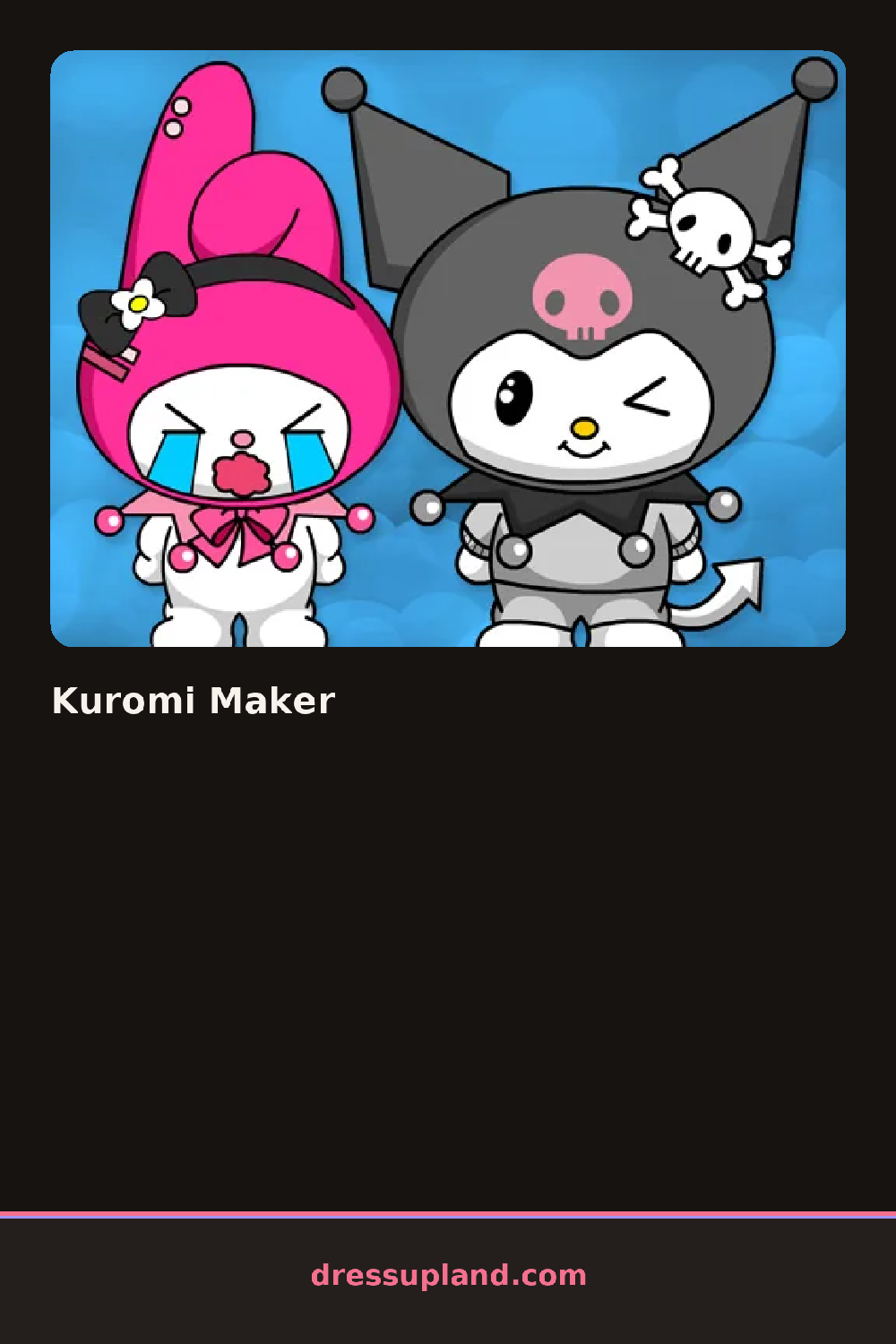

What is Kuromi Maker?
Rabbit ears and a blank face wait center screen when Kuromi Maker loads, and the first tap usually goes to the hood, since it changes the whole silhouette before anything else does. From there each choice snaps onto the character immediately, so a hood swap or a new eye shape shows up without waiting for a preview screen.
Pieces are grouped by the parts of a Kuromi-style look rather than by outfit slot: hood and ear shapes, hairstyles in black or streaked colors, nail sets, and small decorations like skull charms or bows. A separate row handles spa touches, blush shades, a glossy lip, a manicure pattern, so the face and the hands get built up in the same pass as the hood and hair. Most decorations layer over the base look without replacing it.
The mix of hair and nail styling with room-style decorating pieces is what separates this character creator from a plain paper-doll app, since you are building both a face and a small setting around it instead of only swapping clothes. A session usually ends with the finished character saved or shown off against whatever background you picked.
Locking in the hood shape before touching hair colors keeps the two from clashing, since some hairstyles only show up around certain hoods. Pulling nail and decoration colors from the same black-and-pink family as the hood keeps the look from splitting into two different palettes. Checking the spa row last catches small details, like blush or lip color, that are easy to skip after spending most of the time on hair and hood.
How do you play and control Kuromi Maker?
Click a category tab to open its pieces, then click an item to add it to the character.
Tap a category tab to browse pieces and tap one to add it to the character.
Game details
| Specification | Details |
|---|---|
| Game Title | Kuromi Maker |
| Category / Genre | Character creator |
| Platform | Web browser — phone, tablet and desktop checked |
| Release Date | September 2026 |
| Technology | HTML5 |
| DressUpLand account | Not required |