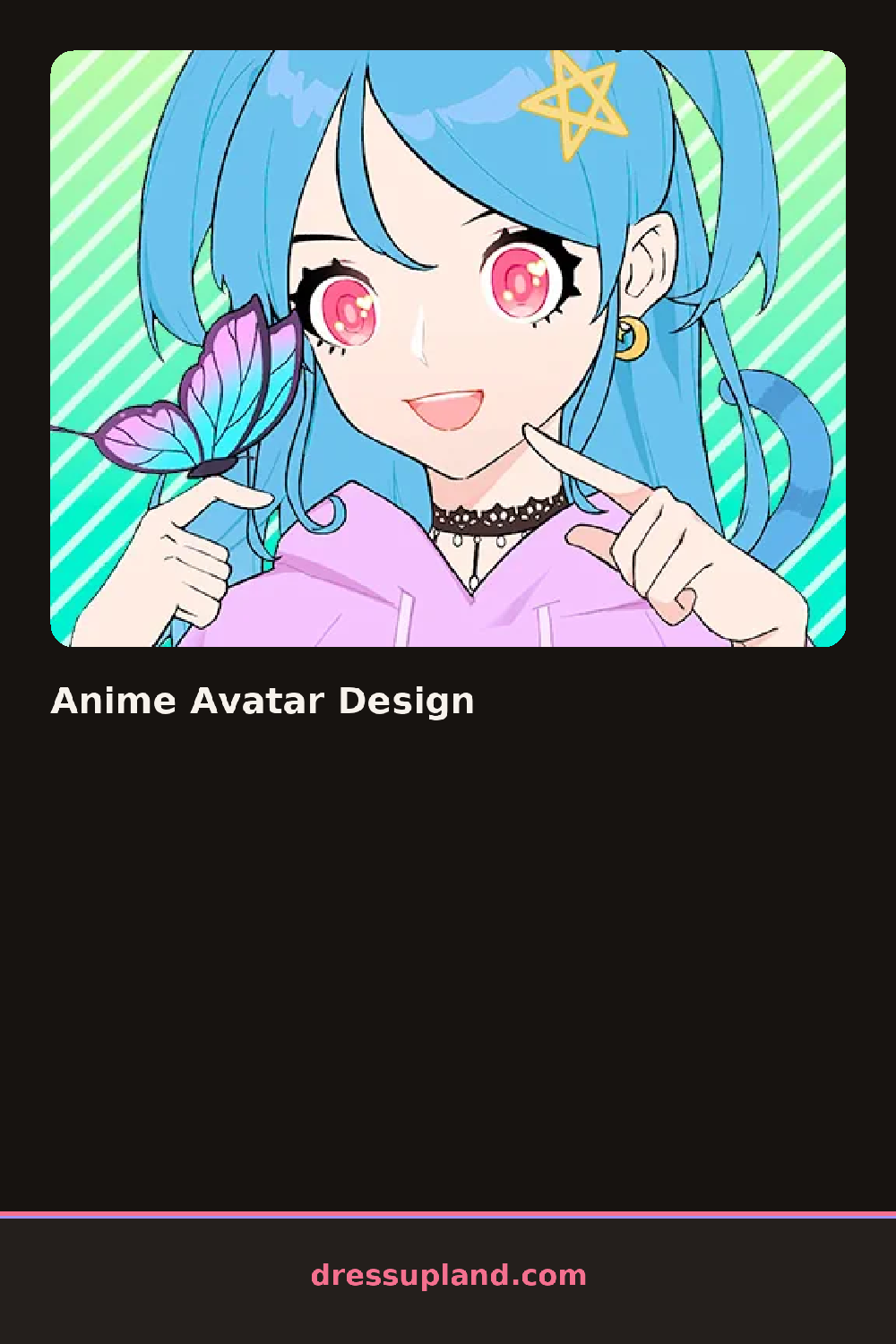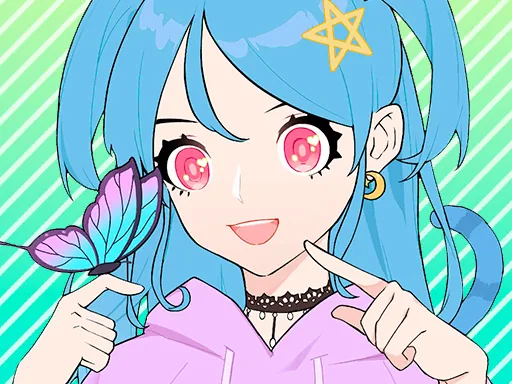

What is Anime Avatar Design?
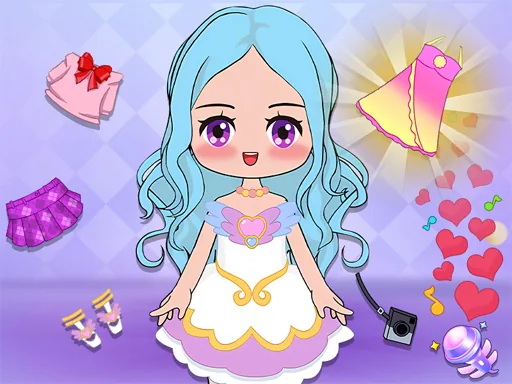
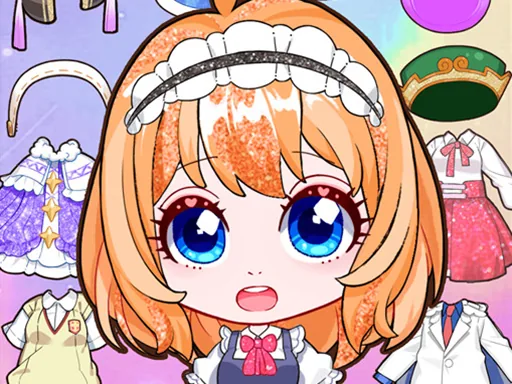
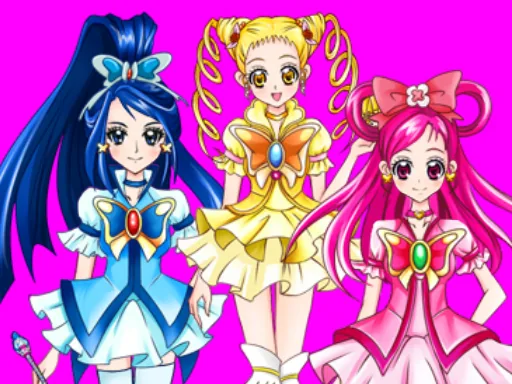
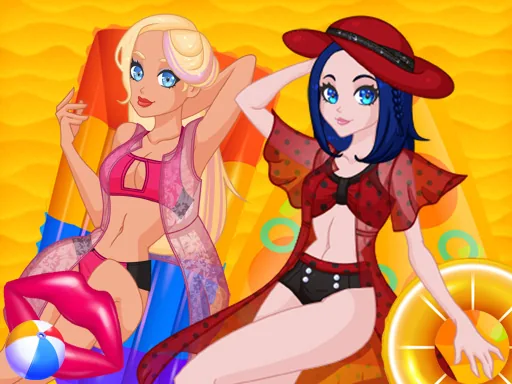
Building an anime avatar starts with the face: eye shape, eye color, eyebrows, then a hairstyle in whatever shade fits the look you're going for.
Once the face is locked in, outfits, accessories, and a background color round out the character creator. Options run from soft, rounded eyes to sharper anime styles, with pastel and neon hair mixed in alongside more natural shades.
The finished avatar crops down to a square, which makes it easy to picture as a profile icon once you're done. Each category stays separate, so swapping the hair never resets the eyes you already picked.
How do you play and control Anime Avatar Design?
Desktop
Click through the eye, hair, outfit, and background tabs and select an option to apply it.
Phone & tablet
Tap each tab across the top, then tap an option to add it to your avatar.
Game details
| Specification | Details |
|---|---|
| Game Title | Anime Avatar Design |
| Category / Genre | Character creator |
| Platform | Web browser — phone, tablet and desktop checked |
| Release Date | September 2026 |
| Technology | HTML5 |
| DressUpLand account | Not required |