
What is Ball Jointed Doll Creator?
You open onto a blank doll body posed on a plain background, joints visible at the elbows, wrists, and knees, with a category bar across the bottom. The first choice is usually the head and face shape, since everything else sits on top of it. Every selection applies instantly, so you can tap through five different face shapes in ten seconds and watch the proportions change.
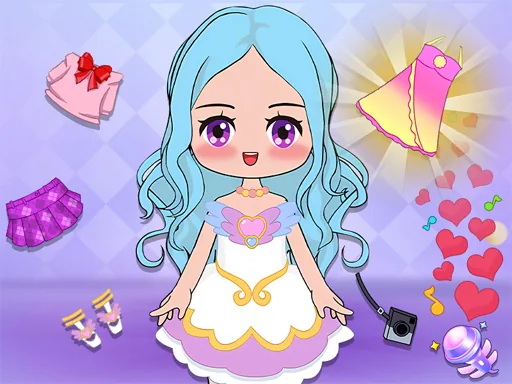
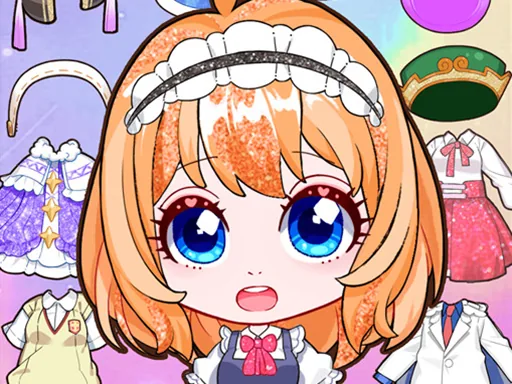
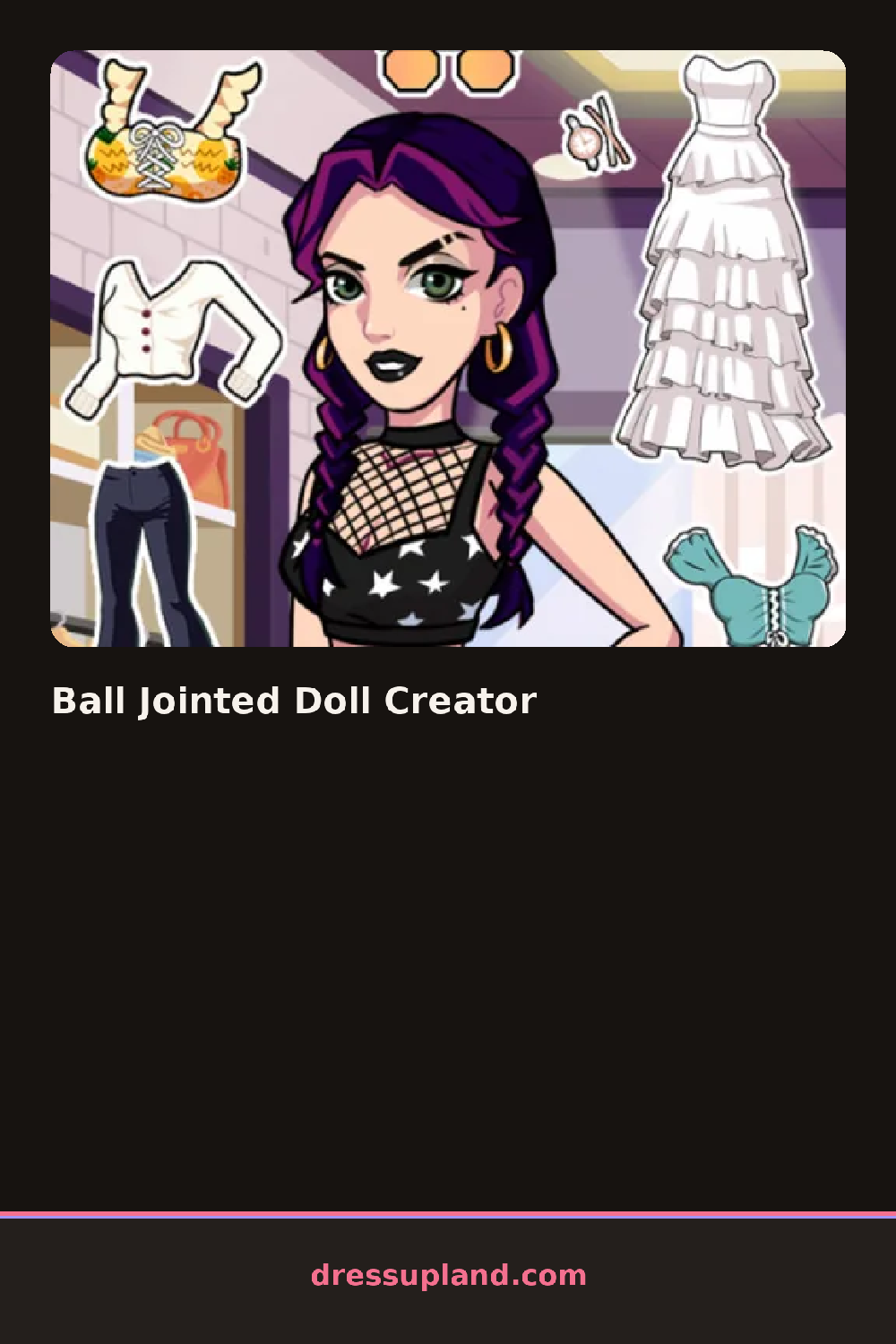
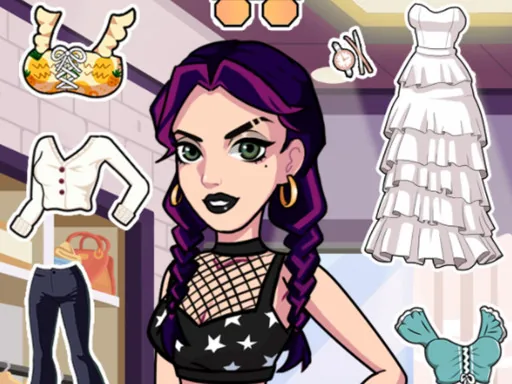
This is where the toolkit gets deep. There are separate sliders and swatches for skin tone, eye size, eye color, eyebrow shape, lip shape, and blush placement, all treated as independent layers. Hair comes in long wigs, short crops, twin tails, and braids, each in a full color range. The clothing section separates tops, skirts, pants, socks, and shoes so you can mix pieces, and the accessories row adds glasses, hair clips, necklaces, and small plush props. Because face features layer over the base head, you can keep the same head and rebuild the whole face without losing your outfit.
What separates this character creator from the usual dress up app is joint control: you can adjust the doll's pose at the shoulders, elbows, hips, and knees, so the finished figure is never stuck standing straight. A round ends when you hit the save button, which stores the full doll, outfit, and pose as a finished image.
Start with the pose before the outfit, since skirts and jackets hang differently once the legs and arms move. Pick a skin tone first and match the wig color against it on screen, because cool hair tones wash out some pale skins. Check the eye angle slider, tucked under the face tab, since slightly lowered eyes give the doll a calmer expression.
How do you play and control Ball Jointed Doll Creator?
Click through the bottom category bar, use sliders for face adjustments, and drag joint handles to change the pose.
Tap the category icons and swatches, pinch to zoom on the face, and drag joint points to pose the doll.
Game details
| Specification | Details |
|---|---|
| Game Title | Ball Jointed Doll Creator |
| Category / Genre | Character creator |
| Platform | Web browser — phone, tablet and desktop checked |
| Release Date | September 2026 |
| Technology | HTML5 |
| DressUpLand account | Not required |