
What is Barbie Creator?
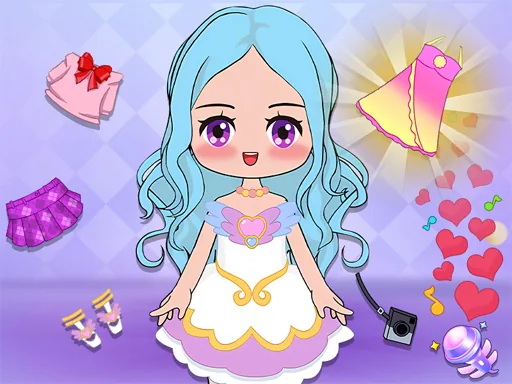
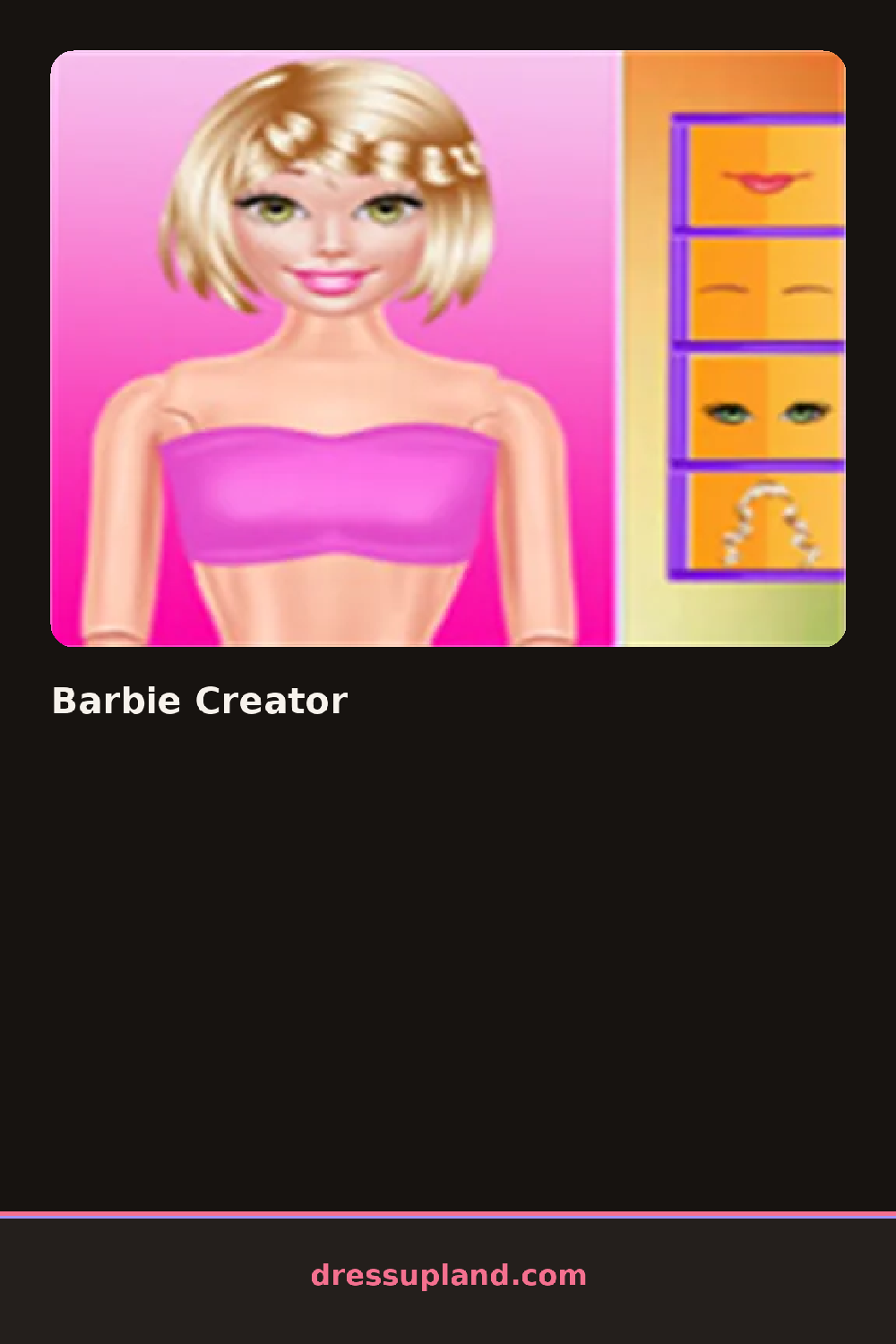
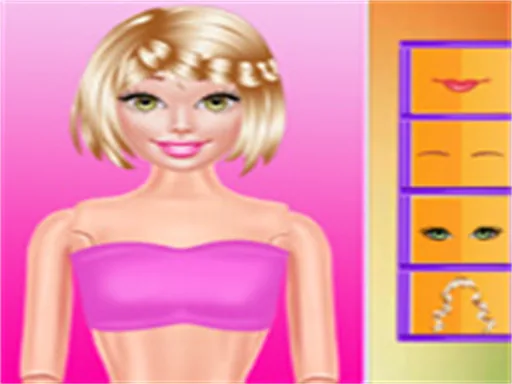
Barbie Creator opens on a bare doll base, no hair or clothes yet, just a face waiting for its first decision. The starting choice is skin tone, a row of swatches along one side, and picking one changes the whole base figure before anything else loads in.
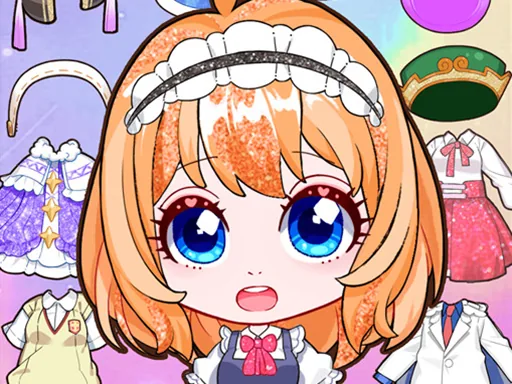
The toolkit is split into tabs: face shapes and eye colors, hairstyles from a blunt bob to a high ponytail, then tops, bottoms, dresses, and shoes stacked in their own rows. Jewelry and bags sit in a separate accessory tab, and most pieces layer, so a denim jacket can sit over a plain tank without hiding it.
What separates this character creator from a straight dress-up game is the amount of the doll you build before you ever reach clothes; face, hair, and skin tone are all decisions, not just a costume on a fixed model. A finished look saves as a card you can look back at or swap out later.
Start with the face and hair before touching the closet, since a hairstyle changes how wide or narrow an outfit reads against the head. Matching one accent color between the top and the shoes keeps a busy outfit from looking random. The skin tone swatch is easy to skip past, but going back to it after the outfit is picked can shift the whole palette.
How do you play and control Barbie Creator?
Click a category tab, then click a swatch or item to apply it to the doll.
Tap a tab to open a category, then tap an item to put it on the doll.
Game details
| Specification | Details |
|---|---|
| Game Title | Barbie Creator |
| Category / Genre | Character creator |
| Platform | Web browser — phone, tablet and desktop checked |
| Release Date | September 2026 |
| Technology | HTML5 |
| DressUpLand account | Not required |