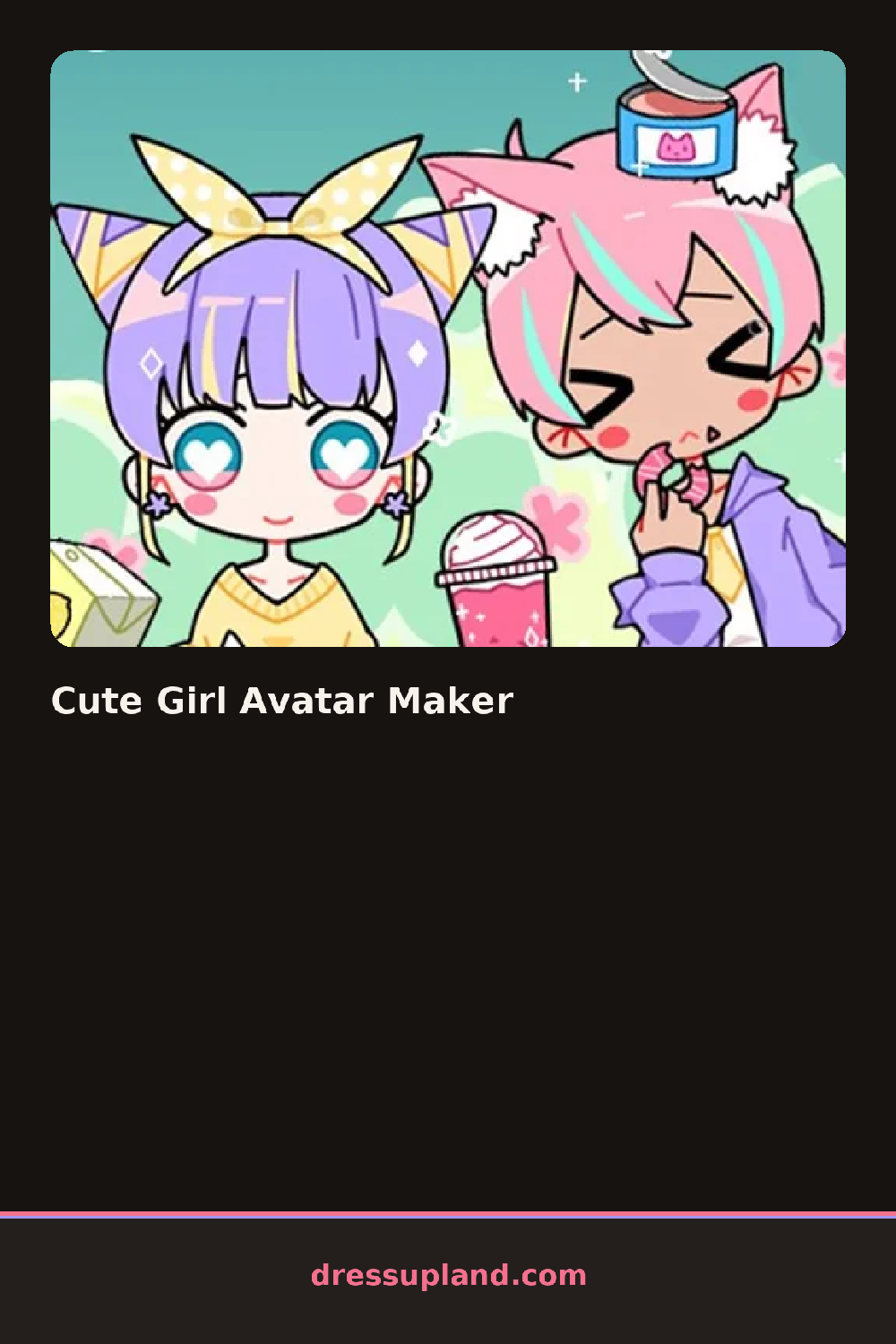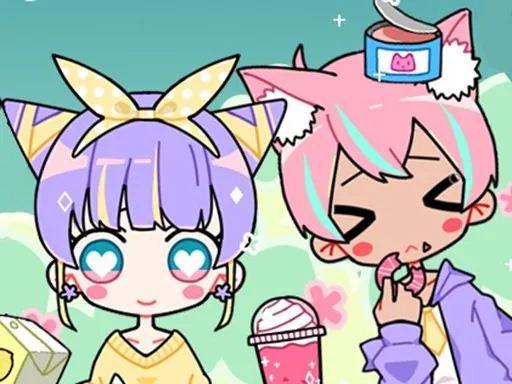

What is Cute Girl Avatar Maker?
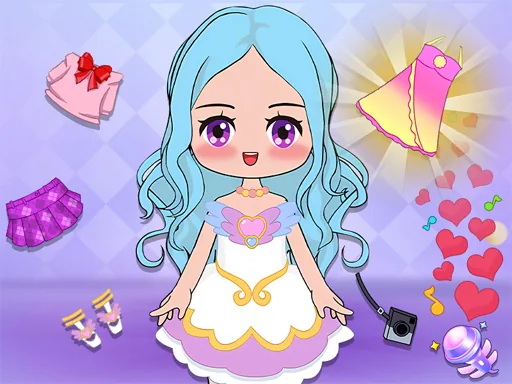
A round of Cute Girl Avatar Maker starts with a blank head shape sitting on a plain background, waiting for a skin tone and a base hairstyle. Every choice you make there shows up immediately on the same face, so a warm skin tone next to cool-toned hair already tells you if the combination works before you add anything else.
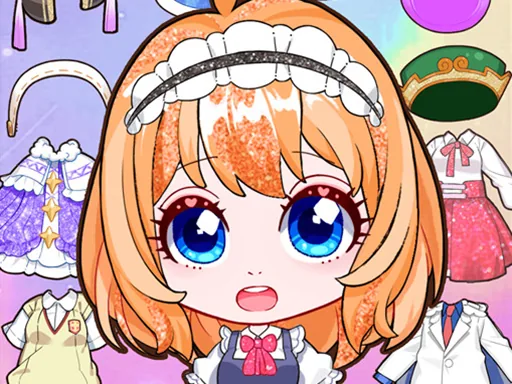
The toolkit is split into small tabs: hairstyles like space buns, a side braid or a blunt bob, eye shapes and lash styles, blush and lip colors, then tops and headwear. Stickers sit in their own section, things like stars, hearts and small flower clusters that drop onto the canvas around the face rather than onto the character itself, and they layer over whatever background pattern you picked.
Most character creator games stop at the face and clothes, but here the sticker layer turns the finished avatar into something closer to a small scrapbook page than a portrait. A round ends when you export or save that combined image, ready to use as a profile picture instead of a scene you leave behind.
Settling on a skin tone before touching hair color keeps the rest of the palette from clashing. Matching one sticker color to the blush or lip shade pulls the whole image together instead of scattering different tones. It also helps to place the biggest sticker first and build smaller ones around it, since crowding the center makes the face hard to see.
How do you play and control Cute Girl Avatar Maker?
Click a category tab to open it, then click any hairstyle, feature or clothing item to apply it, and drag stickers into place on the canvas.
Tap a category tab to open it, tap items to apply them, and drag stickers with a finger to position them on the canvas.
Game details
| Specification | Details |
|---|---|
| Game Title | Cute Girl Avatar Maker |
| Category / Genre | Character creator |
| Platform | Web browser — phone, tablet and desktop checked |
| Release Date | September 2026 |
| Technology | HTML5 |
| DressUpLand account | Not required |